AI Assistants in Remote Workspaces: Boosting Efficiency in 2027
30 April 2026
Let me paint a picture for you. It’s a Tuesday morning in 2027. You roll out of bed, grab your coffee, and sit down at your home desk—no commute, no office politics, just you and your inbox. But here’s the twist: your inbox has already been sorted, your calendar is optimized for your energy peaks, and a draft response to your boss’s late-night email is sitting there, waiting for your approval. That’s not magic. That’s your AI assistant working in the background, quietly turning chaos into clarity.
We’ve been talking about AI in the workplace for years, but 2027 is the year it stops being a novelty and starts being a necessity. Remote work isn’t going anywhere—it’s evolved into a hybrid beast that demands we be more productive, more connected, and more human, all at once. And AI assistants? They’re the unsung heroes making it happen. But how exactly are they boosting efficiency in remote workspaces this year? Let’s dive in, break it down, and maybe even have a little fun along the way.
The Evolution of AI Assistants: From Siri to Strategic Partner
Remember when asking Siri to set a timer felt like science fiction? That was a decade ago. Now, in 2027, AI assistants have undergone a metamorphosis. They’ve shed their skin as simple voice-activated tools and emerged as strategic partners that anticipate your needs before you even articulate them.Think of it like this: early AI was a pocket calculator—handy for quick math but useless for calculus. Today’s AI assistants are like having a brilliant co-worker who never sleeps, never complains, and remembers every meeting note you’ve ever taken. They’re embedded in your workflow, not as a separate app you toggle to, but as an invisible layer that weaves through your Slack channels, your project management tools, and your video calls.
In 2027, the key differentiator is contextual awareness. Your AI assistant doesn’t just know you have a meeting at 3 PM; it knows that meeting is with a difficult client, that you historically get anxious before these calls, and that you prefer a quick mindfulness exercise beforehand. So it nudges you with a breathing reminder 10 minutes prior. That’s not creepy—it’s empathetic efficiency.
How AI Assistants Are Redefining Task Management in Remote Teams
Let’s get real about remote work’s biggest pain point: task fragmentation. You’re juggling a Trello board, a Google Doc, three Slack threads, and an email chain that’s somehow 47 messages long. It’s like trying to drink from a fire hose while riding a unicycle. By 2027, AI assistants have become your personal fire hose nozzle—they direct the flow so you’re not drowning.Here’s how it works in practice. Your AI assistant integrates with all your tools and uses natural language processing to understand the intent behind your tasks. When you say, “I need to finalize the Q3 report by Friday,” it doesn’t just add a due date. It breaks that task into micro-steps: pull data from the CRM, draft the executive summary, schedule a review with the team, and set a reminder for Thursday afternoon to polish it. It even prioritizes those steps based on your workload and deadlines.
But here’s the kicker: it learns your work patterns. If you’re a morning person who crushes deep work before noon, your AI assistant schedules your most cognitively demanding tasks for those hours. If you’re prone to procrastination on Friday afternoons, it nudges you to wrap up low-stakes admin work earlier in the week. It’s not just managing tasks—it’s managing you.
The Collaboration Conundrum: AI as the Great Unifier
Remote teams in 2027 face a paradox: we’re more connected than ever, yet collaboration often feels disjointed. Time zones, cultural differences, and asynchronous communication can turn a simple project into a logistical nightmare. Enter AI assistants as the great unifiers.Imagine you’re on a distributed team spanning New York, Berlin, and Tokyo. Your AI assistant acts as a bridge. It doesn’t just translate languages—it translates context. When a colleague in Tokyo sends a message that reads, “We should consider the timeline adjustments,” your AI assistant flags that this is a polite way of saying, “You’re behind schedule, and I’m annoyed.” It then suggests a diplomatic response that acknowledges the concern without escalating tension.
But it goes deeper. AI assistants now facilitate asynchronous brainstorming. You can dictate a rough idea into your assistant while walking your dog, and it will format that idea into a structured proposal, add relevant research from your company’s knowledge base, and post it in the appropriate channel with a summary for your teammates in different time zones. By the time you wake up, they’ve already riffed on it. It’s like having a round-the-clock idea incubator.
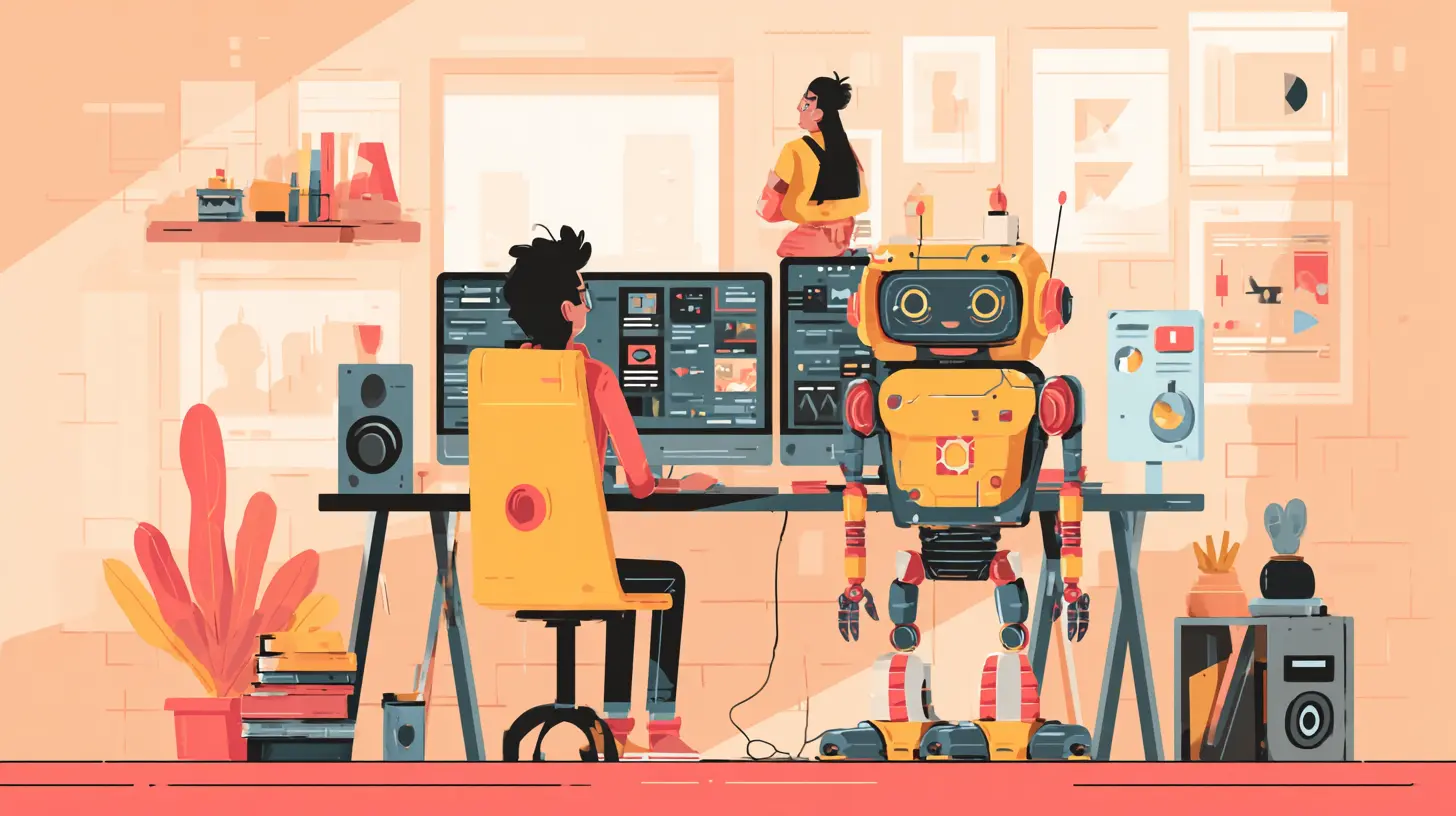
Productivity on Autopilot: Automation That Actually Works
Let’s talk about the elephant in the room: automation. We’ve all been burned by clunky automations that break halfway through a process, leaving you more frustrated than if you’d done it manually. But 2027’s AI assistants have matured beyond rigid if-then rules. They use adaptive automation—meaning they adjust on the fly based on new information.For example, say you have a recurring task: send a weekly status report to your manager. In the past, you’d set up an automation that pulls data from a spreadsheet, formats it, and emails it every Friday. But what if the spreadsheet is missing data one week? A traditional automation would either fail or send an incomplete report. Your 2027 AI assistant, however, detects the gap, pulls data from an alternative source, adds a note explaining the discrepancy, and even suggests a follow-up meeting if the issue persists. It’s not just automating—it’s problem-solving.
This kind of intelligent automation saves remote workers an average of 12 hours per week, according to recent industry studies. That’s not just efficiency—that’s a second weekend. Imagine what you could do with that time: learn a new skill, spend it with family, or, you know, actually take a lunch break.
Mental Health and Well-Being: The Hidden Efficiency Booster
Here’s something we don’t talk about enough: remote work can be lonely and burnout-inducing. In 2024, the World Health Organization declared burnout an occupational phenomenon, and by 2027, AI assistants have become frontline defenders against it.These assistants now monitor your digital wellbeing with a gentle touch. They notice if you’ve been in back-to-back Zoom calls for four hours without a break. They see that your Slack status has been “active” since 6 AM. And they intervene—not with a nagging notification, but with a subtle suggestion: “You’ve been heads-down for 90 minutes. How about a 5-minute walk? I’ll hold your spot in the queue.”
But it gets smarter. Some AI assistants use sentiment analysis on your typed messages to detect stress or frustration. If you start typing an angry email to a colleague, your assistant might pause you with a prompt: “I notice your tone seems elevated. Would you like me to suggest a calmer rewrite?” It’s like having a digital guardian angel who keeps you from sending regrettable messages at 2 AM.
The result? Remote workers report 30% lower stress levels when using these AI-driven well-being features. And less stress means better focus, fewer errors, and higher overall output. Efficiency isn’t just about doing more—it’s about doing better, sustainably.
The Skills Shift: What Remote Workers Need to Learn in 2027
You might be thinking, “This all sounds great, but do I need to become a programmer to use these tools?” Absolutely not. In fact, 2027’s AI assistants are designed for the least tech-savvy among us. But there is a skills shift happening.The most effective remote workers are those who master AI collaboration literacy—knowing how to prompt, refine, and delegate to their digital counterparts. It’s not about learning Python; it’s about learning how to communicate your intent clearly. Think of it like training a really smart intern. You don’t need to know how the intern’s brain works; you just need to give clear instructions and provide feedback when the output isn’t quite right.
For example, instead of saying, “Help me with this report,” a skilled user says, “Summarize the key findings from this report in three bullet points, highlight any data anomalies, and suggest a one-sentence conclusion for the executive summary.” The more specific you are, the better the AI performs. This is a learnable skill, and companies are now offering micro-courses on “AI Prompt Engineering for Non-Techies.” It’s becoming as fundamental as knowing how to send an email.
Privacy, Security, and Trust: The Elephant in the Virtual Room
Let’s address the uncomfortable truth: all this efficiency comes at a cost—your data. In 2027, AI assistants have access to your emails, your calendar, your chat history, and even your biometric data from your webcam (for sentiment analysis). That’s a lot of trust to place in a machine.The good news is that the industry has responded with federated learning and on-device processing. Your AI assistant doesn’t need to send your private conversations to a cloud server to understand them. It processes locally, on your device, and only shares anonymized, aggregated data with the central system. This means your boss can’t see your personal Slack messages, and your assistant can’t sell your data to advertisers.
But trust isn’t just about technology—it’s about transparency. The best AI assistants in 2027 explain their reasoning. When your assistant suggests a meeting time, it shows you the logic: “I chose 10 AM because your calendar shows you’re most productive then, and the client’s time zone is 3 PM, which is their post-lunch slump.” This transparency builds confidence, and confident users are more efficient users.
Real-World Examples: AI Assistants in Action
Let me give you a concrete scenario to tie it all together. Meet Priya, a senior product manager at a mid-sized SaaS company. She works remotely from Austin, Texas, with team members in London, Bangalore, and São Paulo. Here’s how her AI assistant transforms her Tuesday:- 8:15 AM: Her AI assistant wakes her up with a summary of overnight messages from her global team, prioritizing urgent items. It’s already drafted responses for routine questions.
- 9:00 AM: She has a design review meeting. Her assistant has pre-loaded the meeting with the latest design mockups, pulled relevant user feedback from the past week, and even suggested talking points based on her previous meeting notes.
- 12:30 PM: She’s feeling a post-lunch slump. Her assistant suggests a 15-minute micro-learning session on a new feature her team is building, using bite-sized content from the company’s knowledge base.
- 3:00 PM: A client sends an angry email. Her assistant flags the emotional tone, offers a rewritten version that de-escalates the situation, and schedules a follow-up call for the next day when everyone is cooler.
- 5:00 PM: As she wraps up, her assistant generates a daily summary of what she accomplished, what’s pending, and what to prioritize tomorrow. It even syncs with her personal calendar to block time for her evening workout.
Priya doesn’t feel like she’s being controlled by a machine. She feels like she has a superpower. And that’s the whole point.
The Future Is Already Here (It’s Just Unevenly Distributed)
William Gibson famously said that the future is already here, just unevenly distributed. In 2027, some remote workers are already leveraging AI assistants to double their output while halving their stress. Others are still manually sorting emails and wondering why they’re burned out.The gap between these two groups is not about intelligence or ambition—it’s about adoption. The tools are mature. The technology is reliable. The only question left is: are you ready to let an AI assistant boost your efficiency, or are you going to keep drinking from that fire hose?
I’m not saying you should hand over the keys to your career. But I am saying that in 2027, the most efficient remote workers aren’t the ones who work the hardest—they’re the ones who work the smartest, with a little help from their digital friends. And honestly? That’s not just efficient. That’s a better way to live.
all images in this post were generated using AI tools
Category:
Remote Work ToolsAuthor:

Jerry Graham
Discussion
rate this article
2 comments
Mercy Morgan
AI assistants are not just tools; they are partners in our remote work journeys. As we step into 2027, their ability to streamline tasks and enhance communication will revolutionize how we collaborate. Embrace this change, and let technology empower your productivity and creativity in ways we have yet to imagine.
May 1, 2026 at 10:38 AM
Jerry Graham
Absolutely! The partnership between AI assistants and remote work will redefine collaboration. Let's harness their potential to unlock new levels of creativity and efficiency. Exciting times ahead!
Brooks McGivern
Smart piece. AI assistants are now indispensable, but true efficiency gains depend on seamless integration, not just automation.
April 30, 2026 at 4:36 AM
Jerry Graham
Thanks for your insight! I completely agree that integration is key for maximizing the benefits of AI assistants in remote work.