Can Operating Systems Bridge the Digital Accessibility Divide?
14 October 2026
Every computer user relies on an operating system to get things done. It manages hardware, runs applications, and provides the interface we touch, see, and hear. For people with disabilities, that same software layer can either open doors or slam them shut. The question of whether operating systems can bridge the digital accessibility divide is not rhetorical. It is a practical engineering and policy challenge with real consequences for hundreds of millions of people worldwide.
The short answer is: yes, operating systems can bridge a significant portion of that divide, but they cannot do it alone. They are necessary infrastructure, not a complete solution. Understanding where their power ends and where other layers of the technology stack must pick up the slack is essential for developers, designers, procurement teams, and anyone who cares about building a more inclusive digital world.

What We Mean by the Digital Accessibility Divide
The digital accessibility divide refers to the gap between people who can fully use digital technology and those who cannot because of visual, auditory, motor, cognitive, or speech disabilities. This gap shows up in obvious ways, like a blind user unable to read a poorly coded website, and in subtle ways, like a user with a tremor struggling to hit a small touch target on a tablet.It is tempting to frame this as a website problem or an app problem. But the operating system sits underneath all of that. It provides the accessibility application programming interfaces (APIs), the screen readers, the magnification tools, the on-screen keyboards, and the system-level settings that applications are supposed to respect. If the OS layer fails, everything above it inherits that failure.
Think of it like a city's road network. You can build the most accessible building in the world, but if the sidewalks and curb cuts do not connect to it, wheelchair users still cannot get there. Operating systems are the sidewalks and curb cuts of the digital world.
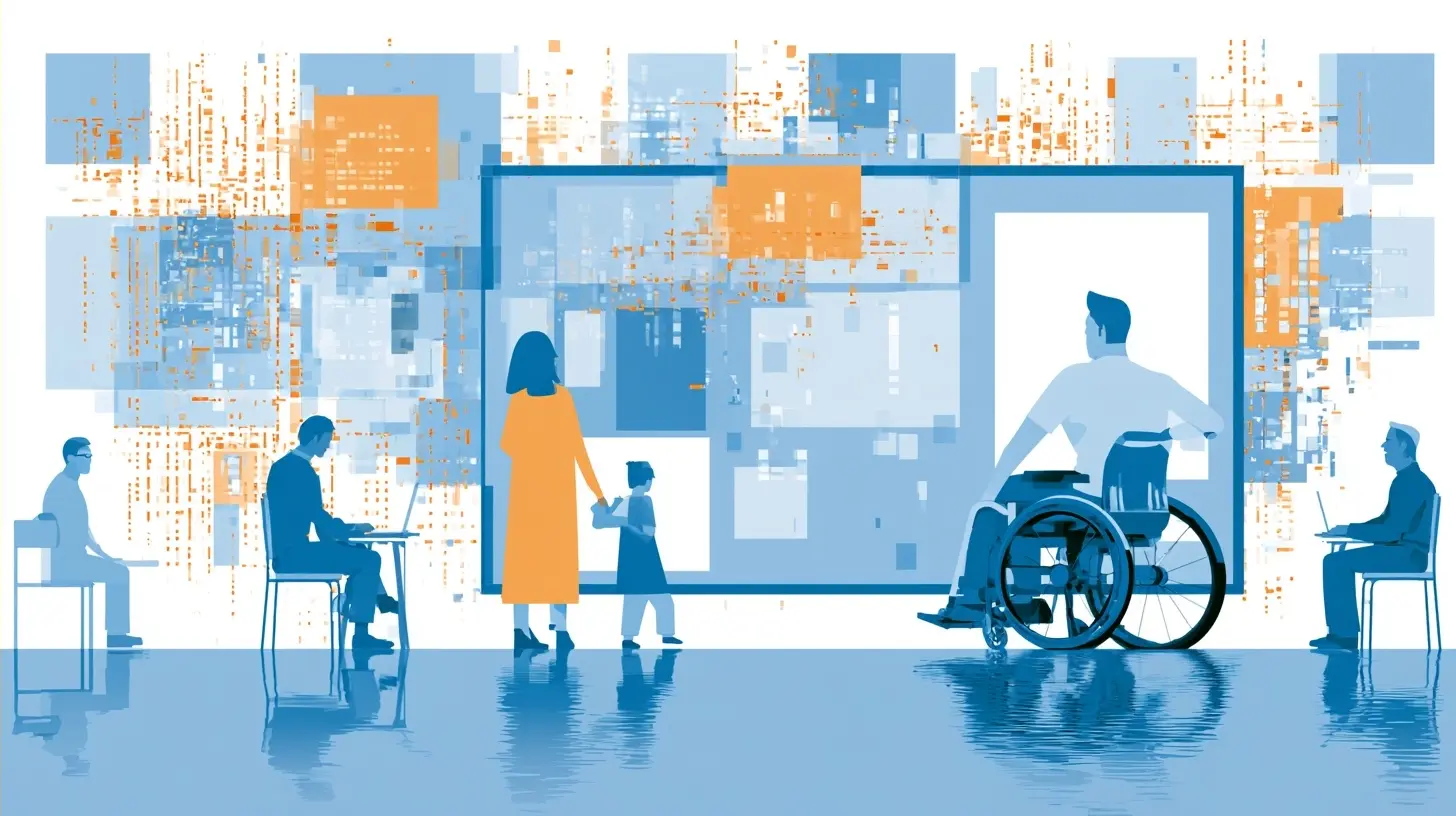
How Operating Systems Actually Support Accessibility
Modern operating systems ship with a surprising amount of accessibility machinery. The specifics vary, but the categories are consistent across major platforms.Built-in Assistive Technologies
Most mainstream operating systems include:- Screen readers that convert text and interface elements into synthesized speech or braille output.
- Magnifiers that zoom into portions of the screen.
- High-contrast and color-filter modes for users with low vision or color blindness.
- Sticky keys, filter keys, and mouse keys for users with motor impairments.
- Captioning and audio description frameworks for multimedia.
- Voice control for hands-free operation.
- Switch control for users who interact through a single or limited number of inputs.
These tools are not afterthoughts anymore. They are deeply integrated into the system and, when working correctly, they can make an otherwise unusable machine fully operational for a disabled user.
Accessibility APIs
The real magic, and the real complexity, lives in the accessibility APIs. These are the programmatic interfaces that let assistive technologies query what is on screen and interact with it. When a screen reader announces a button, it is not reading pixels. It is querying the accessibility tree that the operating system exposes.If an application exposes its interface correctly through these APIs, assistive tech works. If it does not, the screen reader might announce "button" with no label, or skip an entire section of the interface, or read elements in a nonsensical order. This is why accessibility is not just about adding alt text to images. It is about semantic structure at the system level.
System Settings That Propagate
Operating systems also act as a central place where users configure their preferences once and expect them to apply everywhere. Reduced motion, larger text, increased contrast, and caption preferences can be set at the OS level and, ideally, respected by applications. This reduces the burden on users who would otherwise have to configure accessibility settings in every single app they use.
Where Operating Systems Succeed
It is worth being specific about what OS-level accessibility genuinely does well, because the criticism that follows should be balanced against real progress.Consistency Across Applications
When an app uses native UI frameworks and follows platform conventions, it inherits a lot of accessibility for free. A native button on a major platform is already focusable, already labeled in the accessibility tree, and already responds to standard input methods. Developers who stay within the guardrails get a lot of accessibility without doing much extra work.Deep Integration With Hardware
Operating systems have privileged access to hardware in ways that third-party software does not. This allows for things like system-level eye tracking, braille display support over USB or Bluetooth, and low-level input remapping. A browser extension cannot remap your keyboard at the firmware level. An operating system can.A Single Point of Configuration
For users who rely on multiple assistive technologies, having one place to manage settings is a genuine quality-of-life improvement. It reduces cognitive load and makes it easier to switch between devices or set up a new machine.Baseline Legal and Procurement Leverage
Because operating systems are purchased or licensed at scale by governments, enterprises, and institutions, accessibility requirements at the OS level have real teeth. Procurement rules can mandate that a platform meets certain accessibility standards, which pushes vendors to invest in this area.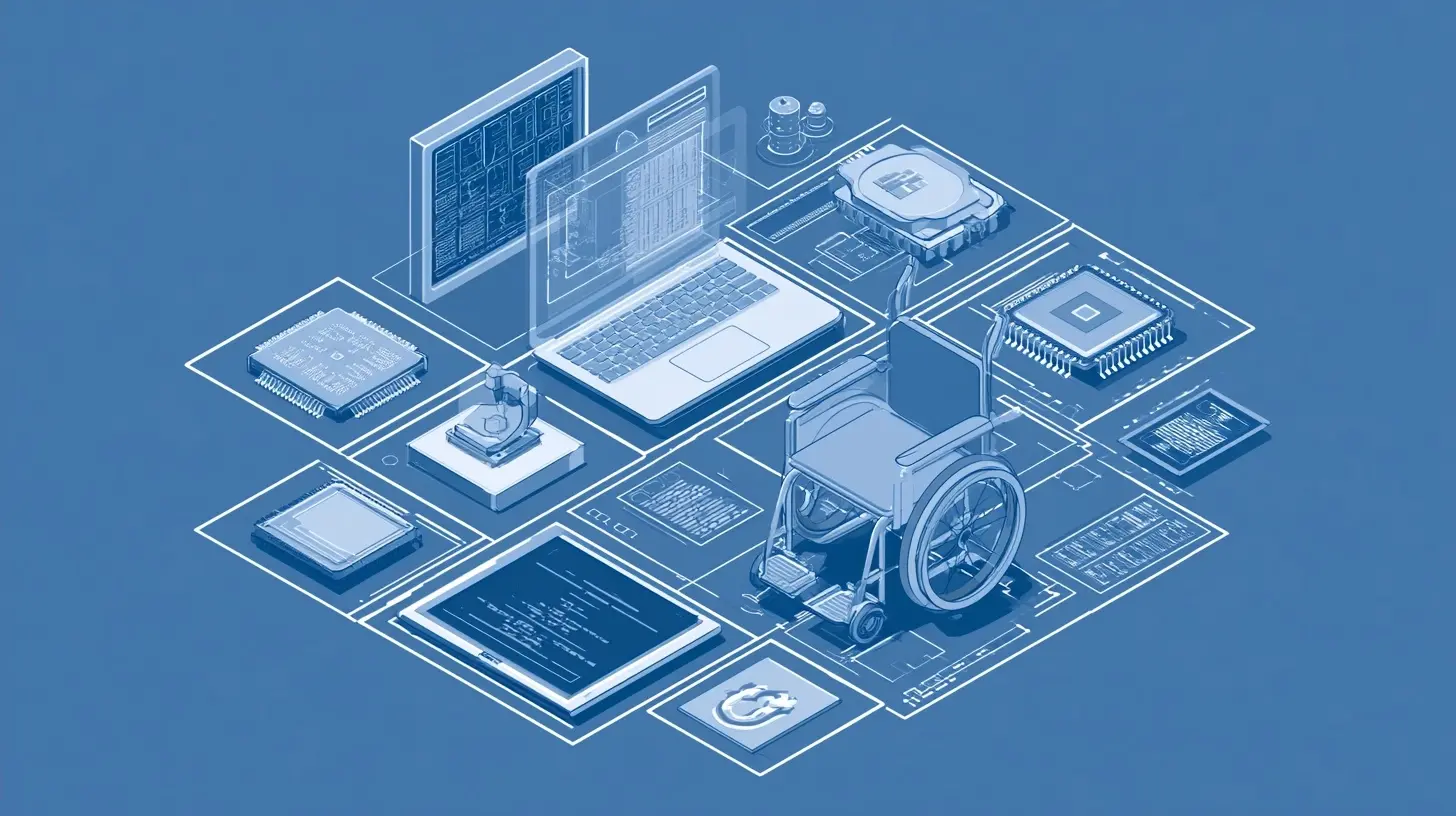
Where Operating Systems Fall Short
Here is where the conversation gets more honest. Operating systems are powerful, but they are also constrained by forces that have nothing to do with good intentions.The Third-Party Application Problem
An operating system can expose a perfect accessibility API. It cannot force every application to use it correctly. A developer who builds a custom-drawn interface, ignores semantic markup, or ships an app without testing with a screen reader can produce something that is technically running on an accessible OS but is functionally inaccessible.This is the single biggest limitation. The OS provides the plumbing. The application decides whether to connect to it.
Fragmentation Across Platforms
Accessibility APIs differ significantly between operating systems. A developer targeting multiple platforms cannot write one accessibility implementation and expect it to work everywhere. This fragmentation increases cost and creates inconsistency. A feature that works beautifully on one platform might be entirely absent on another.Custom UI Frameworks and the Web
Modern development often bypasses native UI frameworks in favor of custom rendering, cross-platform toolkits, or web technologies wrapped in a native shell. These approaches can be perfectly accessible, but they require deliberate effort. The default behavior of many custom frameworks is to expose very little to the accessibility tree, which means assistive tech sees a blank or misleading interface.Resource and Priorities
Accessibility features compete for engineering time against features that drive revenue. This is an uncomfortable truth, but it is a truth. Operating system vendors have improved significantly over the past decade, partly due to legal pressure and public advocacy, but progress is uneven and sometimes slow.The Cognitive and Learning Curve
Even when the tools exist, they can be hard to find and configure. A user who is newly disabled may not know that a particular setting exists or how to combine multiple features effectively. Documentation is often written for technicians, not for the people who actually need the tools.Real-World Examples That Show the Divide
Concrete examples make the abstract concrete.Screen Readers and the Semantic Web
Consider a blind user browsing an e-commerce site with a screen reader. If the site uses proper HTML headings, landmarks, and form labels, the user can navigate efficiently. If the site is built with divs and click handlers that look like buttons but are not announced as buttons, the experience collapses. The operating system's screen reader is doing its job. The website is not.Motor Impairment and Touch Targets
A user with limited dexterity may rely on switch control or voice control. These tools work best when interface elements are large, well-spaced, and clearly labeled. An operating system can provide the switch control framework, but if an app crams tiny icons into a corner, the user still struggles. The OS cannot fix bad design.Deaf and Hard-of-Hearing Users
Captioning is a shared responsibility. The OS can provide caption rendering and styling. The content provider must supply accurate captions. Auto-generated captions have improved, but they still fail on accents, technical jargon, and overlapping speech. The OS layer is necessary but not sufficient.Low Vision and Scaling
A user with low vision might combine system magnification with larger text settings and high contrast. If an app hard-codes font sizes and ignores system text scaling, the magnification tool has to do all the work, which is clunky and disorienting. Respecting system settings is a design decision, not a technical inevitability.
Why the "OS Alone" Narrative Is a Misconception
There is a persistent misconception that accessibility is a feature you buy or a setting you turn on. This framing is convenient because it puts responsibility on the platform and absolves everyone else. It is also wrong.Accessibility is a property of the entire stack. It requires:
- Operating systems that expose robust APIs and ship capable assistive tech.
- Frameworks and toolkits that make accessible patterns the default.
- Developers who test with real assistive technology and real users.
- Content authors who write meaningful labels and structure.
- Organizations that treat accessibility as a requirement, not a nice-to-have.
If any layer fails, the user experience fails. The operating system is the foundation, but a foundation without walls and a roof is not a house.
Trade-Offs and Decisions to Consider
For teams making decisions about platforms, frameworks, and accessibility investments, several trade-offs matter.Native vs. Cross-Platform
Native development typically gives you better accessibility out of the box because you are using the platform's own UI components and accessibility APIs. Cross-platform frameworks can be accessible, but you often have to do more work and test more carefully. The trade-off is development speed and code sharing versus accessibility fidelity and platform integration.If accessibility is a hard requirement, lean native or choose a cross-platform framework with a strong accessibility track record and budget for testing.
Custom UI vs. Standard Components
Custom UI gives you visual control and brand consistency. Standard components give you accessibility and behavior for free. The trade-off is design flexibility versus engineering effort and risk. Custom UI is not inherently inaccessible, but it shifts the burden onto your team to implement and verify accessibility manually.OS-Level Settings vs. In-App Settings
Some apps offer their own accessibility settings. This can be helpful for fine-tuning, but it can also create confusion and inconsistency. The general best practice is to respect system settings first and only add app-level overrides when there is a clear user need.Testing With Real Users vs. Automated Tools
Automated accessibility testing catches maybe a third of issues. It is fast and scalable, but it misses context, usability, and the experience of actually using assistive technology. Manual testing with screen readers and other tools is essential. Testing with real disabled users is the gold standard, though it requires time, budget, and ethical care.
Common Mistakes and How to Avoid Them
Even well-intentioned teams make predictable errors.Assuming Compliance Equals Accessibility
Meeting a checklist like WCAG at the minimum level does not guarantee a good experience. Compliance is a floor, not a ceiling. Aim for usability, not just conformance.Testing Only With One Screen Reader
Different screen readers behave differently. A site that works with one may fail with another. Test with at least two, and test on multiple platforms if your audience is diverse.Ignoring Keyboard Navigation
Many developers test only with a mouse. Keyboard-only navigation is a core accessibility requirement and a good proxy for many assistive tech interactions. If you cannot tab through your interface logically, something is wrong.Forgetting About Focus Management
In single-page applications and modal dialogs, focus can get lost. Users who rely on keyboards or screen readers can end up stranded. Managing focus deliberately is not optional.Treating Accessibility as a One-Time Project
Accessibility is not a sprint. It is an ongoing practice. New features introduce new issues. Regression testing matters. Build it into your definition of done.Overlooking Cognitive Accessibility
Not all disabilities are visible or sensory. Clear language, consistent navigation, and reduced cognitive load matter enormously for users with cognitive disabilities. These are often the easiest wins and the most frequently ignored.Best Practices for Bridging the Divide
If the goal is to actually close the gap, here is what works.Start With the Platform
Use native components and follow platform accessibility guidelines. This gives you a strong baseline and reduces the amount of custom work required.Design With Accessibility in Mind From the Start
Retrofitting accessibility is expensive and often incomplete. Include accessibility in design reviews, user stories, and acceptance criteria.Test Early and Often
Automated tests in your CI pipeline catch regressions. Manual testing catches real problems. Combine both.Involve Disabled Users
Nothing replaces feedback from people who actually use assistive technology daily. Compensate them fairly and treat their input as expert input.Document Your Accessibility Decisions
When you make a trade-off, write it down. Future developers will thank you, and it makes it easier to revisit decisions as technology improves.Advocate Upward
Accessibility often fails because of priorities, not ignorance. Make the business and ethical case clearly. Cite legal requirements where relevant. Show the user impact.
The Future of OS-Level Accessibility
Several trends are shaping where this is heading.AI-Assisted Accessibility
Machine learning is improving captioning, image description, and voice recognition. These improvements can be integrated at the OS level and benefit every application. The caveat is accuracy and bias. AI is a tool, not a replacement for human verification.Standardization Efforts
Ongoing work on accessibility standards and APIs aims to reduce fragmentation. Progress is slow, but the direction is toward more consistency and better interoperability.Personalization and Context
Future systems may adapt more dynamically to individual user needs, learning preferences and adjusting interfaces automatically. This raises privacy questions that will need careful handling.Regulation and Procurement
Legal frameworks continue to evolve. Procurement requirements are a powerful lever because they affect what gets bought at scale. Expect this pressure to continue.Conclusion: A Foundation, Not a Fix
Operating systems can bridge a meaningful portion of the digital accessibility divide. They provide the assistive technologies, the APIs, the system settings, and the hardware integration that make accessible computing possible. Without them, the divide would be far wider.But they cannot bridge it alone. The divide is maintained by inaccessible applications, careless design, fragmented frameworks, and organizational priorities that treat accessibility as optional. Closing the gap requires effort at every layer of the stack, from the kernel to the content.
The most useful mental model is this: operating systems are the foundation. They are necessary. They are not sufficient. If you build on that foundation with intention, test with real users, and treat accessibility as a core requirement rather than a feature, you can genuinely bridge the divide for the people who depend on it. If you do not, the foundation will hold up an inaccessible structure, and the divide will remain exactly where it has always been.
all images in this post were generated using AI tools
Category:
Operating SystemsAuthor:

Jerry Graham
Discussion
rate this article
1 comments
Raelyn Wolfe
Oh great, another article pondering if operating systems can save the world. Next, we'll have them fixing climate change while they're at it. Just what we need, a superhero OS...
October 14, 2026 at 4:44 AM