How Cloud-Based Apps Will Define Success in the Future Workplace
3 October 2026
The debate about remote work versus office work misses the more important shift happening underneath it. The real transformation is not where people sit. It is where the work actually happens. Increasingly, the answer is inside cloud-based applications.
This matters because the future workplace will not be defined by physical locations or even by headcount. It will be defined by how quickly an organization can move information, decisions, and execution across distributed teams. Cloud apps are the infrastructure that makes this possible. Companies that treat them as utilities rather than strategic assets will fall behind, often without realizing why.

What Makes a Cloud App Different From Traditional Software
A cloud-based application runs on remote servers and is accessed through a browser or a lightweight client. That sounds simple, but the architectural difference has deep operational consequences.Traditional on-premise software requires you to provision hardware, manage updates, handle security patches, and scale capacity manually. A cloud app shifts most of that burden to the vendor. You trade some control for speed, elasticity, and lower upfront cost.
But the real distinction is not technical. It is organizational. Cloud apps are designed around continuous delivery. Features ship weekly or daily. Data flows across systems through APIs. Users expect the same experience on a laptop in Lisbon as on a tablet in Singapore.
This changes what a workplace can be. When your tools live in the cloud, your office becomes a set of permissions and interfaces rather than a building. That is a fundamental shift in how work gets structured.

Why Cloud Apps Are Becoming the Default
Several forces are converging at once.First, distributed teams are now normal. Even companies that require office presence often have satellite offices, contractors, or partners in other time zones. Cloud apps are the only practical way to keep everyone on the same version of the truth.
Second, the pace of business has increased. Decisions that once took days now need to happen in hours. Cloud apps enable real-time collaboration, shared dashboards, and instant notifications. A sales team can update a deal stage and trigger a finance workflow without sending a single email.
Third, talent expectations have changed. Skilled workers increasingly choose employers based on flexibility and tooling. If your systems are slow, fragmented, or inaccessible outside the office, you will lose candidates to companies that have already modernized.
Fourth, the cost model has shifted. Cloud apps convert large capital expenditures into predictable operating expenses. That makes it easier for smaller companies to compete with larger ones, and it forces larger companies to justify legacy systems that no longer deliver proportional value.

The Real Measure of Success: Operational Velocity
Most organizations measure success with lagging indicators like revenue, customer satisfaction, or employee retention. Those matter, but they are outcomes. The leading indicator is operational velocity: how fast a piece of information moves from creation to decision to action.Cloud apps directly influence this velocity in three ways.
They reduce friction. When a document, a design file, or a customer record lives in a shared cloud environment, there is no version confusion, no "reply all" threads, and no waiting for someone to send a file. The work is simply there.
They increase visibility. Managers can see progress without asking for status updates. Bottlenecks become obvious. That transparency changes behavior. People stop optimizing for looking busy and start optimizing for moving work forward.
They enable automation. Cloud apps expose APIs and webhooks. That means repetitive tasks can be automated across systems. A new hire can be provisioned across payroll, email, project management, and chat without manual intervention. That is not just efficiency. It is a competitive advantage.
Why Some Cloud Migrations Fail
The cloud is not a magic solution. Many organizations move to cloud apps and see little improvement. The reasons are predictable.One common mistake is lifting and shifting. Teams take an existing process and replicate it in a cloud tool without rethinking the workflow. The result is the same inefficiency, now with a monthly subscription.
Another mistake is tool sprawl. Different departments adopt different apps without integration. Marketing uses one platform, sales uses another, and finance uses a third. Data gets duplicated, reports conflict, and trust erodes. The cloud makes it easy to adopt new tools, which makes governance harder, not easier.
A third mistake is ignoring data gravity. As data accumulates in a cloud app, it becomes harder to move. Switching costs rise. Organizations that do not plan for portability and interoperability can find themselves locked into a vendor that no longer fits their needs.
A fourth mistake is treating security as an afterthought. Cloud apps are generally secure, but misconfiguration is common. Public sharing links, weak access controls, and unmonitored third-party integrations create risks that did not exist in the same way with on-premise systems.
How to Evaluate Cloud Apps Strategically
Not all cloud apps are equal. The decision framework should go beyond features and pricing.Start with integration capability. Does the app expose a robust API? Does it support standard authentication protocols like SAML and OAuth? Can it connect to your existing data warehouse or identity provider? If the answer is no, the long-term cost will be high.
Next, examine the data model. Where does your data live? Can you export it in a usable format? Who owns it? A vendor that makes export difficult is a vendor that plans to keep you through friction rather than value.
Then look at the vendor's roadmap and stability. Cloud apps are long-term relationships. A vendor that pivots its strategy or gets acquired can disrupt your operations. Diversification is not always possible, but it should be a conscious decision.
Finally, consider the user experience. Adoption is not automatic. If the app is confusing or slow, people will work around it. Shadow IT is a symptom of poor tooling, not just poor discipline.
Comparisons: Best-of-Breed vs. Suite
One of the most consequential decisions is whether to use a suite of integrated apps from a single vendor or best-of-breed apps from multiple vendors.Suites offer simplicity. Data flows more easily between modules. Administration is centralized. Training is consistent. The trade-off is that individual modules may be weaker than dedicated alternatives. You accept "good enough" in exchange for cohesion.
Best-of-breed offers depth. You get the best tool for each function. The trade-off is integration complexity. You need middleware, data pipelines, and ongoing maintenance. Costs can escalate. Ownership becomes murky.
The right choice depends on your organization's complexity and maturity. A startup with limited IT resources usually benefits from a suite. A large enterprise with specialized workflows may find best-of-breed worth the overhead. There is no universal answer, and the decision should be revisited as the company evolves.
The Role of AI and Automation
Cloud apps are the natural home for AI features. Because the data is already centralized and accessible, AI can analyze it, summarize it, and act on it.This is already happening in practical ways. Customer support platforms suggest responses. Project management tools predict delays. Code repositories flag security issues. These features work because the cloud app has context that a standalone tool would not.
The risk is overreliance. AI suggestions can be wrong, biased, or misaligned with company policy. Organizations need clear guidelines for when AI output can be trusted and when human review is required. The cloud makes AI easy to deploy, which makes governance more important, not less.
Security and Compliance in a Cloud-First Workplace
Security in the cloud is a shared responsibility. The vendor secures the infrastructure. You secure your configuration, your users, and your data.This division is often misunderstood. Many breaches in cloud environments are not vendor failures. They are customer misconfigurations. An open storage bucket, an over-permissioned integration, or a departed employee whose access was never revoked can cause serious damage.
Compliance adds another layer. Regulations like GDPR, HIPAA, and SOC 2 impose requirements on how data is stored, processed, and accessed. Cloud vendors often provide compliance certifications, but that does not automatically make your use of the app compliant. You still need to configure it correctly and document your controls.
Best practices include enforcing multi-factor authentication, applying least-privilege access, reviewing third-party integrations regularly, and maintaining an audit trail. These are not optional. They are the cost of operating in a cloud-first environment.
Common Misconceptions
Several myths persist about cloud apps.One is that cloud is always cheaper. It can be, but not automatically. Subscription costs accumulate. Integration and training add up. Migrating legacy data is expensive. The savings come from agility and reduced infrastructure management, not from the license fee alone.
Another myth is that cloud is inherently less secure. In reality, major cloud providers often have stronger security than most internal IT teams. The difference is that security becomes your responsibility in new ways.
A third myth is that cloud apps are only for large companies. The opposite is often true. Smaller companies benefit disproportionately because they lack the capital and staff to run their own infrastructure.
A fourth myth is that moving to the cloud is a one-time project. It is not. It is an ongoing practice of evaluating, integrating, and retiring tools as needs change.
Practical Recommendations
If you are responsible for workplace technology, here is a practical sequence.Audit your current stack. Identify overlapping tools, unused licenses, and integration gaps. You will likely find more waste than you expect.
Define your integration strategy before adopting new apps. Decide how data will flow between systems and who owns the architecture.
Standardize on identity and access management. A single source of truth for user accounts reduces risk and administrative overhead.
Invest in training. Cloud apps change frequently. A one-time onboarding is not enough. Ongoing enablement is what drives adoption.
Measure operational velocity. Track how long it takes for information to move from creation to action. Use that as your primary metric for tooling success.
Review vendor lock-in risk annually. For each critical app, ask what it would take to migrate away. If the answer is "we cannot," you have a strategic vulnerability.
What the Future Looks Like
The future workplace will not be defined by a single app or a single vendor. It will be defined by how well an organization orchestrates a portfolio of cloud apps to move work forward.Winners will be companies that treat their app ecosystem as a product, not a procurement exercise. They will invest in integration, governance, and user experience. They will measure velocity, not just output. They will accept that change is continuous and build processes that adapt.
Losers will be companies that adopt cloud apps without rethinking workflows, that allow tool sprawl to fragment their data, and that treat security and compliance as afterthoughts. They will have the appearance of modernization without the substance.
The cloud is not the destination. It is the environment. Success in the future workplace will belong to organizations that understand this distinction and act on it deliberately.
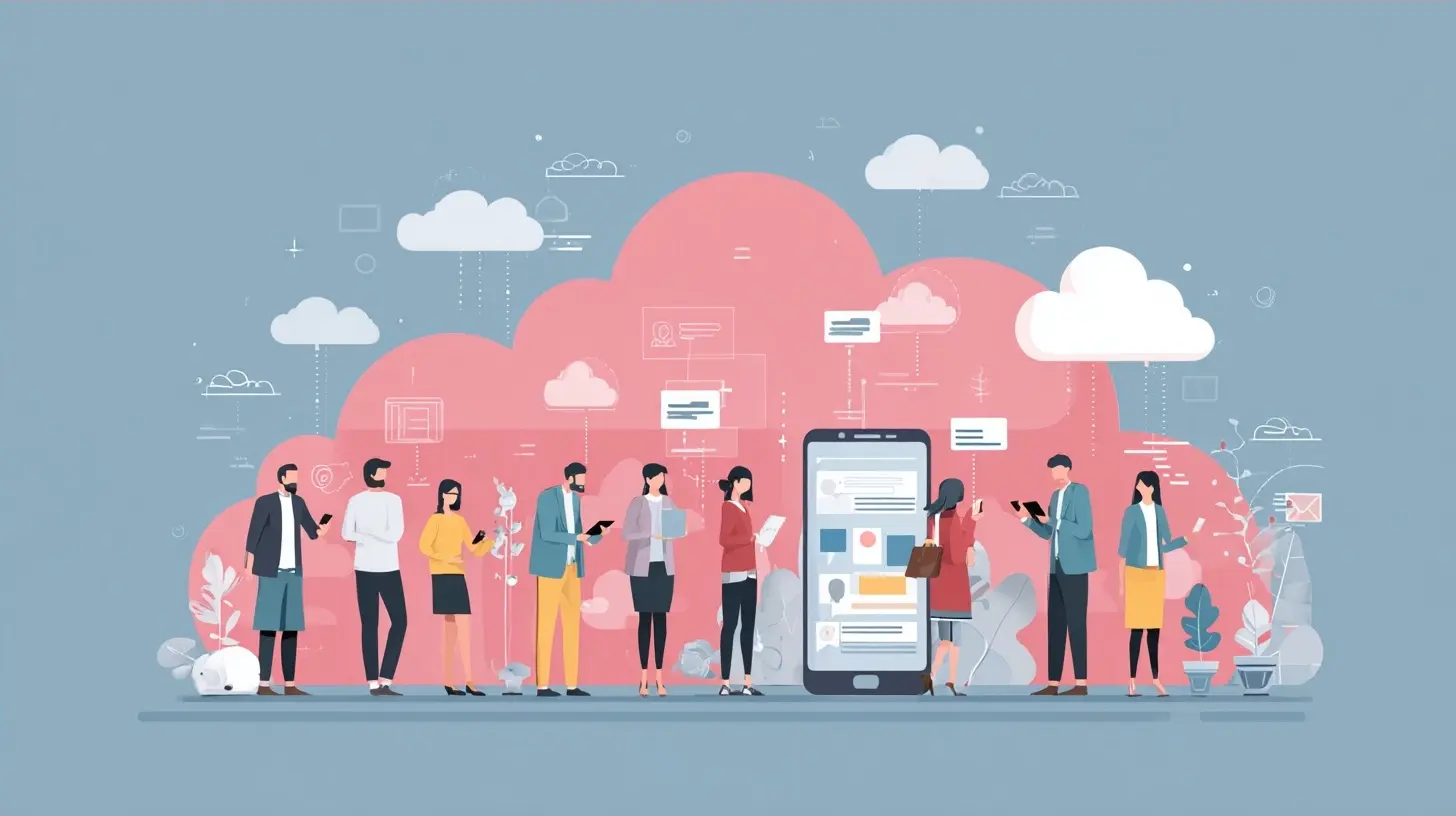
all images in this post were generated using AI tools
Category:
Productivity AppsAuthor:

Jerry Graham
Discussion
rate this article
1 comments
Tenley McCarty
Cloud-based apps are not just tools; they symbolize a shift in how we collaborate and innovate. Embracing them can lead to greater flexibility and efficiency, shaping a workplace that thrives on adaptability and continuous growth.
October 5, 2026 at 3:14 AM
Jerry Graham
I completely agree. Cloud-based apps are revolutionizing collaboration and fostering an environment where innovation can flourish. Embracing this change is essential for future success.