How Digital Assistants Are Becoming Your New Productivity Coaches
23 September 2026
For years, digital assistants lived in a narrow lane. You asked for the weather, they gave you the forecast. You asked to set a timer, they set it. You asked a trivia question, they answered or, more often, misunderstood and offered a web search instead. The relationship was transactional and shallow. You gave a command, the assistant executed it, and the interaction ended. Nobody would have called that a coaching relationship.
That era is ending. Digital assistants are shifting from reactive tools into proactive guides that shape how you plan your day, protect your attention, and follow through on commitments. The change is not just about better speech recognition or larger language models. It is about a fundamental redesign of the assistant's role: from butler to coach. This shift carries real benefits, real trade-offs, and a set of mistakes that can turn a promising productivity partner into another source of noise.
The Difference Between a Tool and a Coach
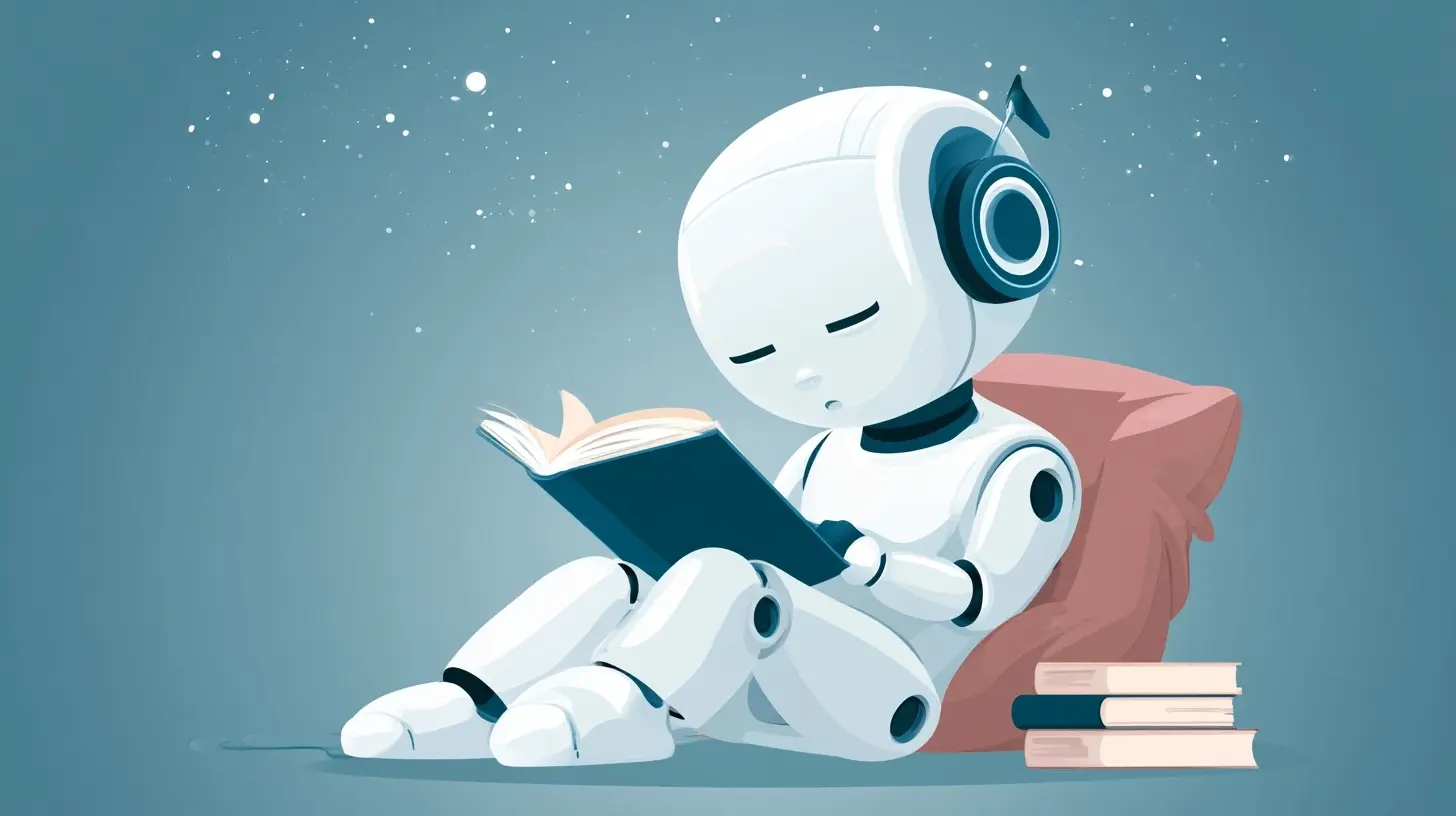
A tool waits. A coach intervenes.That distinction matters more than any feature list. A calendar app is a tool. It stores events and shows them when you look. A coaching assistant notices that you scheduled three deep-work blocks after 4 p.m., that your energy typically drops in the late afternoon, and that you have missed similar blocks four times this month. Then it says something.
The intervention can be small. It might suggest moving one block to the morning. It might ask whether the task still matters. It might simply surface the pattern and let you decide. What separates coaching from nagging is intent and timing. A coach acts in service of a goal you have articulated, at a moment when action is still possible.
This is why the best current implementations of assistant coaching share three traits:
1. They maintain context across sessions. They remember what you said last week, not just what you said ten seconds ago.
2. They understand your stated goals, not just your commands. If your goal is to ship a project by Friday, the assistant can weigh suggestions against that deadline.
3. They know when to stay quiet. A coach who interrupts constantly gets muted, and a muted assistant coaches no one.
Why This Shift Is Happening Now
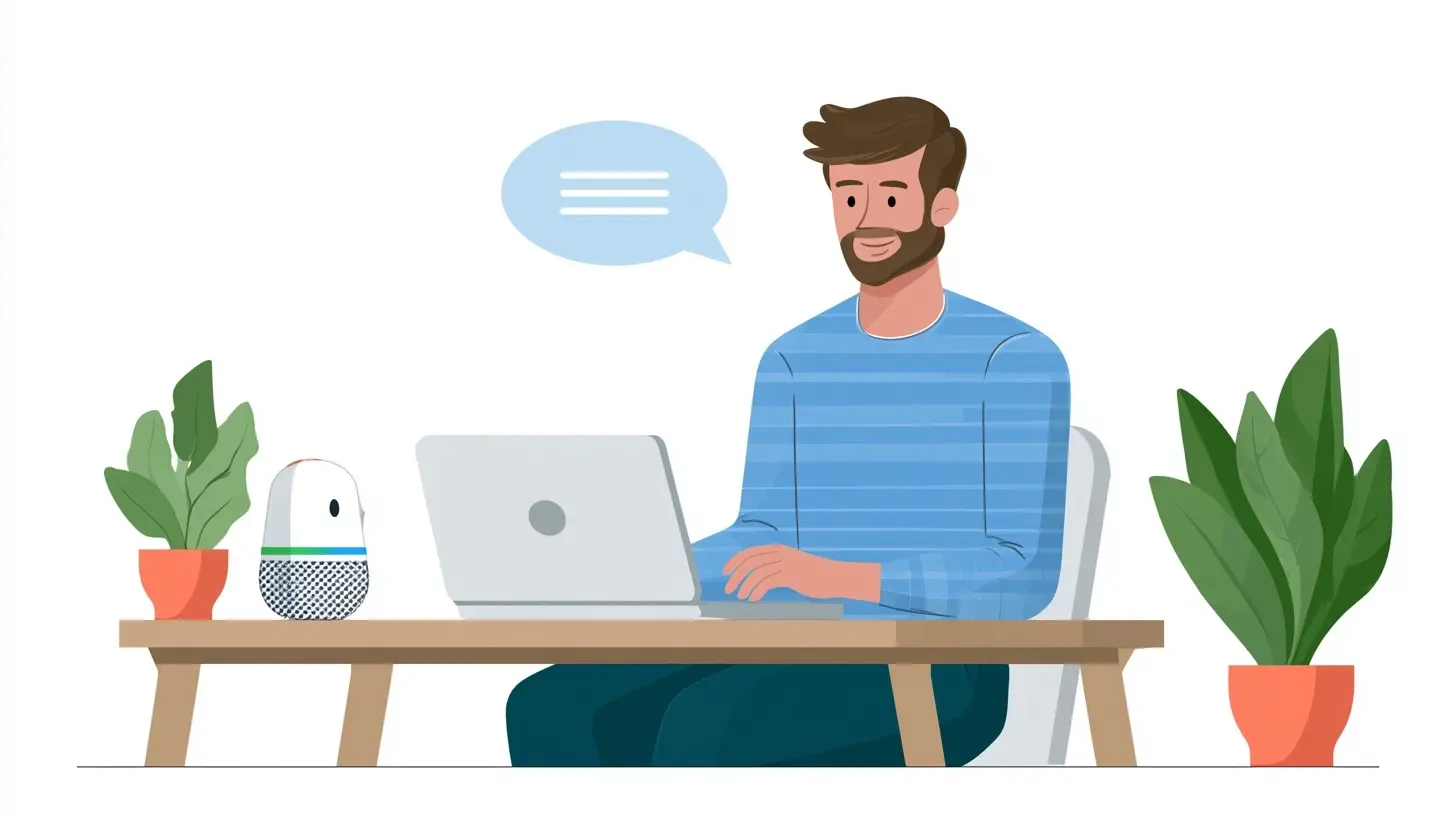
Three technical and cultural currents are converging.First, large language models changed what assistants can understand. Earlier systems relied on rigid intent parsing. You had to phrase requests a certain way or the assistant failed. Modern models handle ambiguity, follow multi-step instructions, and reason about trade-offs in natural language. That makes nuanced coaching possible. A system that can discuss why a meeting might be unnecessary is fundamentally different from one that can only create or delete it.
Second, assistants now have access to richer personal context, often with explicit permission. Email, calendars, task managers, documents, and messaging apps can feed a unified picture of how you spend time. When that data is combined responsibly, the assistant can spot patterns no single app could see.
Third, workplace norms have shifted. Knowledge workers increasingly manage their own schedules and priorities. The manager who once assigned tasks and checked progress is often replaced by distributed teams and asynchronous workflows. That vacuum creates demand for a different kind of support, one that helps individuals self-regulate rather than obey.
None of this means the transition is complete. Many assistants still fail at basic context retention. But the direction is clear, and the practical implications are already visible.

What Coaching Looks Like in Practice
Abstract talk about proactive AI gets fuzzy fast. Concrete examples help.Morning planning that adapts
A traditional calendar shows what is scheduled. A coaching assistant asks a different question: given your energy, your deadlines, and yesterday's unfinished work, what should today actually look like? Some assistants now generate a proposed plan each morning, flag conflicts, and suggest what to defer. The value is not the plan itself. It is the forced moment of reflection before the day begins.Meeting hygiene
Assistants can analyze meeting load and surface uncomfortable truths. You accepted six meetings on Wednesday. Three have no agenda. Two overlap with your stated focus time. One recurs weekly and has not produced a decision in months. A tool would let you attend all six. A coach asks which ones deserve your presence.Follow-through on commitments
Most productivity failures are not planning failures. They are follow-through failures. You decide to email a client, and then you do not. A coaching assistant can detect commitments made in conversation or writing and resurface them at the right moment. The key word is right. Resurfacing everything creates clutter. Resurfacing the one thing you are about to forget creates value.Focus protection
Some assistants now monitor how often you switch between apps and offer gentle course correction. This is where coaching edges closest to surveillance, and where user consent and transparency matter most. Done well, it helps you notice your own habits. Done poorly, it feels like a supervisor watching over your shoulder.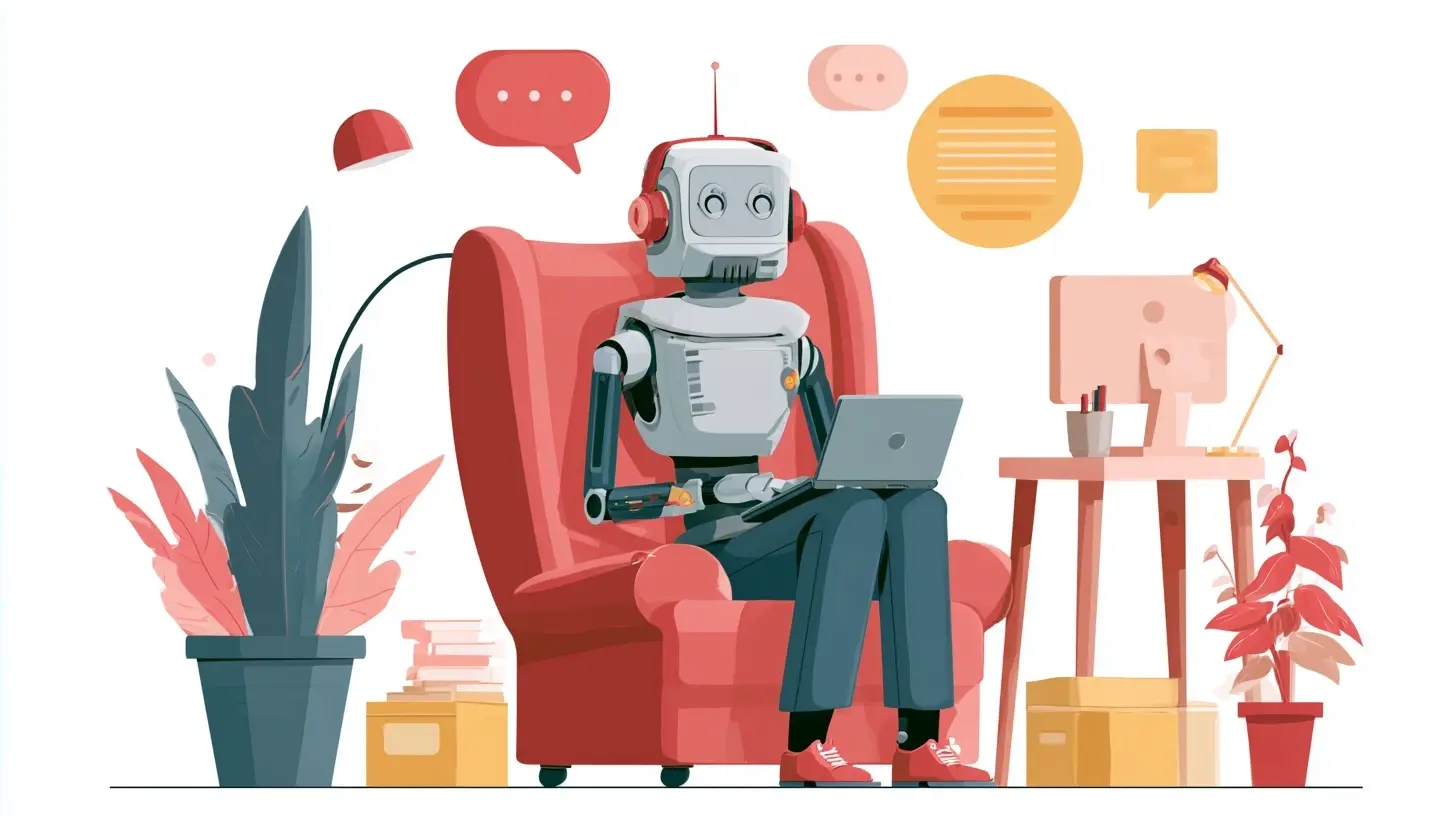
The Architecture of a Good Coaching Assistant
Understanding what happens under the hood helps you evaluate products and set realistic expectations.A coaching assistant typically has four layers:
- Input layer. Calendar, email, tasks, documents, and sometimes biometric or focus signals.
- Memory layer. Short-term context for the current session and long-term memory for goals, preferences, and patterns.
- Reasoning layer. The model that interprets context, identifies opportunities to intervene, and drafts a suggestion.
- Delivery layer. The channel and timing of the intervention, whether a notification, a spoken prompt, or a summary at day's end.
Most failures happen in the memory and delivery layers, not the reasoning layer. A brilliant suggestion delivered at the wrong moment is worthless. A pattern spotted but forgotten by tomorrow cannot support coaching.
When you evaluate an assistant, ask where memory lives, how long it persists, and whether you can inspect and edit it. If you cannot see what the assistant remembers about you, you cannot correct its mistakes, and its coaching will drift.
Personal Assistants vs. Workplace Assistants
The coaching dynamic differs sharply depending on context.Personal assistants, like those embedded in phones and consumer devices, tend to focus on habits, health, and personal logistics. Their coaching is often gentle and opt-in. The stakes are lower, and users tolerate more experimentation.
Workplace assistants, integrated into productivity suites and enterprise tools, focus on meetings, deadlines, and collaboration. Their coaching can be more assertive because the goals are often explicit and shared. But workplace assistants raise harder questions about privacy, monitoring, and who owns the data. If your employer deploys an assistant that analyzes your calendar and messages, you deserve a clear answer about what is collected and who can see it.
A useful rule: the more the assistant knows about you, the more control you should have over its memory and its right to speak.
Common Mistakes and Misconceptions
Mistake 1: Treating the assistant as an oracle
Assistants are pattern detectors, not authorities. They will sometimes be wrong, and they will sometimes be confidently wrong. The healthiest posture is curiosity: consider the suggestion, test it against your own judgment, and discard it when it does not fit. Blind obedience to an assistant is not productivity. It is outsourcing your agency.Mistake 2: Granting full access on day one
It is tempting to connect every account and let the assistant see everything. Resist that. Start narrow. Connect your calendar and tasks first. Observe how the assistant behaves for two weeks. Then decide whether broader access earns its keep. Permissions are easier to grant than to revoke, especially once habits form around them.Mistake 3: Expecting instant personalization
Coaching improves with context, and context takes time. An assistant that has observed three weeks of your behavior can offer sharper suggestions than one that has observed three days. Give it a fair trial before judging, but also set a deadline for that trial. If it has not earned its place after a month, remove it.Mistake 4: Confusing activity with progress
Some assistants optimize for engagement, nudging you constantly to keep you interacting. That is a business model, not a coaching philosophy. A good coach measures your outcomes, not your attention. Watch for assistants that generate more notifications than insights.Misconception: Coaching requires constant surveillance
It does not. The most useful coaching often comes from a small, well-chosen data set: your calendar, your task list, and your stated goals. You do not need an assistant reading every message to help you protect focus time. More data can improve accuracy, but it also increases risk and complexity. Choose the smallest data set that produces useful guidance.How to Get Real Value Without Losing Control
Practical steps matter more than theory. Here is what works.State your goals explicitly. Assistants coach toward what they know. If you never tell the system that your priority this quarter is deep work, it will optimize for whatever it can measure, which is usually meetings and messages. Write your goals where the assistant can see them, or enter them during setup.
Set boundaries on interruptions. Decide when the assistant may speak. Many tools let you define quiet hours or limit proactive suggestions to specific windows. A morning planning prompt and an end-of-day review are often enough. Constant nudges erode trust.
Review memory regularly. Once a month, inspect what the assistant remembers. Delete outdated goals and correct wrong assumptions. Memory hygiene is as important as inbox hygiene.
Keep a human in the loop for high-stakes decisions. Let the assistant draft, suggest, and remind. Keep final judgment for yourself. This division of labor plays to the strengths of both parties.
Measure outcomes, not interactions. Track whether you are finishing important work, not whether you are chatting with your assistant. If the assistant is not moving the needle on outcomes, it is entertainment.
Trade-Offs You Should Understand
Every coaching feature involves a trade-off, and pretending otherwise leads to disappointment.Proactivity vs. autonomy. The more proactive the assistant, the more it shapes your choices. Some people want that guidance. Others find it suffocating. The right balance is personal, and it may change with your workload.
Personalization vs. privacy. Sharper coaching requires deeper context. There is no way around this tension. You can mitigate it with local processing, clear data policies, and granular permissions, but you cannot eliminate it.
Consistency vs. flexibility. A coach that enforces the same routine every day builds habits. A coach that adapts to your changing energy supports you on hard days. The best assistants blend both, holding the goal steady while adjusting the path.
Integration vs. lock-in. The more deeply an assistant connects to your tools, the more useful it becomes and the harder it is to leave. Before committing, ask how portable your data is and what happens if you switch.
What Good Coaching Looks Like Over Time
The real test of an assistant is not what it does in week one. It is what it does in month six.In the first weeks, expect generic suggestions. The assistant is learning your patterns. In the first months, expect sharper timing and better prioritization. After that, a well-tuned assistant should feel less like a feature and more like a colleague who knows your rhythms.
That said, familiarity can breed complacency. Periodically ask whether the assistant is still earning its place. Has it helped you protect focus time? Has it reduced missed commitments? Has it made your planning faster? If the answers are no, the problem may be configuration, or it may be the tool itself.
Where This Is Heading
The trajectory points toward assistants that understand not just what you do but why you do it. Expect tighter integration between planning, execution, and reflection. Expect assistants that help you negotiate your own workload rather than simply organizing it. Expect more emphasis on well-being, not just output, as the costs of chronic overload become harder to ignore.There will also be pushback. Workers will resist assistants that feel like surveillance. Regulators will scrutinize how personal data flows through these systems. The products that thrive will be the ones that treat trust as a feature, not an afterthought.
Final Thoughts
Digital assistants are becoming productivity coaches because the technology finally allows it and the culture finally demands it. The shift is real, but it is not automatic. An assistant becomes a coach only when you give it the context, the boundaries, and the feedback it needs to help you.The most important decision is not which assistant you choose. It is how you define the relationship. Treat it as a partner that earns influence over time, not a servant that obeys or an authority that commands. Set goals it can support, permissions you can defend, and review habits that keep it honest. Do that, and the assistant stops being a novelty and starts being the thing you actually wanted all along: someone in your corner, paying attention, helping you do the work that matters.
all images in this post were generated using AI tools
Category:
Productivity AppsAuthor:

Jerry Graham
Discussion
rate this article
2 comments
Patrick McNeal
This article highlights an exciting trend in technology. Digital assistants have the potential to transform how we manage our tasks and time. It's intriguing to consider how they might shape our productivity in the coming years.
October 29, 2026 at 5:26 AM
Zethryn Montgomery
Digital assistants are transforming the way we work. Embracing these tools can boost productivity and help us achieve our goals. The future of work is bright with this technology.
October 6, 2026 at 3:50 AM
Jerry Graham
Absolutely! Digital assistants are game changers, making tasks easier and helping us focus more on what really matters. Excited for what lies ahead!