How Digital Assistants Can Help You Manage Your Smart Devices
23 December 2025
In today’s fast-paced world, we’re all looking for ways to make life a little easier, right? Well, managing your smart home devices has never been more convenient, thanks to digital assistants like Amazon Alexa, Google Assistant, and Apple’s Siri. These digital helpers have become the ultimate sidekicks in maintaining a connected home. They turn what could be a complicated mess of different gadgets into a seamless, voice-controlled experience. But how exactly do they pull this off? And how can you get the most out of them?
Let’s dive in and explore how digital assistants can help you manage your smart devices, making your home feel like something straight out of a sci-fi movie. Ready? Let’s go!
What Is a Digital Assistant?
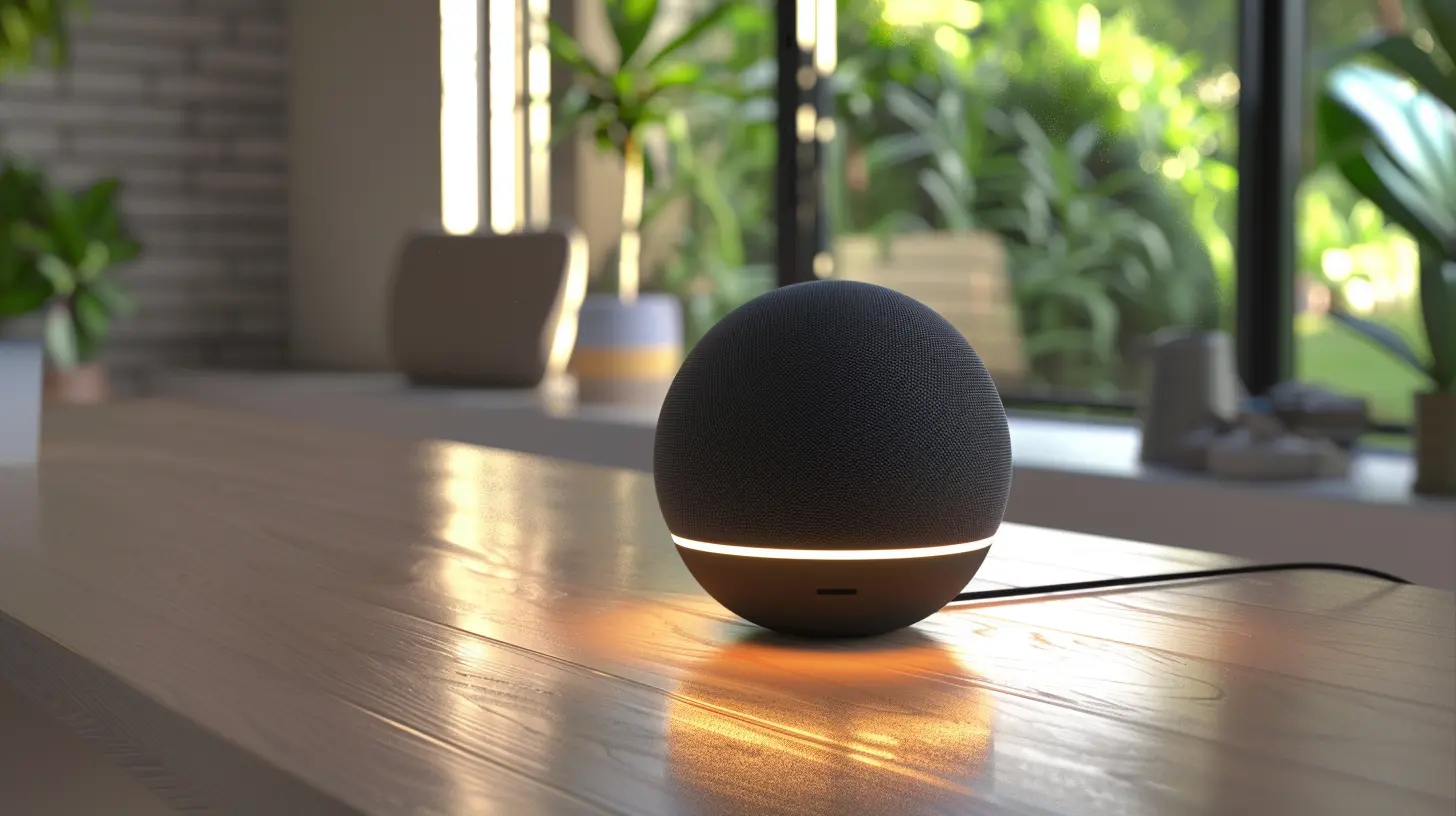
Before we get into the nitty-gritty, let’s start with the basics. A digital assistant is essentially an AI-powered software designed to help you perform tasks and answer questions. You probably know them by their names—Alexa, Siri, and Google Assistant. These assistants are integrated into various devices, from smartphones to smart speakers, and they’re capable of performing a wide range of functions.What's cool? They're not just about setting reminders or playing your favorite music anymore. They are now central to managing the growing number of smart gadgets in our homes. Think of them as the conductors of your smart home orchestra, ensuring that all your devices play in harmony.
How Do Digital Assistants Work?
If you’ve ever used a digital assistant, you know how easy they are to operate. With just a voice command, they can perform tasks or answer questions. But how do they manage your smart devices?Voice Commands
Voice is the magic word when it comes to digital assistants. You can control your smart lights, thermostat, door locks, and even your coffee maker—all with a simple voice command. It’s like having your own personal butler, but without the fancy suit.For example, you can say, “Hey Google, turn off the living room lights,” and voila, your lights are off. No more getting out of bed or fiddling with your phone. Sounds like a dream, doesn’t it?
Centralized Hub
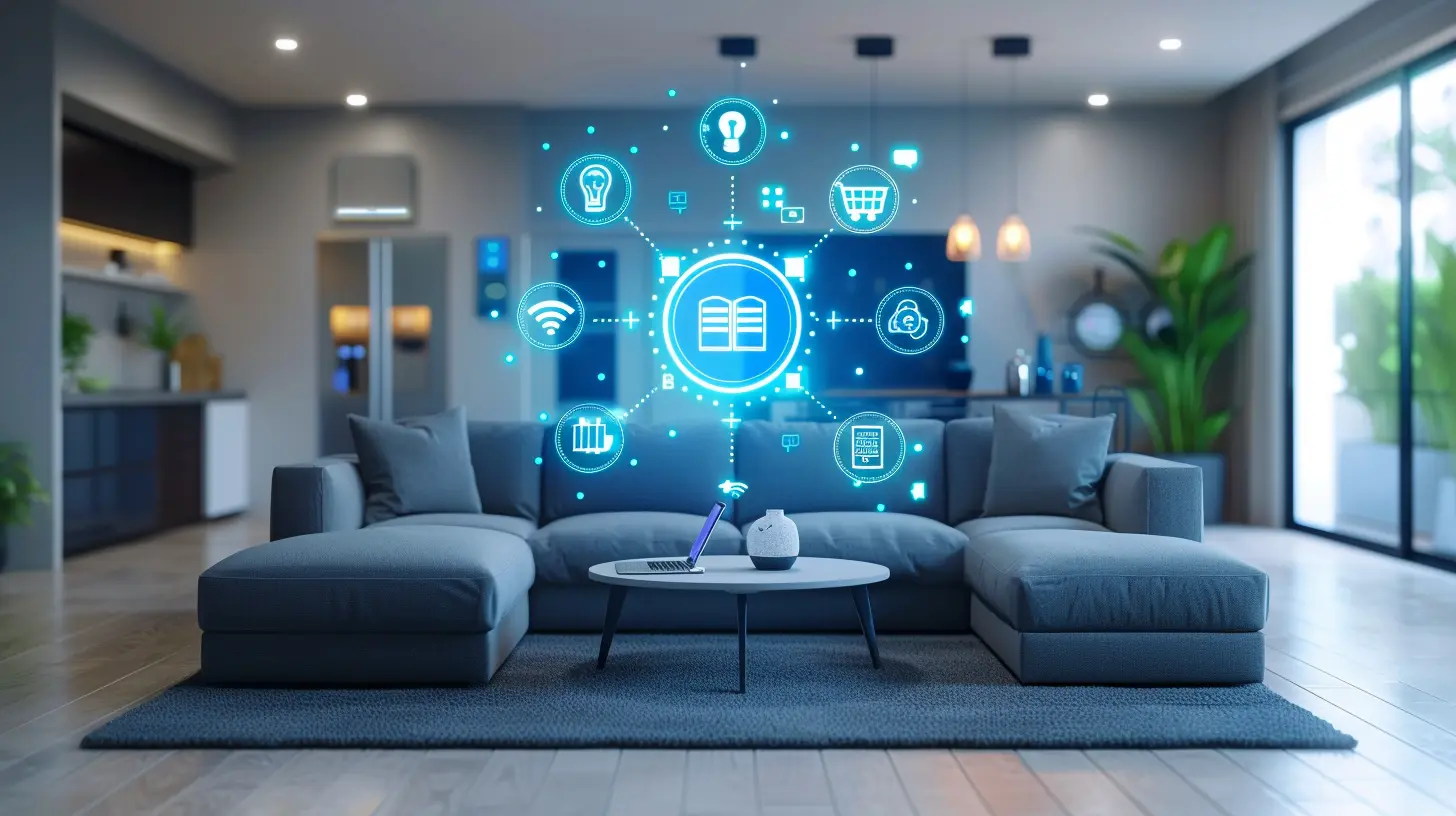
Think of your digital assistant as the brain of your smart home. It acts as a centralized hub, connecting all your smart devices so they can communicate with each other. When you link your smart gadgets to your assistant, you create a network where everything is integrated. You no longer need to open separate apps for your lights, thermostat, or security cameras. Digital assistants bring everything under one roof, making it super easy to manage.Automation and Routines
One of the best features of digital assistants is their ability to automate tasks. You can create routines that trigger multiple actions with a single command. For instance, you can say, “Alexa, good morning!” and your assistant will turn on the lights, adjust the thermostat, and read you the day’s news—all in one go.It’s like having a highly efficient choreographer for your daily routines. These automations can save you time, effort, and even a bit of mental energy.

How Digital Assistants Can Help Manage Specific Smart Devices
Now that we have a general idea of how digital assistants work, let’s break it down and see how they help manage different types of smart devices.1. Smart Lights
We’ve all been there: you’re cozy in bed, ready to drift off to sleep, and then you realize you forgot to turn off the kitchen lights. It’s a hassle to get up again, right? Enter digital assistants. You can simply say, “Hey Siri, turn off the kitchen lights,” and problem solved without lifting a finger.You can also set scenes that adjust multiple lights at once. For example, you can have a “movie night” scene where the lights dim to a perfect level, so you can enjoy your film like you’re in a theater.
2. Smart Thermostats
Smart thermostats like Nest and Ecobee can make managing your home’s temperature a breeze. Instead of manually adjusting the thermostat, you can ask your digital assistant to do it for you. “Alexa, set the temperature to 72 degrees,” and boom, your home is the perfect temperature.Going a step further, you can create routines with your digital assistant that adjust the thermostat automatically based on your daily schedule. Imagine coming home from work to a perfectly cooled house in the summer or a toasty warm space in the winter.
3. Smart Plugs
Smart plugs can turn any “dumb” device into a smart one. With a digital assistant, you can control these plugs with voice commands. Let’s say you’ve got a regular coffee maker plugged into a smart plug. You can tell Google Assistant, “Turn on the coffee maker,” and your coffee will start brewing while you’re still in bed. It’s the little things like this that make your mornings more enjoyable.4. Smart Locks
Security is a big concern for most homeowners, and smart locks offer an extra layer of safety. With the help of your digital assistant, you can lock or unlock your doors using just your voice. It’s perfect when you’re in a hurry or have your hands full.You can also integrate your smart lock into routines. For example, saying “Alexa, goodnight” can lock all your doors, turn off the lights, and set the thermostat to your preferred sleep temperature.
5. Smart Speakers and Entertainment Systems
Managing your entertainment system has never been easier. With a digital assistant, you can control your TV, speakers, and even streaming services like Netflix or Spotify. Instead of fumbling with multiple remotes or apps, you can simply say, “Hey Google, play Stranger Things on Netflix,” and you’re good to go.Digital assistants can also control smart speakers like Sonos, allowing you to play music throughout your entire home or in specific rooms. You can even ask your assistant to adjust the volume, skip songs, and more.
6. Smart Security Cameras
Smart security cameras can be integrated into your digital assistant’s ecosystem as well. Want to check who’s at the front door? Just ask Alexa or Google Assistant to show you the live feed from your camera. It’s like having a personal security guard on standby.Some assistants can even alert you if a camera detects motion, adding an extra layer of security to your home.
The Benefits of Using Digital Assistants to Manage Smart Devices
So, why should you bother using a digital assistant to manage your smart home? Here are some key benefits that might convince you:1. Convenience
Let’s face it, life’s a little easier when you don’t have to get up to turn off the lights or adjust the thermostat. Digital assistants are all about convenience. They simplify the process of managing your smart devices, allowing you to control everything with just your voice.2. Energy Efficiency
Digital assistants can help you save energy and reduce your utility bills. For example, you can program your smart thermostat to lower the temperature when you’re not home. You can also set routines that automatically turn off lights and devices when they’re not in use.3. Hands-Free Control
Whether you’re cooking, carrying groceries, or just relaxing on the couch, hands-free control is a game-changer. You don’t have to stop what you’re doing to manage your smart home. Just speak up, and your digital assistant will take care of it.4. Centralized Control
Instead of juggling multiple apps and remotes, a digital assistant centralizes control of all your smart devices. This simplifies your life and makes it easier to keep track of everything.5. Enhanced Security
Digital assistants can help keep your home secure by integrating with smart locks, cameras, and alarms. You can lock your doors, check your camera feeds, and even receive security alerts—all through voice commands.How to Get Started with a Digital Assistant
Are you ready to let a digital assistant manage your smart home? Here’s how you can get started:1. Pick Your Assistant – Choose between Alexa, Google Assistant, or Siri based on your preferences and the devices you already own.
2. Get Compatible Devices – Make sure your smart devices are compatible with your chosen digital assistant. Most major brands like Philips Hue, Nest, and Ring work with all three assistants.
3. Set Up Your Devices – Connect your smart devices to your digital assistant by following the manufacturer’s instructions. This usually involves downloading an app and linking the devices.
4. Create Routines – Take full advantage of automation by setting up routines that combine multiple actions into a single command.
5. Start Using Voice Commands – Once everything is set up, start using voice commands to control your devices. It might feel weird at first, but you’ll be hooked in no time!
Wrapping It Up
Digital assistants are more than just fancy gadgets—they’re practical tools that can make managing your smart home effortless. From controlling your lights and thermostat to securing your home with smart locks and cameras, these AI-powered helpers can transform your living experience.So, if you're looking to simplify your life and make your home smarter, a digital assistant is the way to go. Trust me, once you start, you’ll wonder how you ever lived without one.
all images in this post were generated using AI tools
Category:
Digital AssistantsAuthor:

Jerry Graham
Discussion
rate this article
2 comments
Izaak Roberts
This article effectively highlights the benefits of digital assistants in streamlining smart device management. While it emphasizes convenience and efficiency, it could also address potential privacy concerns for a more comprehensive perspective. Overall, a valuable read for tech enthusiasts.
December 26, 2025 at 5:34 AM
Jerry Graham
Thank you for your feedback! It's important to consider privacy, and I appreciate you pointing that out. Glad you found the article valuable!
Maribel Matthews
Great article! It's exciting to see how digital assistants can simplify managing our smart devices. Leveraging their capabilities can truly enhance our daily lives and create a more seamless experience. Looking forward to exploring these tips further!
December 25, 2025 at 3:39 AM
Jerry Graham
Thank you! I'm glad you found it helpful. Enjoy exploring the tips!