How to Manage Storage Space for Mobile Games
2 January 2026
Remember when mobile games were just pixelated snakes slithering around your screen? Well, those days are long gone. Now, we’ve got games that look like they belong on a high-end gaming console—if only our phones had the storage to keep up!
If you've ever tried downloading the latest game only to be hit with the dreaded "Not Enough Storage" message, you're not alone. Managing storage space for mobile games can feel like trying to fit an elephant into a suitcase. But don’t worry—I’ve got your back! Let’s dive into some clever (and slightly hilarious) ways to make space for your beloved mobile games without having to delete your entire photo gallery. 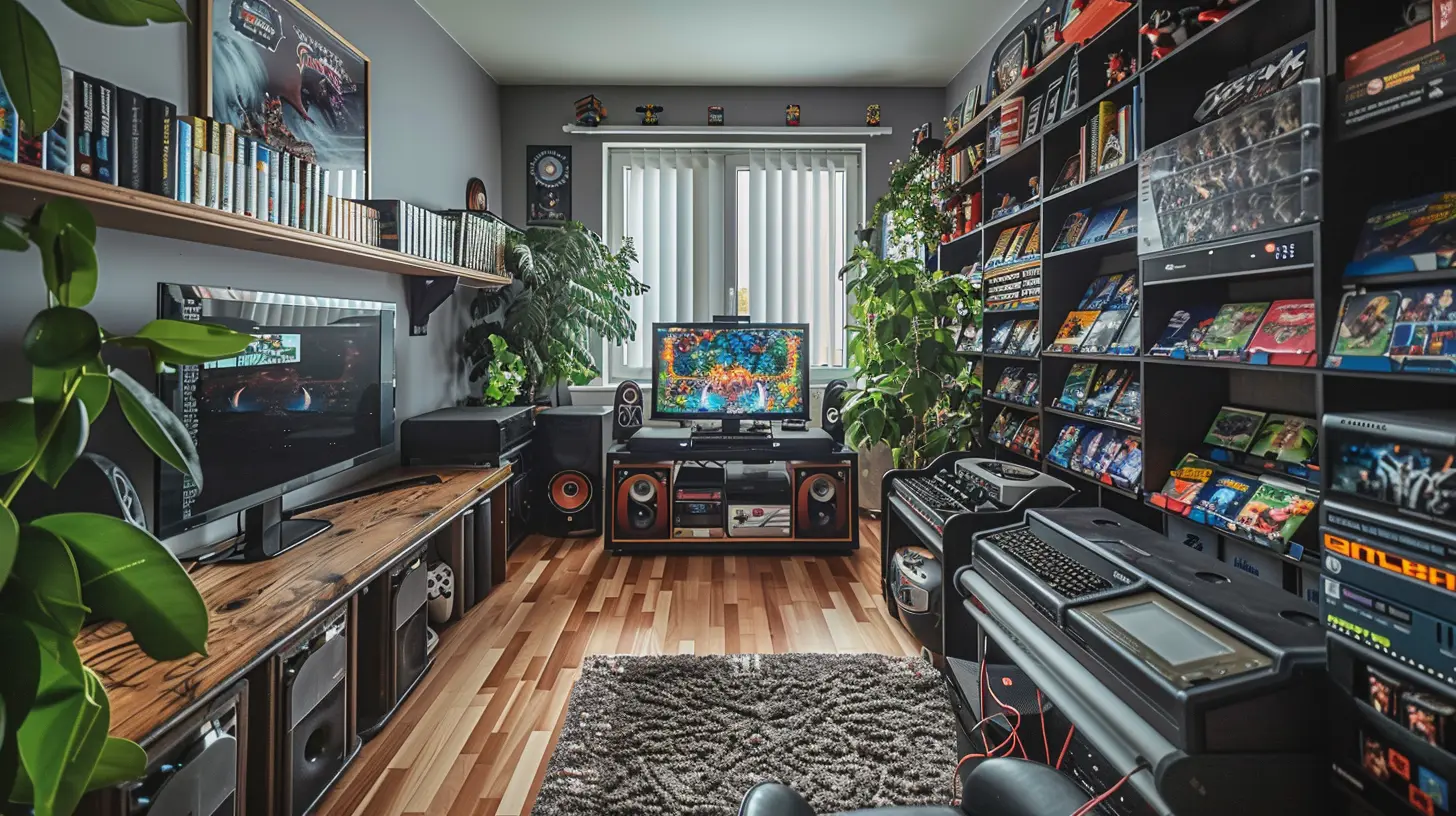
📦 Why Do Mobile Games Eat Up So Much Space?
Before we start deleting things left and right, let's understand why mobile games are such storage hogs in the first place.🎮 High-Quality Graphics & Textures
Gone are the days of simple 8-bit sprites. Modern games come with ultra-HD textures that make characters' hair look more detailed than your own. But the price? Gigabytes of space.🎶 Epic Sound Effects & Voice Acting
Every footstep, sword swing, and dramatic voice line adds to the file size. Ever noticed how games now have full-blown storylines with Hollywood-level voice acting? Yeah, that eats up space too.🌍 Massive Open Worlds
Games like Genshin Impact and Call of Duty: Mobile have gigantic maps, so you’re basically carrying a whole virtual world in your pocket. That’s bound to take up some room.🔄 Frequent Updates & Patches
Just when you think you've finally optimized your storage, BAM—a 3GB update drops. Developers keep adding new content, fixing bugs, and improving graphics, which means more space taken up.
🏗️ How to Free Up Storage Space (Without Sacrificing Your Favorite Games)
Now that we know why games hog so much space, let’s talk about how to reclaim some of that precious storage without having to say goodbye to your favorite titles.🔍 1. Identify the Storage Culprits
Before you start deleting things at random, head over to your phone’s storage settings and check what’s taking up the most space. You'll probably find that some apps and games are gobbling up space like an unsupervised kid in a candy store.🗑️ 2. Uninstall Games You No Longer Play
Be honest—when was the last time you played Flappy Bird or that random puzzle game you downloaded during a boring meeting? If a game hasn't been opened in months, it’s time to say goodbye (or at least archive it).☁️ 3. Use Cloud Storage for Game Data
Some games allow you to save your progress to the cloud (Google Play Games or Apple Game Center). This means you can uninstall a game and reinstall it later without losing your progress. Best of both worlds!📤 4. Move Games to an SD Card (If Your Phone Supports It)
If your phone has expandable storage, take advantage of it. Move large games to the SD card and free up internal storage for system files and apps that require faster access.⚡ 5. Clear Cache Files Like a Pro
Ever wonder why apps like PUBG Mobile take up more space the longer you have them? It’s because of cached data—temporary files stored to speed up performance. You can clear this in the app settings without affecting your saved progress.🛑 6. Stop Hoarding Screenshots & Game Clips
Don’t get me wrong, that epic headshot or crazy combo move was cool, but do you really need 100 clips of it? Upload your favorite screenshots to Google Photos, OneDrive, or Dropbox, and delete the rest.🔄 7. Enable Game Streaming (If Possible)
Services like Xbox Cloud Gaming and NVIDIA GeForce Now allow you to stream games instead of installing them. This means you can play high-end games on your phone without them actually taking up space. Magic, right?🔧 8. Use Lite Versions of Games (If Available)
Some developers release "Lite" versions of their games that use fewer resources while still delivering a similar experience. If your storage is constantly running on fumes, switching to these versions can help.
🚀 Advanced Tips for Hardcore Mobile Gamers
If you're someone who installs every major mobile game and refuses to delete anything, you might need next-level storage-saving strategies.🎭 1. Use a Second Device for Gaming
Okay, okay—this isn’t exactly a space-saving tip, but if you’re serious about mobile gaming, investing in a second phone or a gaming tablet keeps your main phone clutter-free.🛠️ 2. Regularly Manage Game Updates
Not all updates are necessary. Some are just cosmetic packs or new events that you might not even care about. Disable auto-updates for games and only install updates when you actually need them.🚀 3. Upgrade Your Phone’s Storage (If Possible)
If you're constantly running out of space, it might be time to upgrade to a phone with higher storage capacity. Some phones allow you to use external SSDs, which can be a lifesaver.
💡 Final Thoughts
Managing storage space for mobile games is a balancing act between keeping your favorite titles and avoiding the frustration of low storage warnings. Whether you go the simple route (deleting unused games) or get creative with external storage and cloud saving, there’s always a way to keep playing without sacrificing your entire phone’s memory.So, the next time you see that “Storage Almost Full” notification, don’t panic—just use these tips and keep gaming like a pro!
all images in this post were generated using AI tools
Category:
Mobile GamingAuthor:

Jerry Graham
Discussion
rate this article
2 comments
Zarenith Russell
This article offers valuable tips for optimizing mobile game storage. By regularly managing app data, utilizing cloud saves, and deleting unused apps, gamers can enjoy a smoother experience without worrying about storage limitations. Great insights!
January 16, 2026 at 12:27 PM
Jerry Graham
Thank you for your positive feedback! I'm glad you found the tips helpful for optimizing mobile game storage. Happy gaming!
Barbara McKellar
Unlock the secrets of mobile storage management—where every byte counts and hidden gems await discovery. Are you ready to dive in?
January 7, 2026 at 4:40 AM
Jerry Graham
Absolutely! Efficient storage management can enhance your gaming experience—let's explore the best tips and tricks to maximize your space and uncover hidden gems!