How to Set Up Your Home for an Optimal VR Experience
17 February 2026
So, you’ve got your shiny new VR headset, you've cleared your weekend schedule, and you’re ready to dive into the metaverse like Neo taking the red pill. But wait—before you start swinging lightsabers in Beat Saber or dodging bullets in Superhot, you might want to take a look around your room… because unless you want to accidentally uppercut your lamp or decapitate your fan (true story), your space might not be quite VR-ready.
Creating the perfect home setup for virtual reality isn’t just about the headset you buy—it’s about how you prep your environment. Let’s walk through how to turn your living room (or dungeon, we don’t judge) into a virtual playground that maximizes immersion and minimizes injury.
Why Bother With a VR Setup Anyway?
Glad you asked, future Jedi. Setting up your space properly can be the difference between feeling like you're climbing Everest versus feeling like you’re trapped in an elevator with a blindfold on.A good VR setup:
- Boosts immersion: You want to feel like you're actually dodging dinosaurs in Jurassic Park, not like you’re just wobbling next to your coffee table.
- Keeps you safe: No, really—your cat does not deserve a concussion because you didn’t see her before throwing a virtual grenade.
- Improves tracking: Sensors can only do their thing when they have a clear view. Give them a break.
So, now that you’re sold, let’s get your home ready for the ultimate VR experience.
Step 1: Choose the Right Room
Alright, first things first. You need a space that’s roomy, private, and won’t make your neighbors wonder if you joined a cult of invisible swordsmen.Things to Consider:
- Space: Ideally, aim for at least 6.5 x 6.5 feet (2 x 2 meters) of open area. That’s the minimum for most room-scale VR. The more, the merrier.- Floor Type: Carpet’s great for soft landings, but hardwood makes it easier to detect where you are. Either works, but don’t set up over Legos. Ever.
- Ceiling Height: Low ceilings are the nemesis of high-fiving the air. Avoid ceiling fans—you’ll thank me later.
- Privacy: If you don’t want your roommates Instagramming your VR flailing, maybe set up in a room with a door.
Step 2: Declutter Like Marie Kondo on Caffeine
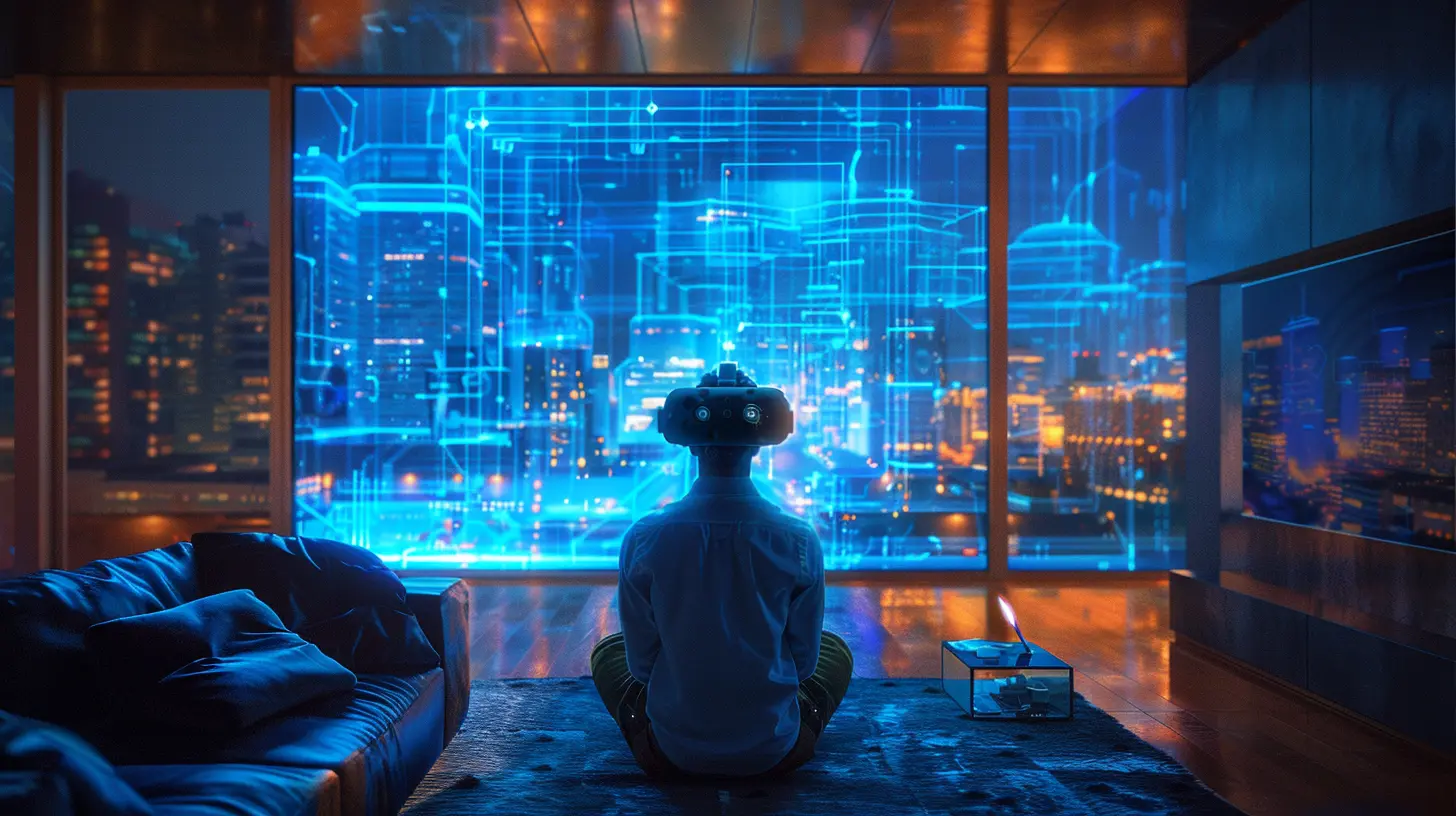
Time to turn your room into a VR dojo. That means removing furniture, tripping hazards, and anything fragile enough to cry if it hits the floor.What Needs To Go:
- Coffee tables- Lamps (floor, desk, fluorescent—get rid of ‘em)
- Chairs (unless you’re doing seated VR, then obviously leave one)
- Picture frames that could fall off the wall
- Pets temporarily (if they’re cool with it, throw them a treat and ask them nicely)
If it doesn’t spark VR joy, KonMari its butt outta there.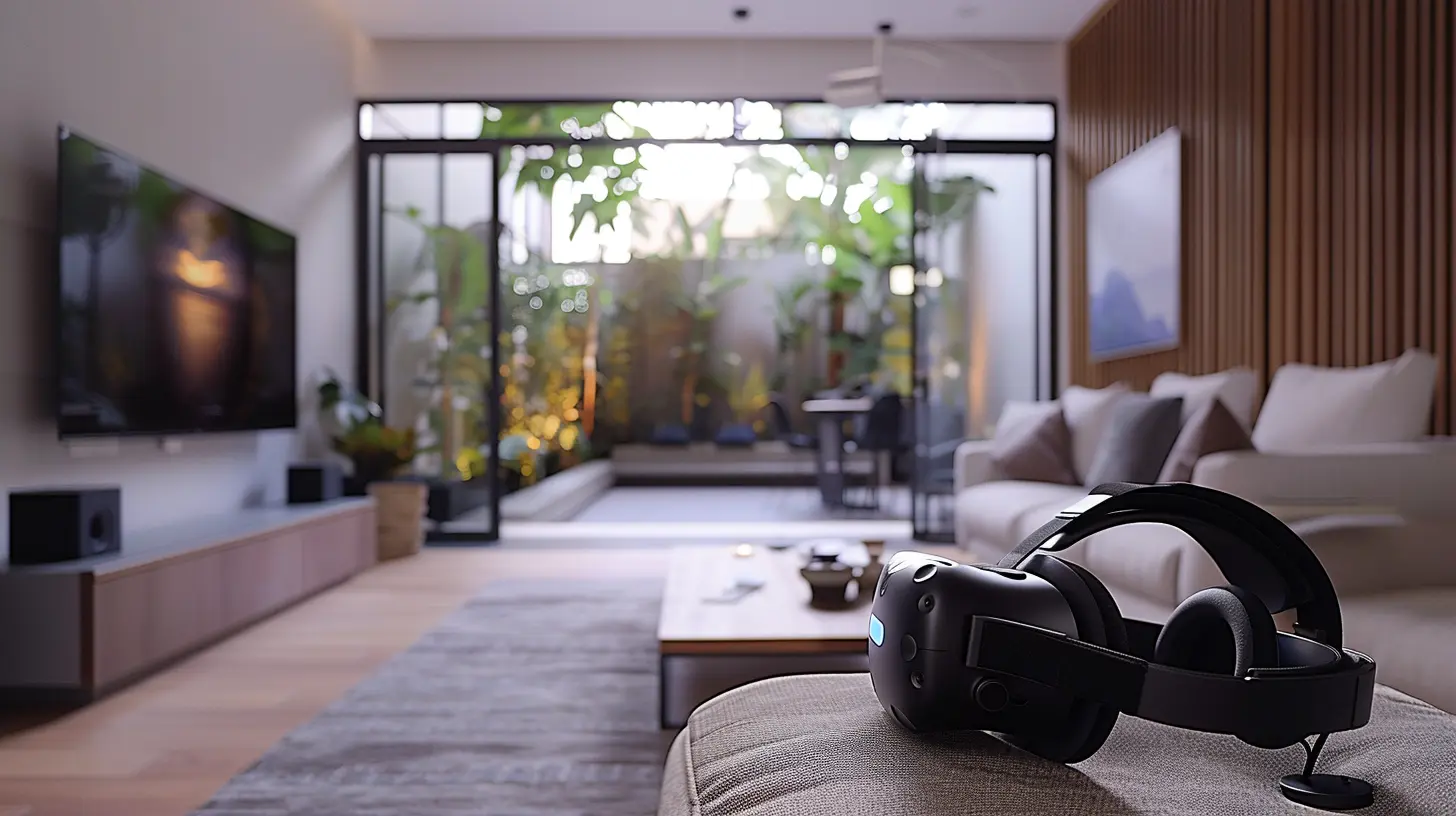
Step 3: Pick Your VR System (If You Haven’t Already)
Different VR headsets have different setup needs. Let’s break it down like a bad dance move at a wedding.Standalone Headsets (e.g., Meta Quest 2, Quest 3)
- No wires (freedom!).- Built-in tracking—just draw your guardian zone and go.
- Great for smaller spaces.
Perfect for casual VR fans who want fewer cables and more dancing.
Tethered Headsets (e.g., Valve Index, HTC Vive, Oculus Rift S)
- Connected to PC = more power, more graphics, more “hello, realism.”- External base stations for precise tracking (but also more setup).
These are great if you’re serious about gaming or want that “I can see individual pores on this zombie” experience.
Step 4: Set Up Your Tracking System
Tracking is basically how your VR headset and controllers figure out where you are in space. Think of it like virtual GPS—only instead of getting lost in traffic, you walk into walls.For Inside-Out Tracking (Quest, Reverb G2)
- These headsets track themselves using cameras built into the headset.- You just need good lighting and enough space.
- Make sure your room isn’t too dark or too bright—yes, VR headsets can be drama queens.
For Outside-In Tracking (Vive, Index)
- You’ll need to physically mount base stations (a.k.a. “VR lighthouses”) on your walls or tripods.- Mount them high up in opposite corners of the room—angle them down toward the play area.
- Avoid mirrors or reflective surfaces—they confuse the sensors like a cat seeing itself for the first time.
Step 5: Mind Your Lighting (But Not Too Much)
Contrary to popular belief, you don’t need club lighting or strobe effects. In fact, that’s a terrible idea.Tips on Lighting:
- Bright enough to see your controllers if you drop them.- Avoid direct sunlight—not only does it mess with your tracking, but it’s also the sworn enemy of your headset lenses. Sunlight through lenses can burn the display faster than a vampire on a beach.
- Avoid flickering bulbs—they mess with tracking and kill the vibe. Unless you're role-playing a haunted house, then go nuts.
Step 6: Cable Management (Because No One Likes Accidental Lassoing)
If you're using a tethered headset, cables can ruin your virtual groove faster than a low battery warning.How to Tame the Cable Kraken:
- Use ceiling pulleys: They keep the cable off the ground and out of your legs. Bonus—you’ll feel like Spider-Man.- Velcro straps: Cheap and practical, just like your last date.
- Wireless adapters: If available (like for HTC Vive), this is the holy grail of movement freedom—at the cost of battery life. Choose wisely, Jedi.
Step 7: Sound Matters (Because VR Without Audio is Basically Silently Screaming)
Audio is 50% of the immersive experience. Imagine a T-Rex roaring silently. Not scary, just awkward.Sound Setup Options:
- Built-in Headphones: Some headsets come with them. They’re usually decent, but not always great.- Over-ear headphones: Best for immersion. Big sound, big boom.
- External speakers: Meh for immersion, but great if you're not moving too far and wanna share the experience.
Pro tip: If your headset supports spatial audio, use it. Your ears deserve a treat too.
Step 8: Safety First, Batman
VR is fun… until someone gets a black eye or files a home insurance claim for “VR-related wall punching.”Protect Yourself With:
- Guardian boundaries (built into most headsets—don’t skip setting this up)- Soft flooring or anti-fatigue mats if you’re standing for hours
- Wrist straps for controllers—flinging a controller through your TV will make your soul weep
Bonus tip: Keep a bottle of water nearby. VR workouts are real, and you’re about to sweat like you’re in a virtual sauna.
Step 9: Optimize Your PC (If Needed)
If you're using a PC-based headset, make sure your rig isn’t the bottleneck.Minimum PC Requirements (General Rule):
- GPU: At least an NVIDIA GTX 1660 or AMD RX 5600- CPU: Intel i5-9400 or AMD Ryzen 5 3600
- RAM: At least 8GB (16GB recommended)
- Storage: SSDs help a lot with load times
Also, update your GPU drivers. (Yes, even though you keep clicking “remind me tomorrow.” No more excuses.)
Step 10: Add the Finishing Touches
Finally, dress up your VR room like it’s going on a hot date with your imagination.Optional (But Fun) Additions:
- LED strips around the room for ambient light and cool vibes- Foam wall panels to improve acoustics and reduce echo (plus, they look kinda sci-fi)
- A comfy chair or gaming stool for seated experiences
- Storage for your VR gear—headset stands, controller docks, cable organizers
Bonus: Tips for Co-Existing With Other Humans (And Pets)
- Warn others before you hop into VR. There’s nothing scarier than a roommate silently appearing next to you mid-horror game.- Use a “VR in session” sign—or just a pair of socks on the door VR-style.
- Train pets to stay clear... or at least bribe them with treats.
In Conclusion: Your Home Is Now a Portal
Setting up your home for an optimal VR experience is like building your own holodeck. Sure, it takes a bit of effort, and maybe a small sacrifice to the cable gods, but once you’re in there—dodging arrows, exploring alien worlds, or rocking out with lightsabers—you’ll realize it was totally worth it.So kick off your shoes, strap on that headset, and step into your own personal reality... just don’t forget where the walls are.
all images in this post were generated using AI tools
Category:
Vr HeadsetsAuthor:

Jerry Graham
Discussion
rate this article
2 comments
Tessa McElveen
While the article provides useful tips, it could benefit from addressing budget-friendly options for newcomers.
February 22, 2026 at 2:00 PM
Jerry Graham
Thank you for the feedback! I’ll consider incorporating budget-friendly options in future updates.
Karson McKinnon
Creating an optimal VR experience at home involves careful consideration of space, lighting, and equipment. Ensure a dedicated, clutter-free area with minimal distractions, adjust lighting to reduce glare, and invest in quality headphones and controllers. These factors significantly enhance immersion and comfort during virtual reality sessions.
February 20, 2026 at 4:44 AM
Jerry Graham
Absolutely! A well-prepared space with the right lighting and equipment is essential for an immersive VR experience. Thank you for highlighting these key considerations!