How to Turn Your Phone into a Productivity Powerhouse
13 August 2026
Your phone is probably the most powerful tool you own, and you likely treat it like a slot machine. Every buzz, badge, and bright screen pull you into a loop of checking, scrolling, and swiping. But the same device that steals your focus can be rebuilt into a serious work machine. The difference is not willpower. It is architecture.
Most productivity advice focuses on apps, but apps are only the surface. The real transformation happens when you change how the device behaves, how you interact with it, and what you allow it to do. This guide walks through the entire process, from the physical setup to the mental habits, with honest trade-offs at every step.
Start with the Notification Stack
Notifications are the single biggest productivity killer on any phone. Every ping is a context switch, and research has consistently shown that context switching costs more time than the interruption itself. Even a three-second glance at a notification can take over twenty minutes to fully recover your train of thought.The first move is to turn off all notifications except for a short list. That list should only include things that require a response within minutes: calls from people you actually want to hear from, messages from your partner or kids, calendar alerts, and maybe a delivery update if you are waiting on something critical.
Everything else goes silent. No news alerts. No social media likes. No "trending for you" suggestions. No email banners. No game invites. No "your friend just posted" nonsense.
You can keep the apps installed, just strip their ability to interrupt you. On both iOS and Android, you can go into Settings, find Notifications, and disable them per app. Do this for every app except the handful on your list. It takes about fifteen minutes and it is the highest-return action you will take all year.
The deeper reason this works is that it removes the decision-making burden. You never have to decide whether to ignore a notification, because the notification never arrives. Your brain stops anticipating the next buzz, and your attention stays where you put it.
Use Focus Modes, Not Silent Mode
Silent mode is too blunt. It blocks sound but still lights up the screen, and the visual cue is often enough to derail you. Focus modes, available as Do Not Disturb on both platforms, give you granular control over what comes through and when.Set up at least three focus modes: Work, Deep Work, and Personal.
Work mode allows notifications from work apps and your direct team. It blocks social media and personal messaging. Deep Work mode blocks everything except calls from your emergency contacts and maybe your calendar. Personal mode blocks work apps entirely so you do not check Slack at dinner.
The trick is to schedule these modes automatically based on time and location. If you work from nine to five, set Work mode to activate at 8:55. If you have a gym session, set a location-based focus for the gym that blocks everything except your music app.
The reason this works better than manually flipping a switch is that automation removes friction. You do not have to remember to enter Deep Work mode. Your phone does it for you. And because the mode is tied to context, your brain starts associating the environment with the behavior, which strengthens your focus over time.
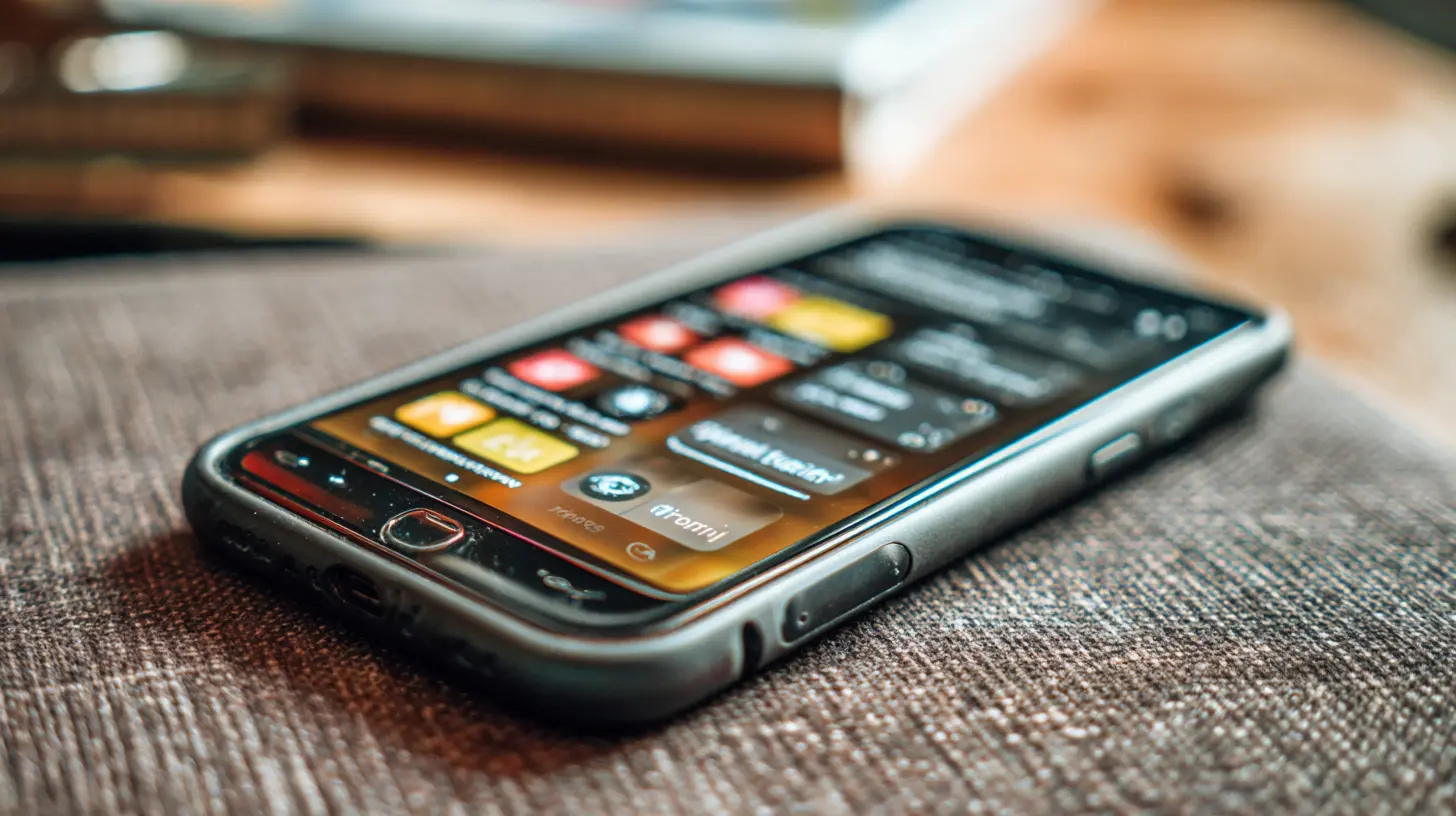
Tame the Home Screen
The home screen is prime real estate, and most people fill it with the apps that steal the most attention. Social media apps, games, and shopping apps sit right there, one tap away. That is a design choice, not a necessity.Rebuild your home screen with intention. Put only the tools you use for work and essential communication on the first page. That means your calendar, a notes app, a task manager, your email client, and a browser. That is it. Everything else goes into the app library or a folder on the second or third page.
The principle is friction. Every extra tap between you and a distracting app gives your brain a moment to pause. If Instagram is buried in a folder, you are less likely to open it on autopilot. If it is on the first page, you will open it thirty times a day without thinking.
You can go further by turning the home screen into a text-based interface. On iOS, you can use widgets to show your calendar and tasks at a glance. On Android, you can use a minimalist launcher like Niagara or Olauncher that replaces icons with text lists. These launchers force you to type or swipe to find apps, which adds just enough friction to kill impulsive opens.
A common mistake is to keep the phone in a dark mode or grayscale to reduce visual appeal. Grayscale works for some people, but it also makes maps, photos, and documents harder to read. A better approach is to keep the interface in dark mode if you prefer it, but remove the colorful icons that trigger dopamine hits. The goal is not to make the phone ugly. It is to make it boring.
The Two-Minute Rule for Notifications and Emails
Once you have notifications under control, the next bottleneck is how you process what does come through. The two-minute rule is simple: if a task or message takes less than two minutes to handle, do it immediately. If it takes longer, write it down somewhere and move on.This rule works because it prevents small tasks from accumulating into a mountain of mental clutter. Replying to a quick email, confirming a meeting time, or sending a file to a colleague takes seconds. If you defer these, you spend more time remembering them than doing them.
The problem is that most people apply the rule too broadly. They see a notification from a chat app and respond immediately, even if the conversation is a long, winding thread that will take twenty minutes. That is not a two-minute task. That is a focus trap.
Use the rule only for tasks that are genuinely quick and finite. For everything else, capture it in a task manager with a due date and move on. The phone becomes powerful when it is a capture tool, not a processing tool.
Build a Task Manager That Matches Your Brain
The default notes app or a sticky note widget is not a task manager. It is a graveyard. You need a system that distinguishes between tasks, projects, and someday items.A good task manager for a phone should have three features: quick capture, due dates, and a review process. Quick capture means you can add a task in under five seconds, usually by typing a title and setting a date. Due dates are self-explanatory. The review process is the part most people skip.
Every evening, spend five minutes reviewing your tasks. Move anything that is not done to tomorrow or a later date. Delete tasks that are no longer relevant. This daily review is what separates a task list from a to-do graveyard. Without it, the list becomes stale, and you stop trusting it.
Popular options include Todoist, Things, and TickTick. Things is elegant but Apple-only. Todoist is cross-platform and has natural language parsing, so you can type "call dentist Friday 3pm" and it sets the date and time. TickTick has built-in timers and habit tracking, which is useful if you want to combine tasks and time tracking in one place.
The trade-off is complexity. More features mean more setup and more maintenance. Start simple. A list with dates is enough for most people. Add labels and priorities only if you actually use them, not because they sound productive.
The Browser Is a Rabbit Hole
The phone browser is where productivity goes to die. You open it to check a fact, and forty minutes later you are reading about the history of bread. The solution is not to delete the browser. It is to change how you use it.First, set your browser's start page to a blank page or a simple search box. No news feed, no "recommended for you," no top stories. Every time you open a new tab, you should see nothing but a search bar.
Second, use reading mode whenever possible. Both Safari and Chrome have a reading mode that strips out ads, comments, and related articles. This reduces the temptation to click through a chain of content that leads nowhere.
Third, use a bookmark manager or a read-it-later app like Pocket or Instapaper. When you come across an interesting article, do not read it in the moment. Send it to your read-it-later list and read it during a designated time, like during lunch or on the weekend. This separates the impulse to click from the act of reading, and it keeps your working sessions clean.
The deeper issue is that the browser is designed for infinite discovery, not finite tasks. You need to treat it as a tool, not a destination. If you find yourself opening the browser without a specific query in mind, close it and pick up a physical book or a long-form article you have already saved.
Use Voice Input to Capture Ideas
Typing on a phone is slow, and slow capture leads to lost ideas. Voice input is the workaround. Both iOS and Android have excellent built-in dictation that can convert speech to text with high accuracy.Use voice input for quick notes, ideas, reminders, and even draft emails. The trick is to speak in complete sentences and then edit later. Do not try to dictate punctuation or formatting. Just talk naturally and clean up the text when you have time.
The best use case is capturing ideas while you are doing something else, like walking, driving, or cooking. You can say "remind me to send the contract to Sarah on Monday" and the phone sets the reminder. You can dictate a full paragraph for a report while you are stuck in traffic. This turns dead time into productive time.
The limitation is accuracy in noisy environments and with technical jargon. For those cases, type it out or use a stylus if your phone supports one. But for general ideas and reminders, voice input is a game changer.
Cut the App Count
You do not need fifty apps. Most people use about ten on a regular basis, and the rest are just clutter that consumes storage and mental bandwidth. Go through your app list and delete anything you have not used in the last month. That includes that photo editing app you downloaded once, the language learning app you abandoned, and the news app that just repeats headlines.The benefit is not just storage space. It is cognitive load. Every app on your phone is a potential distraction and a reminder of a task you are not doing. Removing them reduces the number of choices you have to make, and fewer choices means better decisions.
If you worry about deleting an app you might need later, remember that you can always reinstall it. Most apps sync their data to the cloud, so you lose nothing. The only real cost is the time to reinstall, which is a small price for a cleaner mental environment.
The Battery and Charging Strategy
A productivity phone is a charged phone. Nothing kills flow faster than a 5% battery warning in the middle of a task. But the solution is not to charge your phone constantly. That creates anxiety and tethers you to a wall outlet.Instead, charge your phone overnight and top it up during the day if needed. Use a fast charger at your desk for quick boosts. Avoid using the phone while it is charging if you can help it, because that generates heat and degrades the battery faster.
The bigger strategy is to reduce battery drain. Turn off background app refresh for apps that do not need it. Disable location services for apps that do not need your location. Use Wi-Fi instead of cellular data when you are in a stable network. These small changes can extend your battery life by several hours, which means you spend less time hunting for chargers and more time working.
The Case for a Dumb Phone Sometimes
There is a growing movement of people who ditch their smartphones for dumb phones, phones that only call and text. That is a valid choice for extreme cases, but it is not practical for most professionals. You need maps, email, banking, and two-factor authentication.A better middle ground is the "phone as a tool" approach. Keep your smartphone, but strip it down to the essentials. Remove social media apps entirely. Use the browser version if you must check them, but the friction of logging in each time will discourage frequent use.
Some people go further and use a separate device for work and personal life. That is expensive and cumbersome, but it does draw a clear line. If you can afford two phones, one for work and one for personal, you will never mix contexts. The work phone has only work apps, and the personal phone has only personal apps. The downside is carrying two devices and managing two batteries.
For most people, a single phone with strict focus modes and a minimal home screen is enough. The dumb phone is a fantasy that ignores the real utility of having a computer in your pocket. The key is to use it as a computer, not as a slot machine.
Automatic Shutdowns and Digital Curfews
Your phone should have a bedtime. Set a schedule where the phone automatically enters Do Not Disturb at a certain hour, say 10 PM, and does not allow any notifications except calls from your emergency contacts. On iOS, this is called Sleep Focus. On Android, you can use Digital Wellbeing or a custom focus mode.The reason this matters is that evening phone use is rarely productive. You are tired, your willpower is depleted, and the content you consume is usually low-value. Setting a digital curfew forces you to wind down with a book, a conversation, or just your thoughts.
In the morning, do not check your phone for the first thirty minutes after waking. This is the most critical habit for setting your day's tone. If you start with emails and news, you are immediately in reactive mode. If you start with a glass of water, a stretch, and a plan for the day, you are in proactive mode. The phone can wait.
The Hidden Power of Widgets
Widgets are not just for showing the weather. They are for putting information at a glance so you do not have to open apps. A calendar widget shows your next meeting without opening the calendar app. A task widget shows your top three tasks without opening your task manager. A weather widget tells you if you need a jacket without opening a weather app.The key is to use widgets for information you need frequently and that is time-sensitive. Do not use widgets for social media feeds, news, or anything that invites scrolling. A widget that shows your step count is fine. A widget that shows trending tweets is a trap.
On iOS, you can stack widgets and let the phone rotate between them based on time and location. On Android, you have more freedom to place widgets anywhere. Either way, the goal is to reduce the number of times you unlock your phone and dive into an app.
The Role of Physical Accessories
Your phone is a physical object, and how you hold it affects how you use it. A pop socket or a ring holder makes it easier to grip one-handed, which reduces the chance of dropping it but also makes it more comfortable for long reading sessions. A phone stand on your desk turns the device into a second screen, which is useful for video calls or following a recipe while cooking.The bigger accessory is a smartwatch. A smartwatch can show you notifications, calendar alerts, and messages without pulling out your phone. This is a double-edged sword. Some people find that a watch reduces phone checking because they can glance at a notification and decide if it is worth responding. Others find that a watch increases distraction because they check it constantly.
If you already have a smartwatch, set it to mirror your phone's focus modes. If your phone is in Deep Work mode, the watch should be too. The watch is not a workaround for notifications. It is just another screen.
Common Misconceptions
One misconception is that you need a special productivity phone, like a BlackBerry or a Light Phone. You do not. Any modern iPhone or Android phone can be configured for high productivity. The hardware is not the bottleneck. The setup and habits are.Another misconception is that you need to be constantly available. The opposite is true. The most productive people are the hardest to reach. If you respond to every message within seconds, you train people to expect that behavior, and you will be interrupted more often. Set expectations by responding in batches, a few times per day, and you will train people to wait.
A third misconception is that productivity apps themselves make you productive. They do not. A task manager is only as good as your discipline to review it. A focus app is only as good as your commitment to actually use it. The app is a tool, not a solution.
The Real-World Trade-Off
There is no perfect phone setup. Every choice has a cost. Turning off notifications means you might miss a time-sensitive message. Using a minimalist launcher means it takes longer to find an app you use rarely. Setting a digital curfew means you cannot respond to a late-night work emergency.The trick is to decide what you value more. If you value deep work and mental clarity, you accept the cost of delayed responses. If you value being always available, you accept the cost of constant interruptions. Most people try to have both and end up with neither.
The phone is a mirror of your priorities. If you set it up for focus, you will be more focused. If you set it up for distraction, you will be distracted. The choice is not about the phone. It is about who you want to be.
A Practical Seven-Day Plan
If this all feels overwhelming, do not try to change everything at once. Take seven days and implement one change per day.Day one: turn off all notifications except calls, calendar, and direct messages from your top three contacts.
Day two: set up two focus modes, one for work and one for personal, and schedule them.
Day three: rebuild your home screen with only work tools and essential communication.
Day four: set up a task manager and add your current tasks with due dates.
Day five: set a digital curfew from 10 PM to 7 AM.
Day six: use voice input to capture at least five ideas or tasks.
Day seven: review your progress. Delete any apps you have not used in the past week.
By the end of the week, you will have a phone that works for you, not against you. The transformation is not about buying new hardware or downloading a miracle app. It is about making deliberate choices about what gets your attention and what does not.
Your phone is a powerful machine. It can be a research assistant, a communication hub, a scheduling tool, and a creative canvas. It can also be a black hole for your time. The difference is how you configure it and how you treat it. Start with the setup, then build the habits, and you will turn your phone into a productivity powerhouse that actually lives up to the name.
all images in this post were generated using AI tools
Category:
Smartphone TipsAuthor:

Jerry Graham
Discussion
rate this article
1 comments
Capri Young
Turning your phone into a productivity powerhouse might just lead to getting more done. Or it could be the start of your screen addiction... again.
August 19, 2026 at 4:17 AM
Jerry Graham
It's all about balance. Use the tools wisely, and they can help you stay productive without falling into old habits.