Mastering Touch Controls: Tips for Smooth Mobile Gameplay
7 July 2026
Mobile games have come a long way from pixelated Snake on old-school Nokia phones to immersive, console-quality experiences that fit in your pocket. But there's always one thing standing between you and total domination in your favorite mobile title—touch controls.
Let’s be honest. Love them or hate them, touch controls are a beast of their own. No physical buttons, no tactile feedback—just you, your screen, and your reflexes. If you've ever rage-quit a mobile match because your thumb slipped or your character just wouldn’t move where you wanted, you're not alone.
But here’s the good news: mastering touch controls isn’t just for pro mobile gamers. With the right tips and a little practice, you can level up your gameplay and pull off those ninja-like reflexes like a pro. Ready to stop blaming the controls and start owning the game? Let’s get into it.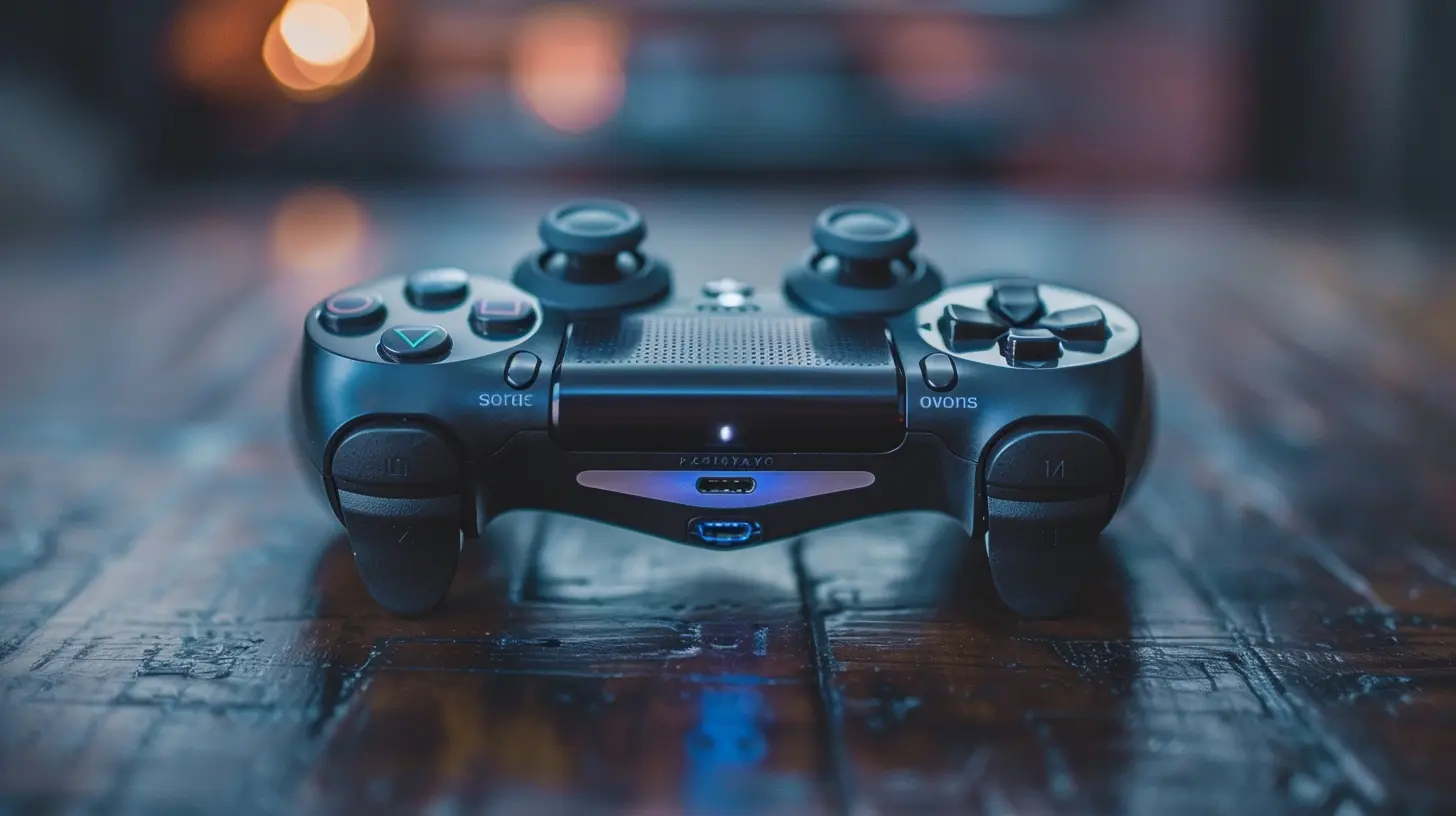
Why Touch Controls Can Make or Break Gameplay
Touchscreens are a double-edged sword. On one hand, they’re accessible and intuitive—no bulky controllers, no tangled wires. On the other, they can feel like trying to thread a needle while wearing mittens.Mobile games demand speed, precision, and timing, and the touchscreen… well, it doesn’t always cooperate. That’s where optimization, practice, and a few clever tips can make a world of difference.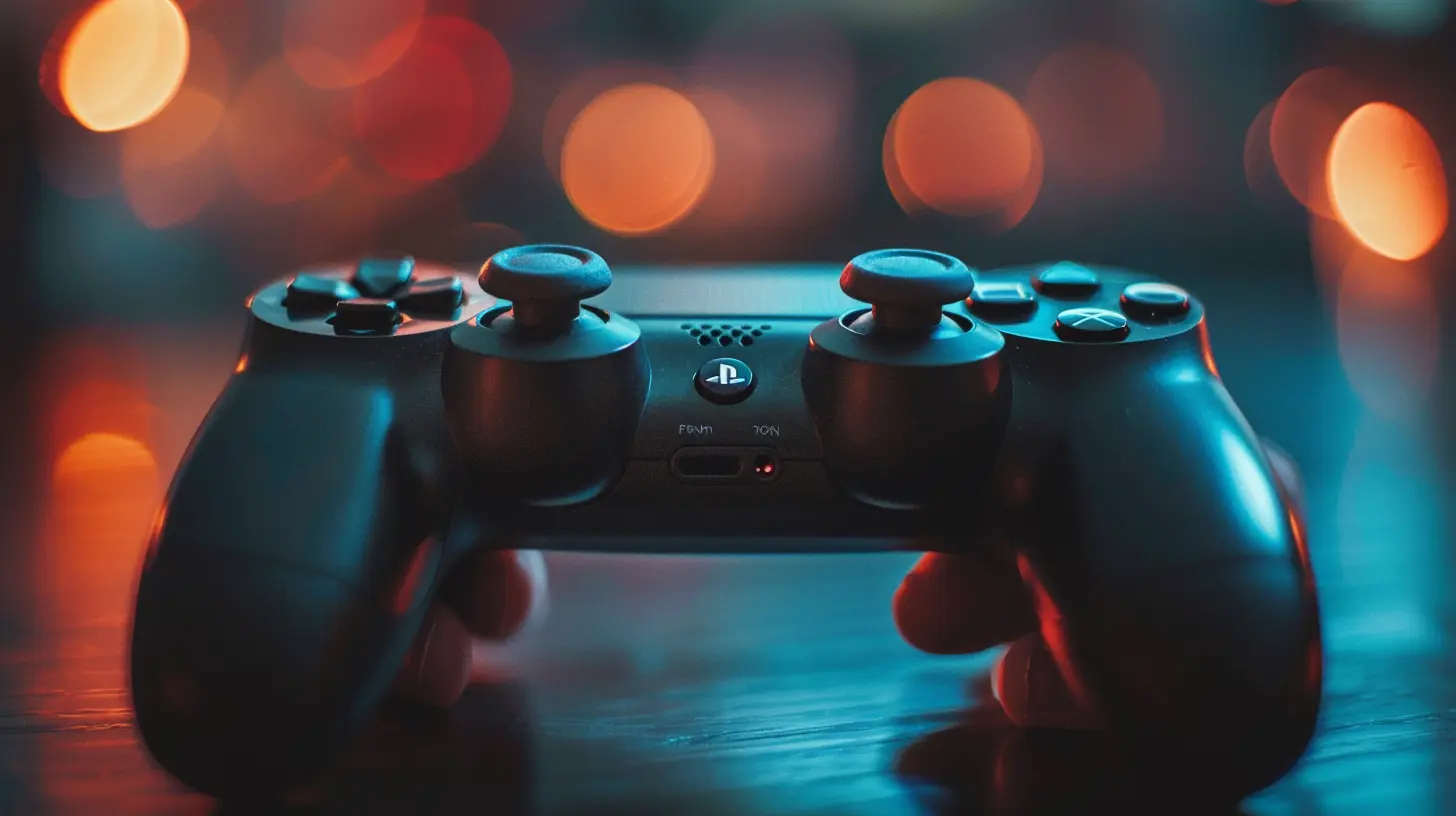
Tip #1: Customize Your Control Layout
Ever try to play a shooter where the fire button is in the worst possible place? That’s like trying to drive a car with your foot on the dashboard.Many modern mobile games (think PUBG Mobile, Call of Duty: Mobile, or Genshin Impact) actually give you the power to customize the controls. That means you can move buttons, resize them, and place them where your fingers naturally rest.
Quick Suggestions:
- Place commonly used buttons (like fire, jump, or dash) near your thumb zones.- Make movement pads larger if you’re always missing them.
- Test the layout in practice modes until it feels like second nature.

Tip #2: Get a Grip (Literally)
Touch input can go haywire if your phone is slipping and sliding in your hands like a wet bar of soap. That’s why grip is crucial.What You Can Do:
- Invest in a phone case with textured sides or a gaming grip attachment.- Keep your hands dry. Moisture makes precision next to impossible.
- Use mobile triggers for shooting or aiming in FPS games. These add a semi-physical button feel.
You wouldn’t play basketball in flip-flops, right? Same logic applies here—your gear matters.
Tip #3: Calibrate Sensitivity Settings
Most competitive games allow you to tweak the sensitivity of your controls. Trust me, this is game-changing—pun intended.If your aim is off, or your camera moves like it’s stuck in molasses, it’s probably your sensitivity settings causing the lag or jerkiness.
Pro Moves:
- Start with default settings, then gradually adjust.- Increase sensitivity for faster tracking, especially in fast-paced titles.
- Lower it for games where precise aiming (like sniping) is key.
Bonus tip: some games let you adjust this per weapon or scenario (hip fire vs. aiming down scopes). Don’t skip this!
Tip #4: Use Thumb Placement Techniques
Yeah, there's a science to thumb positioning too. It's not just slapping your thumbs on the screen and hoping for the best.Try These:
- Claw grip: Use multiple fingers instead of just thumbs (great for complex games).- Floating joystick: In games that allow it, use a floating joystick that follows your thumb’s position rather than locking into a fixed spot.
- Position awareness: Avoid covering the action with your fingers. Adjust your hands so you’re getting a clear view.
It's like playing the piano—once your fingers know where to go, they just dance across the keys.
Tip #5: Prioritize Screen Real Estate
Bigger isn’t always better… except when it comes to mobile screens. If you've got a tiny screen and chunky fingers, it’s already an uphill battle.Some Hacks:
- Use phones or tablets with larger screens for immersive gaming.- Enable full-screen mode and hide unnecessary UI elements.
- Turn on “Do Not Disturb” to keep notifications from interrupting you mid-clutch.
Remember, space is your friend. Don’t let crowded interfaces mess with your flow.
Tip #6: Practice Makes... Well, You Know
This one’s obvious, but often skipped. You can’t master touch controls by playing once a week.Stay Warmed Up:
- Spend 5–10 minutes BEFORE you dive into ranked games to warm up.- Use training modes or low-pressure matches.
- Focus on improving one element at a time—like aiming, dodging, or movement.
Muscle memory doesn’t develop overnight. But once it clicks, it’s like riding a bike... that fires lasers.
Tip #7: Lower Graphics for Better Performance
Gamers love eye candy, but silky-smooth performance is where it’s at. If your phone lags during intense battles, kiss precision goodbye.What to Do:
- Drop graphic settings to balance visuals and speed.- Enable high frame rate mode if available.
- Close background apps and clear RAM before booting up your game.
You’ll trade some detail for responsiveness—but you’ll win more fights. Fair deal, right?
Tip #8: Consider External Accessories (But Stay Within the Rules)
Sometimes, touch controls just don’t cut it. That’s where accessories like Bluetooth controllers come in, especially if the game allows it.Popular Add-ons:
- Controllers (like Xbox or PS5 via Bluetooth).- Gamepads with touch-mapping apps (check game’s TOS for legality).
- Cooling fans to prevent overheating and performance drops.
Heads up: some competitive games may ban external input in ranked matches. Always check the rules to avoid bans or penalties.
Tip #9: Learn From the Pros
Think you’ve peaked? Take a look at what the pros are doing. YouTube, Twitch, and even TikTok are packed with creators breaking down control layouts, finger placements, and more.How to Learn:
- Watch hand cam videos to see how fingers move in real time.- Join community forums and Discord groups.
- Ask questions—most mobile gamers love sharing tips.
Because sometimes, one little change can turn frustration into domination.
Tip #10: Keep Your Screen Clean
No, we’re not being picky. A smudged screen can mess with recognition and cause lag in input. Clean your screen regularly, and you’ll notice the difference.Quick Cleaning Tips:
- Use a microfiber cloth (not your shirt).- Avoid using harsh cleaning agents—go for screen-safe sprays.
- Keep your gaming environment dust-free too.
Clean screen = clean moves.
Bonus: Mental Focus Is a Game-Changer
Finally, don’t underestimate the power of mindset. Mastering touch controls isn’t just mechanical—it's mental.Train Your Brain:
- Stay calm in intense moments.- Visualize plays before executing them.
- Take breaks—fatigue kills reflexes.
Like in any sport, focus and confidence amplify your physical skills.
Final Thoughts
Mastering touch controls isn’t about hacking the system—it’s about working with it. Whether you're into MOBAs, FPS games, battle royales, or rhythm games, smooth touch gameplay is totally achievable with the right habits and a bit of patience.So next time you’re about to throw your phone across the room because your character wouldn’t jump, take a breath, revisit these tips, and remind yourself: your thumbs are the most powerful weapons you’ve got. Train them well, and no screen can stop you.
Game on!
all images in this post were generated using AI tools
Category:
Mobile GamingAuthor:

Jerry Graham
Discussion
rate this article
1 comments
Claire McMillan
Great tips for enhancing gameplay!
July 11, 2026 at 11:05 AM
Jerry Graham
Thanks for the feedback! I'm glad you found the tips helpful.