Project Management Tools for Dispersed Teams in 2027
11 October 2026
The office did not disappear. It just stopped being the default. By 2027, most knowledge work happens across a patchwork of time zones, home offices, coworking spaces, and the occasional headquarters visit. Teams are not simply remote anymore. They are dispersed, which is a different problem entirely.
Remote work means one person working away from a central office. Dispersed work means the whole team is scattered, often across continents, with no shared clock and no shared hallway. That distinction matters because it changes what project management software actually needs to do. A tool that works beautifully for a hybrid team in one city can fall apart when half the team is asleep while the other half is mid-sprint.
This article is about choosing and using project management tools for that reality. Not a list of features. A way of thinking about the problem.

Why Dispersed Teams Break Ordinary Project Tools
Most project management software was designed around a quiet assumption: that people can talk to each other easily. Standups, quick questions at a desk, a five-minute hallway clarification. When that assumption holds, the tool only needs to store tasks and track status. When it fails, the tool has to carry the entire weight of coordination.That is the core issue. In a dispersed team, the tool is not a record of work. It is the work surface. If a decision is not written down in the tool, it did not happen. If a handoff is not explicit, it will be dropped. If context lives only in someone's head, it is invisible for two-thirds of the day.
Three failure modes show up again and again:
The silent blocker. Someone is stuck, mentions it in a chat message at 4 p.m. their time, and nobody sees it until the next morning. By then, a full day is gone.
The context gap. A task says "update the onboarding flow." The person picking it up has no idea what changed, why, or what "done" looks like. They guess, and they guess wrong.
The meeting tax. To compensate for the missing context, the team schedules more meetings. Meetings multiply, calendars fill, and deep work dies.
Good tooling for dispersed teams attacks all three. Weak tooling makes them worse.
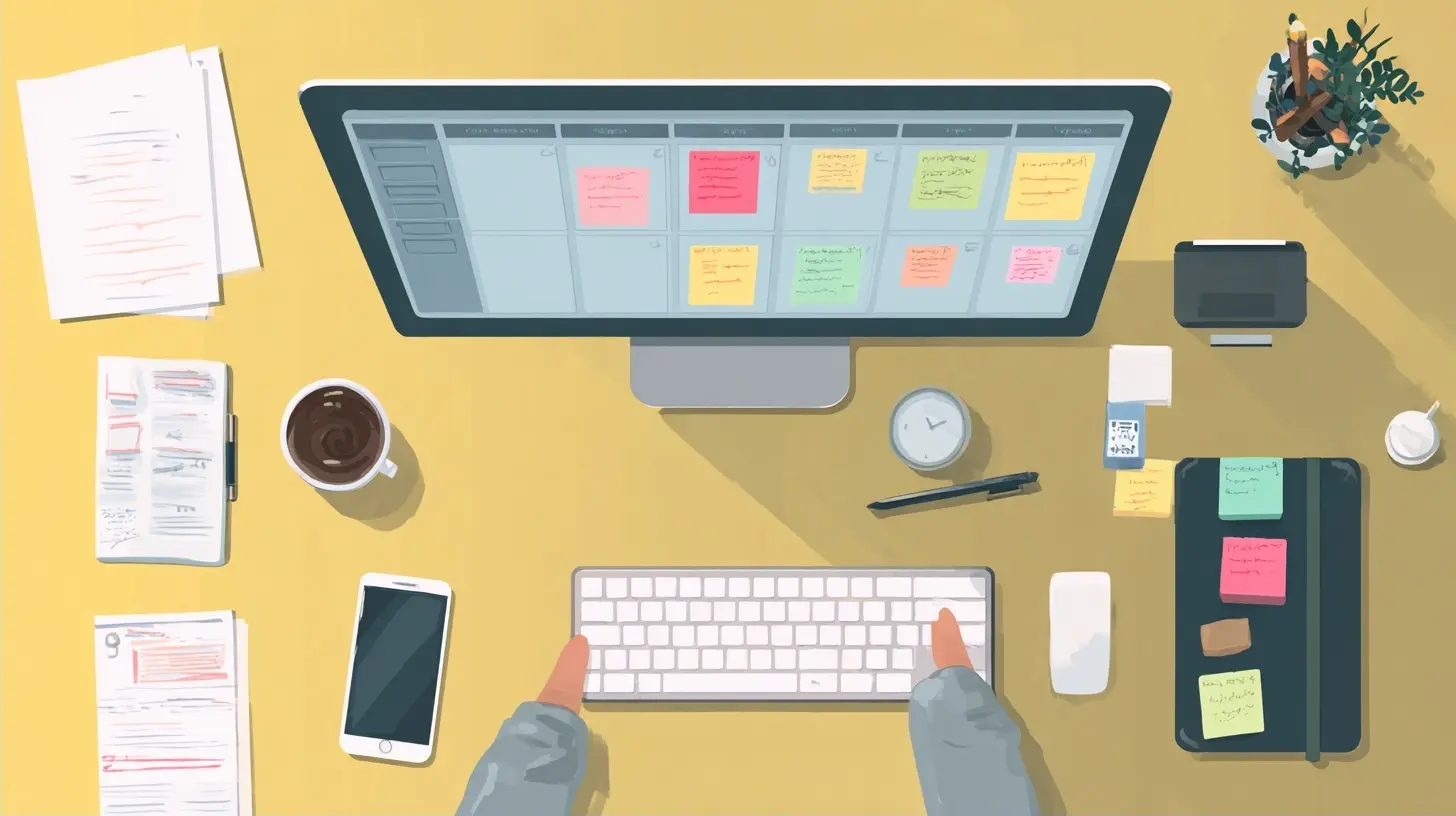
The Real Requirements, Not the Marketing Ones
Vendors sell features. Dispersed teams need capabilities. Here is what actually matters, roughly in order of importance.Asynchronous-first communication
Every tool claims to support async work. Few are built for it. The test is simple: can a person in Tokyo make a decision, document it, and hand off work to a person in Toronto without either of them being online at the same time?If the answer requires a live call, the tool is not async. It is just a chat app with extra steps. Look for threaded comments, decision logs, and the ability to attach context to a task rather than to a conversation that scrolls away.
Time zone awareness as a first-class feature
Most tools show a due date. Very few show what that due date means for each person. A task due "Friday" is ambiguous when the team spans twelve time zones. Does Friday end in London, in San Francisco, or at UTC midnight?Tools that handle this well let you set working hours per person, display deadlines in local time, and warn you when you are assigning work that lands outside someone's working window. This sounds minor. It is not. Time zone confusion is one of the most common sources of missed deadlines in dispersed teams, and it is entirely preventable.
A single source of truth
When a team is spread out, information fragments fast. A decision in chat, a spec in a document, a task in a tracker, a file in cloud storage. The tool that wins is the one that pulls these together, or at least links them tightly.You do not need one tool that does everything. You need one place that is authoritative for status. Everything else can live elsewhere, as long as the tracker points to it clearly.
Low friction for the least engaged person
Here is an uncomfortable truth: your tool is only as good as its weakest adoption. If one engineer refuses to update their task status, the whole board becomes unreliable, and people stop trusting it. Once trust is gone, the tool is dead.The best tools for dispersed teams are the ones that make updating easy enough that even the skeptics do it. Keyboard shortcuts, mobile capture, quick status toggles. Friction kills adoption, and adoption kills tools.

Categories of Tools and What Each Is Actually For
There is no single best tool. There are categories, each suited to a different kind of work. Understanding the categories prevents the classic mistake of forcing one tool to do everything.Lightweight task boards
Tools like Trello and its many descendants use cards and columns. They are fast to set up and easy to understand. For small dispersed teams with simple workflows, they work well.Where they struggle: as complexity grows, boards become cluttered. There is no native way to express dependencies, and reporting is thin. A board with 200 cards tells you nothing at a glance. Use them for small, stable workflows. Move on when the work outgrows them.
Structured project platforms
Tools like Asana, Monday, and ClickUp sit in the middle. They offer tasks, subtasks, dependencies, timelines, and multiple views. They are flexible enough for most teams.The trade-off is configuration debt. These tools let you build almost anything, which means someone has to decide what to build. Without a clear owner and a clear standard, dispersed teams end up with five different project structures and no consistency. Powerful, but only if you govern it.
Engineering-centric trackers
Jira and Linear are built for software teams. They understand sprints, backlogs, and issue types. Linear in particular has earned a following for speed and low friction, which matters enormously for adoption.These tools are excellent when your work is genuinely software development. They are awkward when you try to run marketing campaigns or hiring pipelines through them. The vocabulary fights you the whole way.
Documentation and knowledge tools
Notion, Confluence, and similar tools handle the written layer. For dispersed teams, this layer is not optional. It is where decisions live, where onboarding happens, and where context accumulates.The risk is sprawl. Without structure, a wiki becomes a graveyard of outdated pages. The fix is discipline: a clear hierarchy, a review cadence, and the habit of deleting or archiving aggressively.
Communication and its proper role
Slack, Teams, and their peers are where conversation happens. They are not where work is tracked. The single most common mistake in dispersed teams is letting chat become the system of record. Chat is ephemeral by nature. Decisions made there vanish.The healthy pattern: chat for quick coordination and social connection, the tracker for status, and docs for durable knowledge. Each has a job. Blurring them creates chaos.
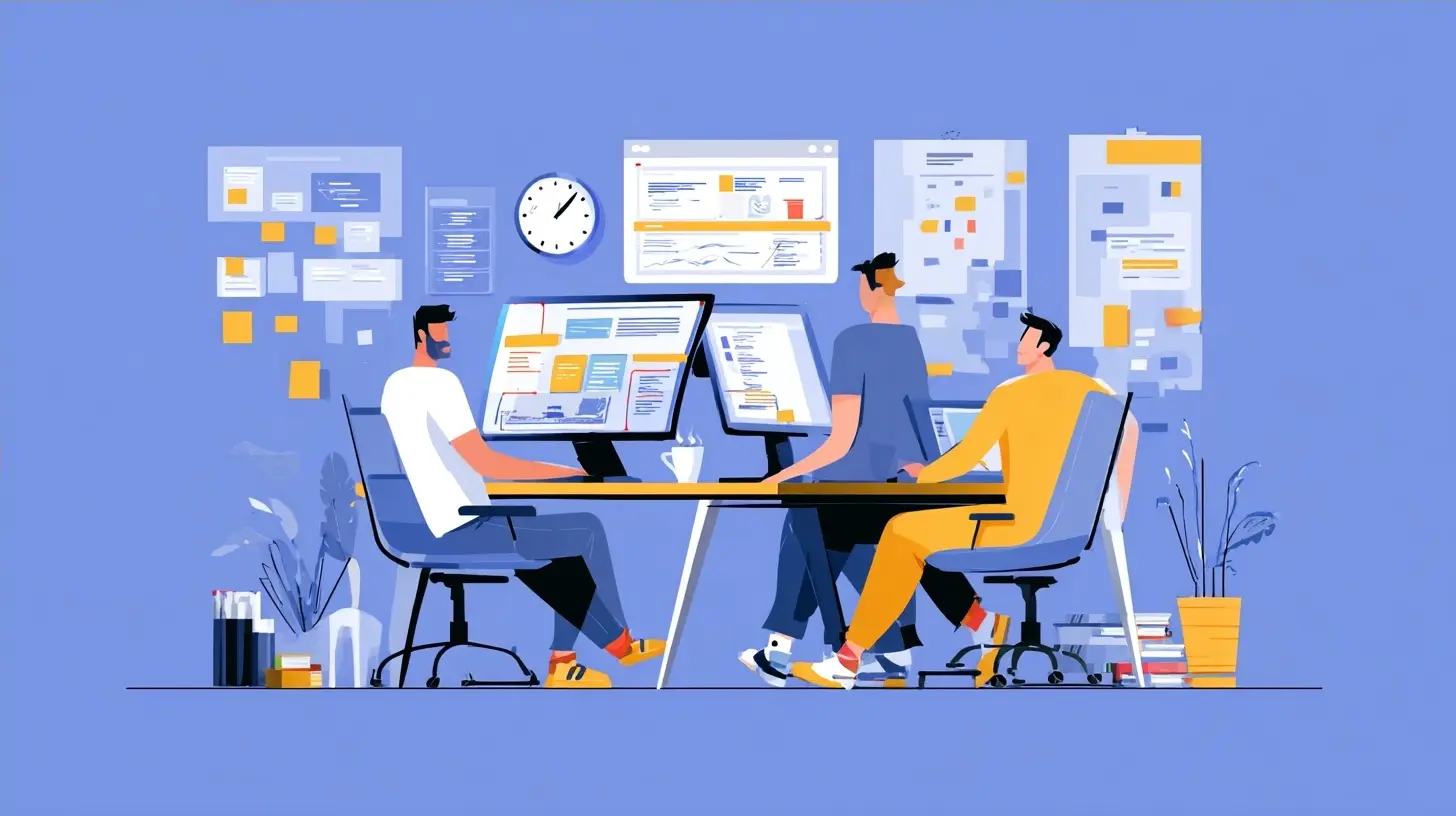
How to Choose Without Regret
Most teams choose tools badly for the same reason: they optimize for features instead of fit. Here is a better process.Start with your work, not the tool. Write down the three or four workflows that matter most. How does a piece of work move from idea to done? Where does it get stuck today? The answers tell you what the tool must support.
Identify your constraint. Every team has one. It might be async communication, or reporting for stakeholders, or integration with existing systems. Choose the tool that solves your constraint, then accept its weaknesses elsewhere.
Test with the whole team, across time zones. A two-week trial where everyone uses the tool for real work reveals more than any demo. Watch for the moment someone says "I'll just ping you about this instead." That is a signal the tool is failing.
Check the exit. Before committing, ask how hard it would be to leave. Data export, API access, migration paths. Tools with easy exits tend to treat customers better, and you will not be trapped if priorities change.
Common Mistakes and Misconceptions
The myth of the all-in-one. Teams chase a single tool that does tasks, docs, chat, and video. In practice, all-in-one tools are usually mediocre at several things rather than excellent at one. Integration between focused tools often beats consolidation, provided the links are tight.Over-automation. Automation is seductive. But automating a broken process just produces broken results faster. Fix the process first, then automate the parts that are genuinely repetitive.
Ignoring the notification problem. Dispersed teams drown in notifications. Every tool wants attention. Without clear rules about what deserves a ping and what can wait, people either ignore everything or burn out. Decide as a team what triggers a notification, and be ruthless.
Confusing presence with productivity. A tool that shows green dots and "online" status can create pressure to appear available. That is the opposite of what dispersed teams need. Async work means people are often offline on purpose. Tools that respect deep work matter more than tools that broadcast availability.
Assuming everyone reads. In a dispersed team, writing clearly is a skill, not a nice-to-have. A task description that assumes shared context will fail. The best teams write as if the reader has no memory of yesterday's conversation, because often they do not.
Practices That Make Any Tool Work Better
Tool choice matters less than how you use it. These practices consistently separate functional dispersed teams from struggling ones.Write decisions down, in the tool. Every significant decision gets a short written record: what was decided, why, and what it affects. This single habit eliminates countless future misunderstandings.
Define done explicitly. "Done" means different things to different people. Spell it out. A task is done when the code is merged and deployed, or when the draft is reviewed and approved. Ambiguity here causes endless rework.
Set response time expectations. Not everything is urgent. Agree on norms: chat for same-day responses, tasks for within a couple of days, email for when it matters but is not urgent. This reduces anxiety and lets people focus.
Use a handoff ritual. When work passes from one time zone to another, make the handoff deliberate. A short summary of what was done and what is needed next. This is where dispersed teams either shine or stumble.
Review the system quarterly. Tools and processes drift. Once a quarter, ask what is working and what is not. Cut what has become theater. Add what is genuinely missing.
Looking Toward 2027 and Beyond
The direction of travel is clear even if the specifics are not. Tools are becoming more ambient, more integrated with the places work already happens, and more capable of summarizing and surfacing context automatically. AI features are appearing everywhere, from auto-generated task descriptions to meeting summaries.That is useful, but it is not a substitute for clarity. A tool that summarizes a confusing project produces a confusing summary. The fundamentals still matter: clear ownership, written decisions, realistic deadlines, and respect for other people's time zones and focus.
The teams that thrive in 2027 will not be the ones with the most sophisticated software. They will be the ones that treat their tools as a shared language, keep that language simple, and use it consistently. Software amplifies whatever culture you already have. If the culture is clear and considerate, the right tool makes it sing. If it is not, no tool will save you.
Choose deliberately. Write things down. Respect the clock. The rest follows.
all images in this post were generated using AI tools
Category:
Remote Work ToolsAuthor:

Jerry Graham
Discussion
rate this article
1 comments
Lena Kearns
By 2027, I expect project management tools to have a built-in cat filter... because who doesn't want a fuzzy assistant during meetings?
October 16, 2026 at 2:45 AM
Jerry Graham
That's an interesting thought! A cat filter could definitely add some fun to those meetings. Who wouldn't want a little fuzz to lighten the mood?