The Shift Toward Stateless Operating Systems Explained
12 October 2026
For decades, the operating system has been the keeper of state. It remembers your files, your settings, your sessions, your installed programs, and the subtle accumulation of context that makes a machine feel like yours. That role is now being questioned. A growing class of systems treats local persistence as an exception rather than a default, rebuilding themselves on every boot or on demand, pulling configuration from external sources, and discarding anything that is not explicitly meant to survive. This is the shift toward stateless operating systems, and it is less a single product than a design philosophy with real consequences for security, operations, and the way we think about ownership of computing environments.
Understanding this shift requires separating hype from engineering reality. Statelessness is not magic, and it is not universally better. It is a trade-off that pays off spectacularly in some contexts and creates new problems in others. The goal of this article is to explain the mechanics, the motivations, the practical implementations, and the situations where a stateless approach will either save you or frustrate you.
What "Stateless" Actually Means in an Operating System
The word stateless gets used loosely. In practice, it describes a spectrum rather than a binary. A fully stateless system holds no durable local state between sessions. Everything it needs to function is either baked into an immutable image or retrieved at runtime from a trusted source. When the machine powers down, nothing meaningful remains on the local disk that the next boot depends on.Most real systems sit somewhere on this spectrum. A thin client that boots from a network image and mounts a remote home directory is largely stateless. A laptop running a conventional distribution with an encrypted home partition is stateful in the traditional sense. Between them lie configurations that persist some data, such as user documents, while treating the operating system itself as disposable.
The key distinction is between the system layer and the user data layer. Stateless design almost always draws a hard line between the two. The operating system, its libraries, and its configuration become reproducible artifacts. User data, credentials, and anything that must survive a reboot live somewhere else, often in a remote store, a synced volume, or an encrypted container that the system mounts but does not own.
This separation is the conceptual heart of the shift. Once you accept that the OS can be rebuilt from a known-good image, the machine stops being a pet you nurse along and becomes cattle you replace. That mental model, borrowed from large-scale server management, is now migrating to desktops, edge devices, and even phones.

Why This Shift Is Happening Now
Statelessness is not a new idea. Diskless workstations and network booting existed in the 1990s. What changed is the economics and the threat landscape.Security pressure
Every piece of persistent state is an attack surface. Malware that survives a reboot is far more dangerous than malware that evaporates. Configuration drift, leftover credentials, and forgotten services accumulate over time and quietly widen the attack surface. A system that resets to a known state on every boot eliminates entire categories of persistence-based attacks. The attacker's foothold disappears when the machine restarts. This does not make the system invulnerable, but it removes a whole class of problems that traditional systems struggle to contain.Operational scale
Managing thousands of machines that each drift in their own direction is expensive. Configuration management tools help, but they fight against entropy. An immutable, stateless image flips the model: you build one image, test it, and deploy it everywhere. If a machine misbehaves, you replace its image rather than debug its unique snowflake configuration. This is why container platforms and cloud infrastructure pushed statelessness into the mainstream. The same logic now applies to endpoints.Hardware and connectivity assumptions
Always-on connectivity was once a luxury. Today it is a reasonable default in many environments. When a device can reliably reach a configuration source or a remote data store, local persistence becomes optional rather than essential. Faster networks and cheaper storage in the cloud make centralization practical.Lifecycle and compliance
Regulated industries need to prove what software is running and that it has not been tampered with. A reproducible image with a verifiable signature is far easier to audit than a machine that has been patched and tweaked for three years. Statelessness turns compliance from a forensic exercise into a build-time property.
Common Architectures and How They Work
Statelessness shows up in several concrete forms. Each solves a slightly different problem and carries its own costs.Immutable images with atomic updates
Here the root filesystem is read-only and shipped as a versioned image. Updates replace the entire image rather than patching files in place. If an update fails, the system rolls back to the previous image. The machine's identity and user data live in separate writable partitions or remote stores.This approach shines because it makes updates deterministic. There is no half-patched state, no dependency conflict discovered at boot. The trade-off is that any change to the system layer requires rebuilding and redistributing an image, which can be slow and demands disciplined tooling.
Network boot and thin clients
The device downloads its operating system over the network at startup and keeps little or nothing on local storage. This is common in kiosks, call centers, computer labs, and some enterprise fleets. The appeal is centralized control: update the image on the server, and every client picks it up on next boot.The obvious weakness is dependence on the network. If the boot server or the link is unavailable, the device is a brick. Designs mitigate this with local caching or a fallback image, but those reintroduce state and complexity.
Container-oriented and cloud-native hosts
On servers, statelessness is often expressed through container orchestration. The host runs a minimal, often immutable OS whose only job is to run containers. Application state lives in databases, object stores, or external volumes. The host can be wiped and reprovisioned without data loss.This works because the application was designed for it. The same cannot be said for arbitrary desktop software, which is why server-side statelessness matured faster than desktop statelessness.
Ephemeral and session-based desktops
Virtual desktop infrastructure can deliver a fresh desktop session on each login, with user data and profiles stored separately. The user gets a consistent environment, and the underlying virtual machine can be discarded after logout. This is statelessness applied at the session layer rather than the device layer.
The Benefits, Stated Precisely
It is easy to list advantages in the abstract. The value comes from understanding why each benefit exists and when it actually materializes.Predictable recovery. Because the system can be rebuilt from an image, recovery from corruption or compromise is a reimage rather than a repair. This is faster and more reliable, but only if the image pipeline is healthy and the user data is genuinely separate.
Reduced configuration drift. Machines that boot from the same image behave the same way. Drift still occurs in user data and in any writable areas, so discipline is required to keep the boundary clean.
Simplified compliance and auditing. A signed image with a known bill of materials answers most questions about what is running. Auditors like reproducible artifacts. The catch is that you must actually maintain the signing and build process.
Lower long-term maintenance. Patching becomes image rebuilding. You test once and deploy broadly. This scales well, but it front-loads engineering effort into the build system.
Stronger containment of persistence threats. Malware that relies on surviving a reboot loses its foothold. This is a real gain, though it does not stop in-memory attacks or attacks that exfiltrate data within a single session.
The Costs and the Cases Where Statelessness Fails
A balanced view matters here, because statelessness is often oversold.Dependence on infrastructure. If configuration or data lives remotely, the network becomes a single point of failure. Offline scenarios, field work, and unreliable environments suffer. You can cache locally, but caching is state, and state must be managed.
Performance and latency. Pulling an image or profile over the network at every boot adds time. For a kiosk that reboots rarely, this is fine. For a workstation that reboots several times a day, it is annoying.
Limited customization. Users who rely on deeply personalized environments, specific drivers, or niche software may find immutable systems restrictive. Workarounds exist, such as layering or containers, but they add complexity.
Data loss risk. If the boundary between system and user data is misconfigured, a reset can wipe important files. This is one of the most common and painful mistakes in stateless deployments.
Tooling maturity. Desktop statelessness is less mature than server statelessness. Driver support, peripheral handling, and application compatibility can be rough. This is improving, but it is not uniform.
The honest conclusion is that statelessness is a strong fit for controlled, networked, replaceable environments and a poor fit for offline, highly personalized, or hardware-diverse ones. Most organizations end up with a hybrid.
Real-World Scenarios and How to Think About Them
Consider a hospital deploying hundreds of nursing station terminals. The terminals run a fixed set of applications, users log in with shared credentials or badges, and patient data lives in a central system. A stateless image with network boot and remote profiles fits well. Reimaging a misbehaving terminal takes minutes, and no patient data sits on the device.Now consider a video editor working on large local projects with specialized hardware. The editor needs fast local storage, specific GPU drivers, and a personalized toolchain. Forcing statelessness here would hurt productivity. A better approach might be an immutable base OS with a carefully managed writable workspace, or simply a conventional system with strong backup and configuration management.
The pattern is consistent. Statelessness works when the environment is homogeneous, the data is centralized, and the device is replaceable. It struggles when the environment is heterogeneous, the data is local, or the device is unique.
Common Mistakes and Misconceptions
Several recurring errors show up in stateless rollouts.Treating statelessness as a security silver bullet. It removes persistence-based threats but does nothing about phishing, credential theft, or in-session exfiltration. Security still requires layered controls.
Forgetting the user data boundary. Teams sometimes assume everything is disposable and discover too late that critical files lived in a writable area that gets wiped. Define and test the boundary explicitly.
Underinvesting in the image pipeline. Statelessness moves complexity from the endpoint to the build system. If that pipeline is fragile, every update becomes a risk. Treat it as production infrastructure.
Ignoring offline requirements. Devices that occasionally lose connectivity need a coherent offline story. Either cache what is needed or accept degraded function, but decide deliberately.
Assuming all applications are compatible. Some software writes to system directories, expects persistent licenses, or assumes a stable machine identity. Test before committing.
Overlooking identity and secrets. Stateless machines often need credentials to reach remote resources. How those credentials are issued, rotated, and protected becomes a central design question.
Best Practices for Adopting a Stateless Model
If you are considering this shift, a few practices separate successful rollouts from painful ones.Start by mapping where state actually lives. Inventory configuration files, licenses, caches, and user data. You cannot separate what you have not identified.
Design the data layer first. Decide where user data, profiles, and secrets will live, how they will be backed up, and how they will be restored. The system layer is easier once this is settled.
Automate image builds end to end. Reproducibility is the whole point. Manual steps in the build process undermine it.
Version and sign your images. This enables rollback and gives you a verifiable chain of custody.
Test updates on a canary group. Even deterministic images can break on specific hardware. Staged rollouts catch this.
Plan for failure modes. What happens when the network is down, the image server is unreachable, or a user needs to work offline? Have answers before deployment.
Train users and support staff. Expectations change when machines reset. People need to know where their files live and what to do when something goes wrong.
Measure the right things. Boot time, update success rate, recovery time, and support ticket volume matter more than the elegance of the architecture.
Where This Is Heading
The shift toward stateless operating systems is likely to continue, but not as a wholesale replacement of stateful computing. The more probable outcome is a widening split. Controlled, networked, replaceable environments will increasingly default to stateless designs because the operational and security benefits are concrete. Personal, offline, and hardware-intensive environments will retain state, but with better tooling to manage it.Expect to see stronger separation between system and data layers across the board, more mature desktop tooling for immutable images, and tighter integration between identity systems and device provisioning. The interesting question is not whether statelessness wins, but where the boundary between disposable and durable settles for each class of device.
For anyone making decisions today, the practical guidance is straightforward. Understand your environment, identify where state genuinely matters, and adopt statelessness where it solves a real problem rather than where it sounds modern. The philosophy is sound. The execution is what determines whether it helps or hurts.
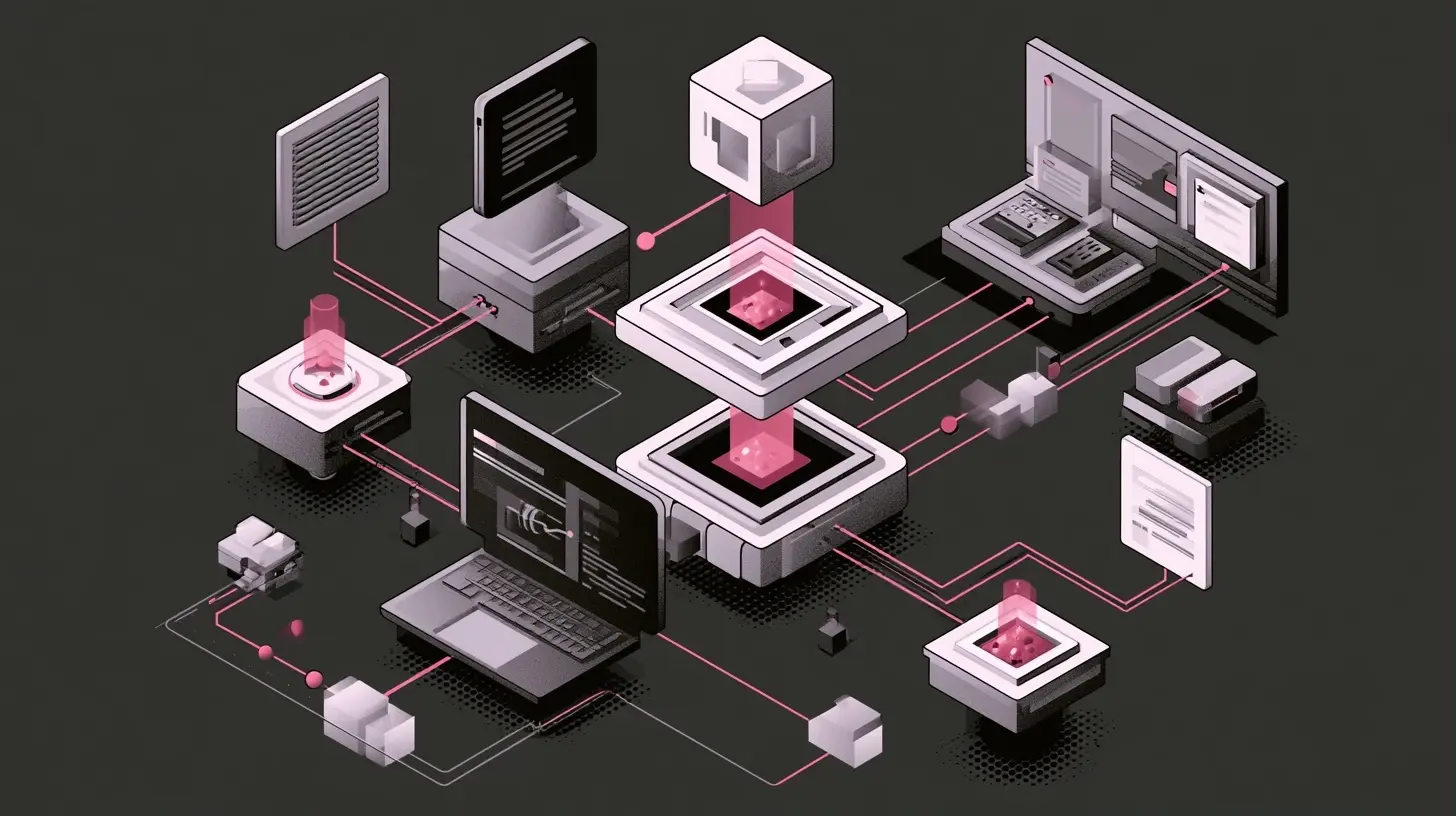
all images in this post were generated using AI tools
Category:
Operating SystemsAuthor:

Jerry Graham
Discussion
rate this article
1 comments
Runevale Ortiz
This article is a fantastic dive into the future of computing! Stateless operating systems could really change how we think about efficiency and flexibility. It's exciting to see how technology keeps evolving, making things easier for users while boosting performance. Can't wait to see what comes next!
October 14, 2026 at 4:44 AM
Jerry Graham
Thanks for the engagement! I'm glad you found the article insightful. The future of stateless systems is indeed promising, and I'm excited to see the advancements that lie ahead. Stay tuned!