Battery-Saving Tips for Longer Mobile Gaming Sessions
14 April 2026
Mobile gaming has evolved rapidly over the years, with games becoming more graphically intense and requiring more power from our smartphones. Whether you're battling it out in Call of Duty Mobile, building your dream world in Minecraft, or strategizing in Clash Royale, one thing’s for sure—nothing ruins your gaming session faster than a dead battery. Ever been in the middle of a crucial boss fight only to have your phone flash that dreaded "low battery" notification? Yeah, been there.
The good news is you don’t have to let battery life put a damper on your gaming experience. With a few simple tweaks and tricks, you can extend your phone's battery life and keep gaming for longer. Let’s dive into some battery-saving tips for longer mobile gaming sessions.

1. Lower Your Screen Brightness
Your screen is one of the biggest battery drains on your phone. The brighter the screen, the quicker your battery drains. It’s like trying to run a marathon while carrying extra weight—you're going to wear out faster. So, what’s the fix? Lower your screen brightness.I know, I know—playing games with a dim screen isn’t ideal, but you’d be surprised how much battery you can save by reducing brightness just a little. Most games are designed with colorful, high-contrast visuals, so you won’t really lose much in terms of gameplay quality. Plus, your eyes will thank you for it after an extended gaming session.
Pro Tip:
If you’re gaming in a dark room or at night, consider turning on Night Mode (or Dark Mode). This reduces the strain on your eyes and conserves battery.
2. Turn Off Background Apps
Let’s face it—we’re all guilty of leaving multiple apps running in the background. And while it might not seem like a big deal, these apps can be quietly siphoning off your battery life, even when you’re not using them. Think of it like leaving the faucet trickling—it doesn’t seem like much at first, but over time, it adds up.Before you start a gaming session, it’s a good practice to close any unnecessary apps running in the background. Not only will this save battery, but it’ll also free up your phone’s processing power, making your game run smoother. Nobody likes lag, right?
How to Close Background Apps:
- On Android: Go to your recent apps and swipe them away.- On iOS: Double-tap the home button (or swipe up from the bottom) to view recent apps, then swipe them off the screen.
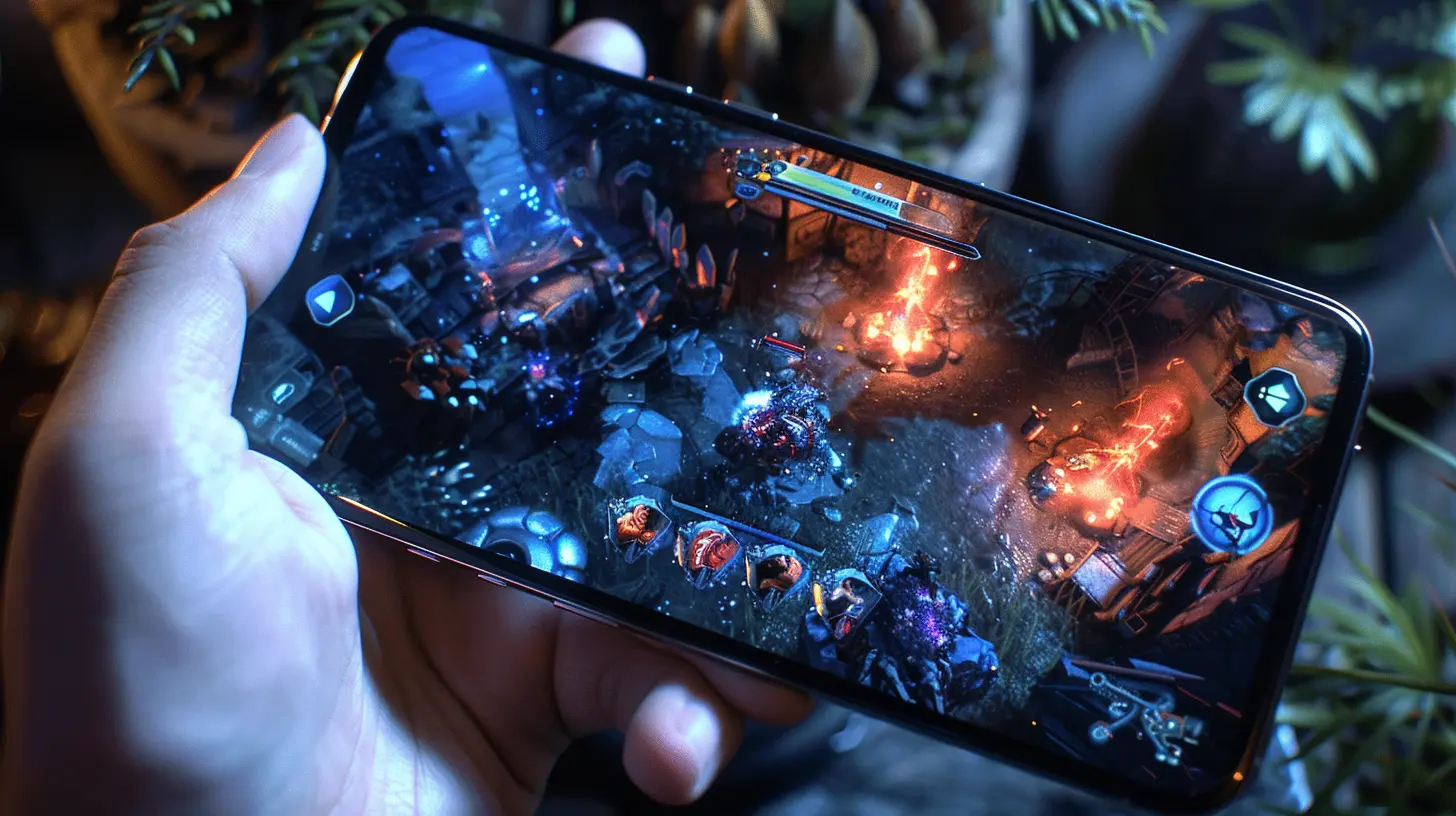
3. Use Airplane Mode (When Possible)
If you’re playing a game that doesn’t require an internet connection, turning on Airplane Mode is a great way to conserve battery. When your phone is constantly searching for Wi-Fi or a strong cellular signal, it drains a lot of power. Airplane Mode disables your phone's antenna, meaning it won’t be searching for a connection—thus saving battery.Of course, this won’t work for online multiplayer games (like PUBG Mobile or Fortnite), but for offline games or solo adventures, it’s a game-changer—pun intended.
4. Disable Vibration and Haptic Feedback
Vibration and haptic feedback (the little buzz you feel when typing or interacting with apps) can be fun and immersive, especially in games that use them creatively. But here’s the thing: every time your phone vibrates, it's using a small motor that drains your battery.Turning off vibrations and haptics during gaming is a subtle but effective way to stretch your battery life. You can usually find this setting in your phone’s sound or accessibility settings.
Quick Tip:
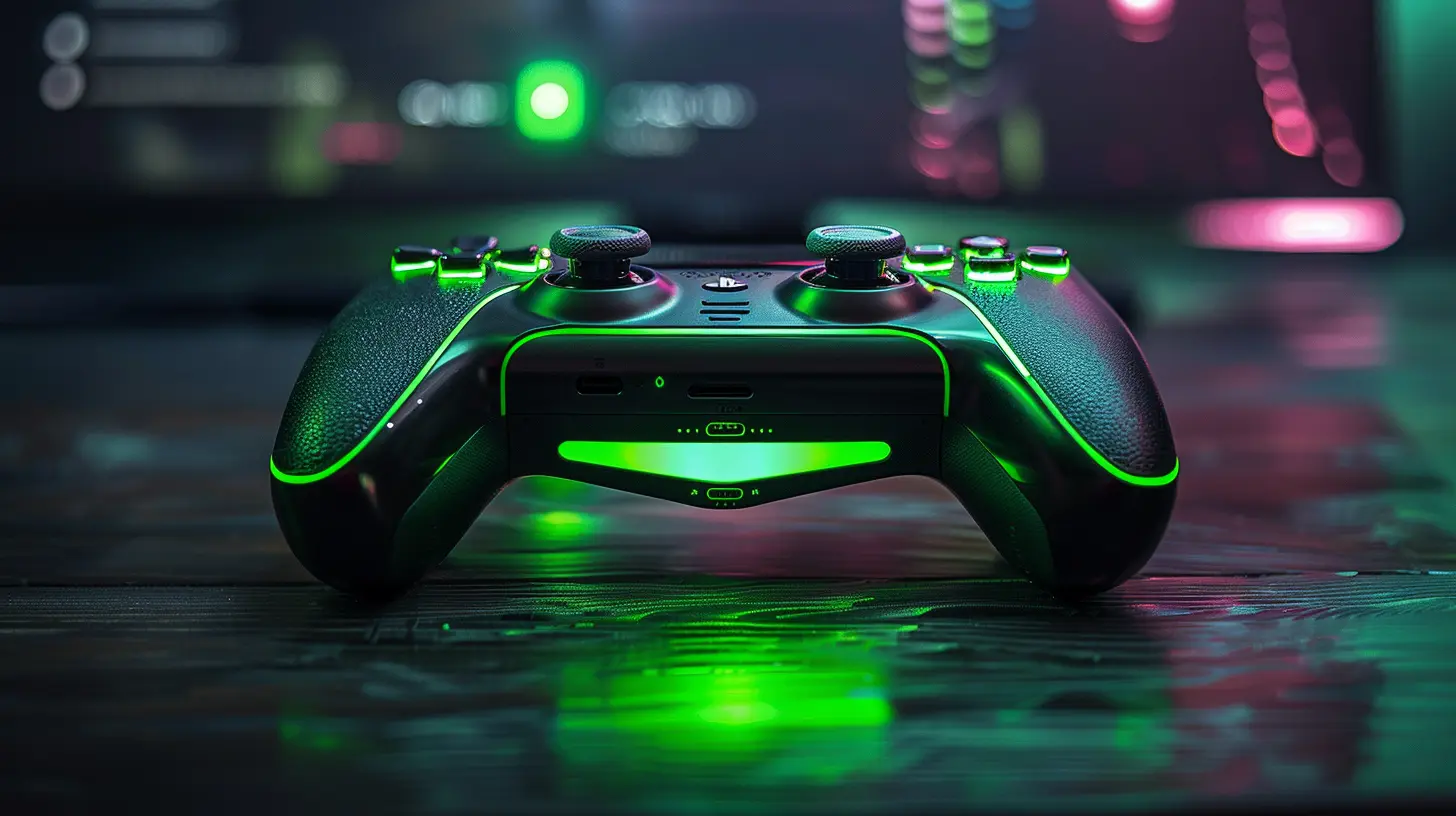
If you're still craving that immersive feedback, try using a gaming controller instead. Many mobile games now support Bluetooth controllers, which can give you that tactile experience without draining your phone’s battery.5. Activate Battery Saver Mode
Most smartphones come with a built-in Battery Saver Mode. This is your phone’s way of saying, “Hey, I’ll help you stretch your battery life a bit longer.” When activated, Battery Saver Mode limits background activity, reduces performance slightly, and cuts down on visual effects—without compromising too much on gameplay.On Android, you can turn on Battery Saver Mode from your settings or notifications shade, while iPhone users can access Low Power Mode through the battery settings.
It's like giving your phone a little extra endurance boost, perfect for when you're deep in the game and can't afford to stop.
6. Limit Push Notifications
Ever been interrupted by a notification in the middle of an important game moment? Annoying, right? But beyond the disruption, notifications can also drain your battery, especially if your phone wakes up, vibrates, or plays a sound each time you get one.Limiting or turning off push notifications for non-essential apps while gaming can help you save battery. Plus, you’ll have fewer distractions, which means more focus on crushing your high score.
How to Disable Notifications:
- On Android: Go to Settings > Apps & notifications > Notifications.- On iOS: Go to Settings > Notifications and configure app-specific notifications.
7. Keep Your Phone Cool
Did you know that heat is a silent battery killer? When your phone gets too hot, the battery drains faster than usual. This is why you might notice a rapid battery drop when you’re gaming for long periods, especially if you’re outdoors or in a warm environment.To keep your phone cool:
- Avoid gaming in direct sunlight or hot environments.
- Remove your phone case during long gaming sessions (cases can trap heat).
- Take breaks to give your phone time to cool down.
It’s like giving your phone a breather. Treat it well, and it’ll treat you well in return.
8. Update Your Games and Phone Software
Software updates might seem like a chore, but they’re crucial for keeping your phone running efficiently. Game developers and phone manufacturers often release updates that include performance improvements and battery optimizations.By keeping your games and phone software up to date, you ensure that you’re getting the most efficient performance possible, which can translate into longer battery life during gaming sessions.
9. Optimize In-Game Settings
Many mobile games allow you to tweak graphics settings. If you’re playing a game with console-quality graphics, it’s going to consume more power than a simpler 2D game. However, most games have settings that let you adjust things like frame rate, resolution, and visual effects.Reducing the graphics quality or lowering the frame rate can significantly extend your battery life without sacrificing too much of the gameplay experience. Sure, the game might not look as stunning, but when push comes to shove, wouldn’t you rather play longer?
Pro Tip:
If the game offers a “Battery Saver” option in the settings, enable it. Some games are designed with battery-saving modes that adjust performance based on your device’s current battery level.
10. Use an External Battery Pack
Okay, this tip might seem obvious, but it’s worth mentioning. If you’re serious about mobile gaming and want uninterrupted sessions, investing in a good external battery pack (a.k.a. power bank) can be a game-changer.With a power bank, you can charge your phone while playing, ensuring you never run out of juice—even during marathon gaming sessions. Look for one with fast-charging capabilities to top up your phone quickly during a break.
11. Turn Off Location Services
Location services (GPS) can be a sneaky battery drainer, especially if you're not actively using it. Some games may request access to your location data, but it’s not always necessary for all of them. If you're not playing a location-based game like Pokémon GO, turning off location services can help conserve power.To disable location services:
- On Android: Go to Settings > Location.
- On iOS: Go to Settings > Privacy > Location Services.
12. Switch to Wi-Fi (When Available)
If you’re gaming at home or somewhere with a reliable Wi-Fi connection, always opt for Wi-Fi over mobile data. Mobile data consumes more battery because your phone is constantly communicating with cell towers. Wi-Fi, on the other hand, uses less energy for data transmission, which can help stretch your battery life during those long gaming sessions.Pro Tip:
If your Wi-Fi connection is strong, consider turning off your phone’s cellular data entirely while gaming. This reduces the power needed to keep both the Wi-Fi and mobile data antennas active.13. Charge Smart: Don’t Let Your Battery Drain to 0%
Lastly, it’s important to take care of your battery in the long run. Letting your phone’s battery consistently drain to 0% can shorten its overall lifespan. Try to keep your battery between 20% and 80% for the best longevity. When you’re gaming for long periods, take breaks to charge your phone and avoid deep discharges.
Conclusion
Mobile gaming is tons of fun, but nothing is worse than having your session cut short by a dead battery. By following these battery-saving tips, you can extend your phone’s battery life and enjoy longer, uninterrupted gaming sessions. Whether you're tweaking your in-game settings, lowering your screen brightness, or investing in an external battery pack, there are plenty of ways to keep the fun going without worrying about running out of juice.Now, go on—equip those tips like power-ups and game on!
all images in this post were generated using AI tools
Category:
Mobile GamingAuthor:

Jerry Graham
Discussion
rate this article
2 comments
Falkor Porter
Maximize your gaming time by lowering screen brightness, disabling unused features, and closing background apps. Game smarter!
April 23, 2026 at 4:07 AM
Jerry Graham
Great tips! Every bit helps when you're in a gaming marathon.
Fenris McClintock
This article offers practical insights into maximizing battery life during mobile gaming. Implementing these strategies not only enhances gameplay longevity but also contributes to overall device health—an essential consideration for gamers.
April 16, 2026 at 4:31 AM
Jerry Graham
Thanks for your feedback! I'm glad you found the tips helpful for both gaming and device health. Happy gaming!