Data Visualization Tools Every Analyst Should Know
23 January 2026
If you're swimming in a sea of raw data, trying to make sense of it all, you're not alone. Data is everywhere—piling up faster than we can blink. But as an analyst, your job isn’t just about crunching numbers; it's about telling a story. And what better way to do that than with data visualization?
Yeah, you could stare at rows and columns all day, but let’s be honest—nobody has time for that. A good data visualization tool can turn cold, hard numbers into insights that actually make sense. So, let's dive into some of the best data visualization tools every analyst should know!
1. Tableau – The King of Simplicity & Power
When it comes to data visualization, Tableau is practically a household name. And for a good reason!Why Analysts Love It
- Drag-and-Drop Interface: No coding required—just drag, drop, and boom! Beautiful visuals.- Powerful Data Handling: Handles vast amounts of data without breaking a sweat.
- Interactive Dashboards: Makes it easy to drill down into insights.
- Seamless Integrations: Connects with databases, spreadsheets, cloud services, and more.
Tableau is like the Swiss Army knife of data visualization. It’s great for both beginners and seasoned analysts who need top-tier reports packed with insights.
💡 Best For: Business Intelligence, Big Data Analysis, Corporate Reports.
2. Power BI – Microsoft’s Data Wizard
If you’re already knee-deep in Microsoft tools, Power BI is a no-brainer. It integrates seamlessly with Excel, SQL Server, and even Azure.Why It Stands Out
- Tight Integration With Microsoft Ecosystem: Works like magic with Excel and other MS products.- AI-Powered Insights: Get data trends with just a click.
- Real-Time Monitoring: Keep track of changes as they happen.
- Cost-Effective Option: More affordable compared to some competitors.
Power BI is Microsoft's answer to data visualization, and honestly, it does a solid job. Whether you're a beginner or an advanced user, this tool has something for everyone.
💡 Best For: Business Analysts, Enterprise Reporting, Microsoft-Focused Work Environments.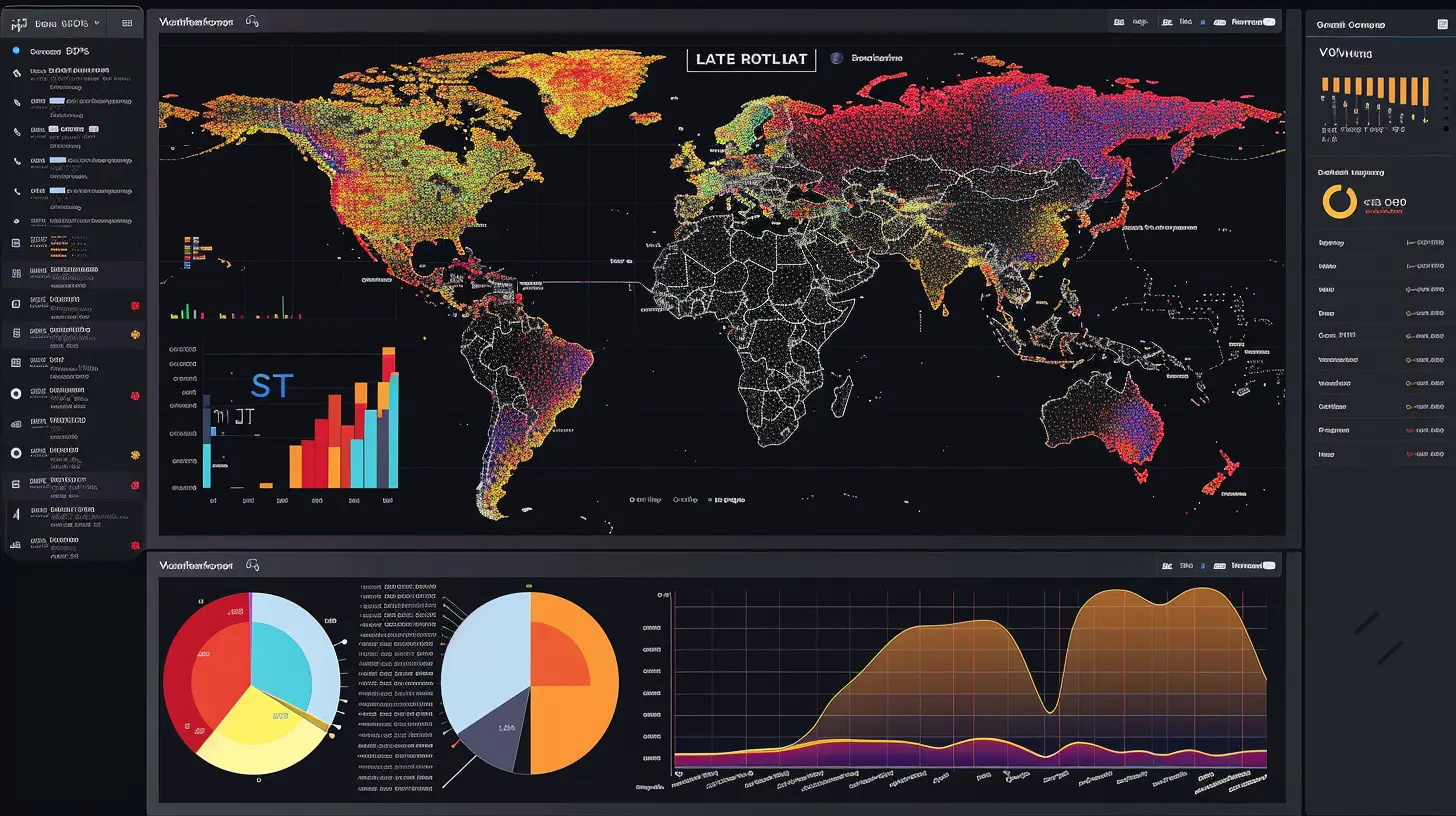
3. Google Data Studio – The Free & Mighty Tool
Who doesn’t love free stuff? Google Data Studio is a fantastic free tool that simplifies data visualization for individuals and businesses alike.Why Analysts Should Care
- Completely Free: No licenses, no hidden costs.- Easy Google Integration: Works effortlessly with Google Sheets, Google Analytics, and BigQuery.
- Customizable Reports: Build dashboards that look polished and professional.
- Shareable & Collab-Friendly: Work real-time with your team—no hassle.
Sure, it doesn't have the bells and whistles of Tableau or Power BI, but for a free tool, Google Data Studio punches way above its weight.
💡 Best For: Digital Marketers, Small Businesses, Google Analytics Users.
4. Looker – Data Exploration Done Right
If you're serious about data exploration and deep insights, Looker might be your new best friend.Standout Features
- Data Modeling with LookML: Define metrics and dimensions efficiently.- Cloud-Based: No heavy installations—just log in and get started.
- Highly Scalable: Works well for both small and large companies.
- Interactive Dashboards & Embedded Analytics: Super useful for team collaboration.
Looker takes a different approach to data visualization by focusing on data exploration. It’s like having a magnifying glass for your data, helping you find connections you might have missed otherwise.
💡 Best For: Data-Driven Organizations, Advanced SQL Users, SaaS Companies.
5. D3.js – When You Want Full Customization
For those who like to get their hands dirty with code, D3.js (Data-Driven Documents) is a goldmine.What Makes It Special
- Endless Customization: If you can imagine it, you can build it.- JavaScript-Based: Perfect for developers who love coding.
- DOM Manipulation: Converts data into dynamic and interactive visuals.
- Highly Scalable: Works for everything from simple charts to complex data storytelling.
This tool isn’t for the faint-hearted, though. If you prefer drag-and-drop solutions, D3.js might not be your cup of tea. But if you're a developer who loves experimenting with data, it's a dream come true.
💡 Best For: Developers, Data Scientists, Tech-Savvy Analysts.
6. Grafana – The Real-Time Data Rock Star
If you're dealing with real-time data monitoring, Grafana is a beast. Originally built for time-series data, it’s now used across industries for monitoring everything from server performance to business KPIs.Why It Stands Out
- Open-Source & Free: No big price tags attached.- Live Data Monitoring: Updates visuals in real time.
- Customizable Dashboards: Tailor visuals to fit your need.
- Flexible Integrations: Works with databases like MySQL, PostgreSQL, and Prometheus.
Grafana is a must-have if real-time monitoring is your thing. Whether you’re tracking server performance or sales trends, Grafana keeps everything crisp and clear.
💡 Best For: IT Professionals, DevOps, Real-Time Data Monitoring.
7. Infogram – The Visual Storyteller
Not all data visualizations need to be complex. Sometimes, you just want something that's visually striking but easy to create. That’s where Infogram shines.What Makes It Click
- Ready-to-Use Templates: No design skills? No problem.- Drag-and-Drop Simplicity: Create infographics with ease.
- Embeddable Dashboards: Great for websites and presentations.
- Collaboration Tools: Work with teams on data projects.
Infogram makes it painless to create presentations and reports that actually look good. If you're all about making your data visually appealing, this tool is for you.
💡 Best For: Marketing Teams, Social Media Reports, Quick Data Visualization.
Which Tool Is Right for You?
Okay, let’s be honest—there's no one-size-fits-all solution when it comes to data visualization. Different tools excel in different areas.- Want something powerful and professional? Go for Tableau or Power BI.
- Need a budget-friendly option? Google Data Studio is your best bet.
- More into coding and custom solutions? D3.js is a solid choice.
- Looking for real-time monitoring? Grafana is a game-changer.
- Need something lightweight & visually appealing? Infogram is a no-brainer.
At the end of the day, a great data visualization tool should fit your needs and your workflow. Pick one (or more), dive in, and start turning raw data into stunning insights.
Final Thoughts
Data visualization isn't just about making numbers look pretty—it’s about making data understandable. The right tool can help you uncover patterns, trends, and insights that would otherwise stay hidden in a sea of numbers.So, whether you're a seasoned analyst or just starting out, having a go-to data visualization tool in your toolkit is a game-changer. Now, the next time someone throws a pile of data your way, you'll know exactly how to respond—with dazzling charts, graphs, and dashboards that tell a story. 🎯
Happy visualizing!
all images in this post were generated using AI tools
Category:
Data AnalyticsAuthor:

Jerry Graham
Discussion
rate this article
2 comments
Maisie Oliver
Data visualization isn't optional; it's essential. Analysts must master these tools to convey insights effectively. Don’t get left behind—your data deserves to be seen!
February 8, 2026 at 7:37 PM
Jerry Graham
Absolutely! Mastering data visualization tools is crucial for effective communication of insights. It's a vital skill for every analyst in today's data-driven world.
Jemima Wagner
This article provides a concise overview of essential data visualization tools that every analyst should master. From Tableau to Power BI, it highlights features and use cases that empower analysts to present data effectively, enhancing decision-making and communication across teams. Great resource!
January 25, 2026 at 3:23 AM
Jerry Graham
Thank you for your feedback! I'm glad you found the article helpful for understanding essential data visualization tools.