Smartphone Photography Tips to Capture Stunning Shots
24 October 2026
The best camera is the one you have with you, and for most people that camera lives in a phone. That old saying has aged well. Modern smartphones pack computational photography engines that can outperform entry-level dedicated cameras in many everyday situations. Yet the gap between a forgettable snapshot and a genuinely striking image rarely comes down to hardware. It comes down to how the person holding the phone thinks about light, composition, timing, and the limits of the tool in their hand.
This article is not a list of tricks to memorize. It is a way of thinking about phone photography that will keep working for you as the technology changes. Some of what follows is technical, some of it is aesthetic, and some of it is about knowing when the phone is the wrong instrument entirely. All of it is grounded in practice.

Understand What Your Phone Is Actually Doing
Before you can take control of your images, you need a realistic picture of what happens between pressing the shutter button and seeing a photo in your gallery. On a dedicated camera, the sensor records light and the photographer makes most creative decisions. On a phone, a significant amount of processing happens automatically, and usually within a fraction of a second.When you tap the shutter, the phone typically captures more than one frame, sometimes at different exposures, and then combines them. It may merge several underexposed frames to hold detail in bright skies, brighten shadows, sharpen edges, reduce noise, correct white balance, and apply a color profile tuned to look pleasing on a small screen. This pipeline is why phone photos often look vivid and clean straight out of the camera, and it is also why they can look overprocessed when viewed large.
The practical implication is this: your phone is not a neutral recording device. It is making editorial decisions on your behalf. Understanding this changes how you shoot. If you know the phone will brighten shadows aggressively, you might expose for the highlights and let it do its thing. If you know it will sharpen edges, you might avoid scenes with fine repetitive texture where that sharpening turns ugly. If you know it will stack frames, you understand why moving subjects sometimes smear or ghost.
There is a trade-off here. Computational processing is genuinely useful most of the time. It rescues handheld shots in dim light that would have been unusable a decade ago. But it also removes some of your control, and the results can feel generic. The photographers who get the most from their phones are the ones who work with the processing rather than against it, and who know when to switch it off.
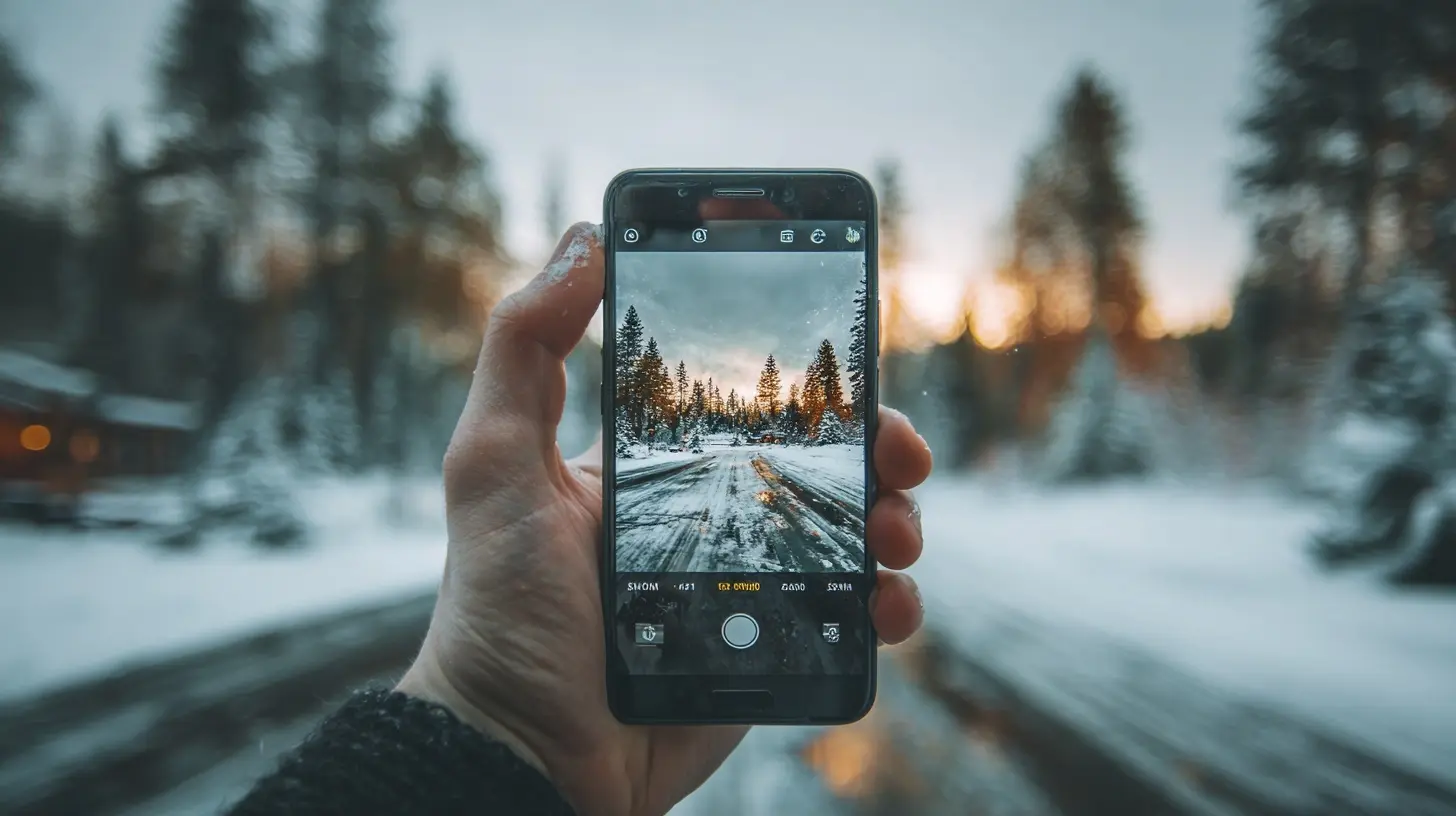
Treat Light as the Subject
Every photograph is a record of light. This sounds obvious, but most people point their phone at a thing and hope the light cooperates. Strong photographs usually start from the light and find a subject within it.The quality of light matters more than the quantity
Bright midday sun is abundant but often unflattering. It creates hard shadows, blows out highlights on skin, and flattens texture into harsh contrast. Overcast light, or the soft light of early morning and late afternoon, wraps around subjects and reveals detail. Phone sensors are small, so they struggle with extreme contrast. Soft, directional light is where they shine.A useful habit is to look at the shadows before you look at the subject. If shadows are sharp-edged and black, the light is hard. If shadows are soft and gradual, the light is diffused. Hard light can be dramatic and is sometimes exactly right, but you should choose it deliberately rather than stumble into it.
Direction changes everything
Front light is safe and flat. Side light reveals texture and shape, which is why it is so effective for portraits and for anything with surface detail like stone, wood, or fabric. Backlight, where the source is behind your subject, is the most misunderstood. It can produce silhouettes, glowing rim light around hair or foliage, and atmospheric haze. It can also confuse your phone's exposure metering and produce a dark subject against a bright background.The fix for backlit scenes is straightforward: tap on your subject to set focus and exposure, then use the exposure slider that appears to brighten the subject. If the background blows out, that may be an acceptable creative choice, or you can reposition so the bright area is smaller in the frame. Many phones also have an HDR mode that handles moderate backlighting automatically, but it will not rescue extreme cases, and it sometimes produces a flat, artificial look. Know that HDR is a tool with a look, not a magic switch.
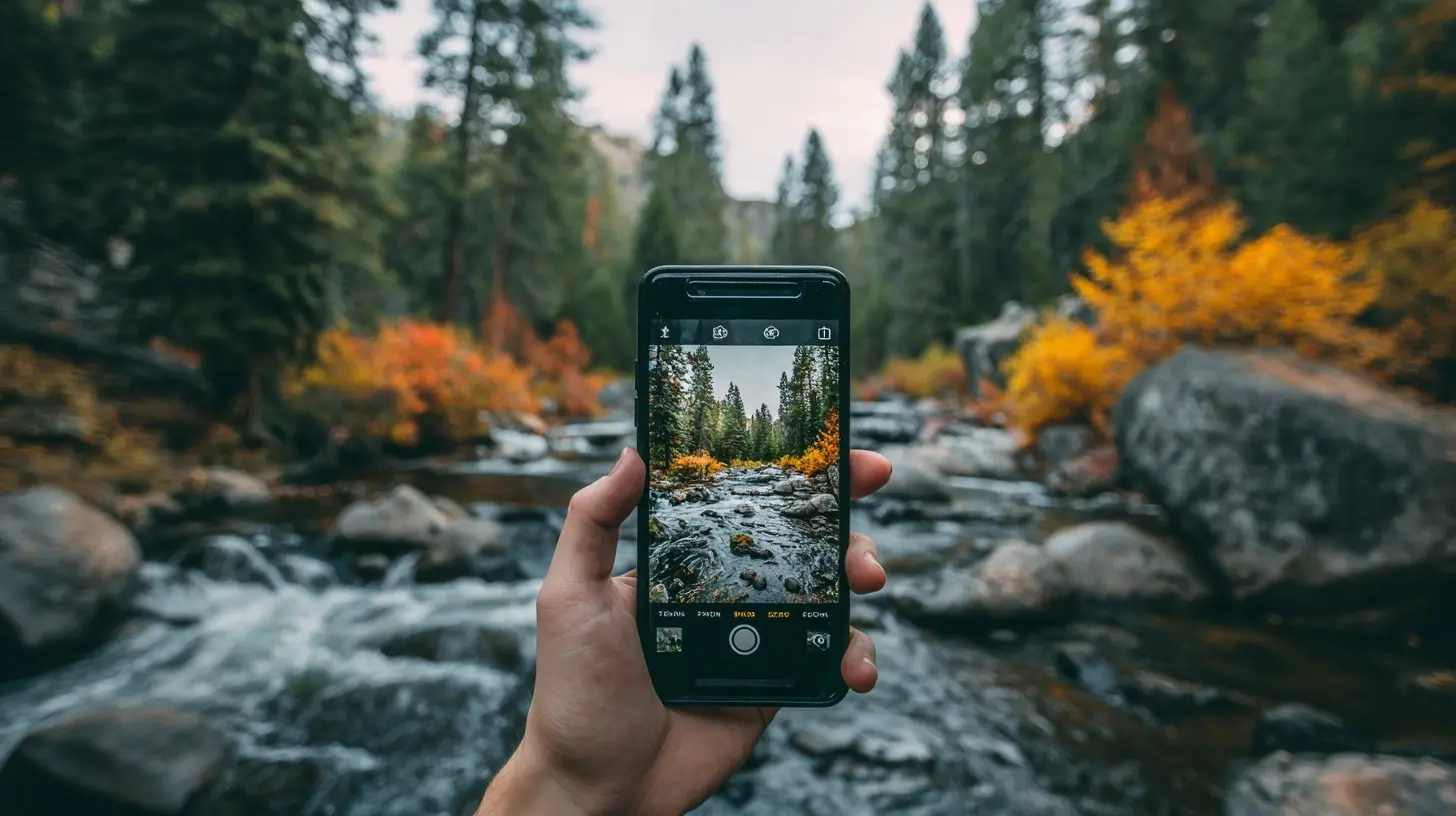
Master Composition Before You Master Settings
Composition is free. It costs nothing, requires no equipment, and separates competent images from accidental ones. It is also the area where most phone photographers improve fastest.The rule of thirds is a starting point, not a law
Placing your subject off-center often creates a more dynamic image than centering it. Most phone camera apps can display a grid to help. But the rule of thirds is a convention, not a requirement. Symmetrical scenes, such as a hallway, a reflection, or a formal portrait, often work best with the subject dead center. The point is to place your subject intentionally rather than by default.Fill the frame and simplify
Phone cameras have wide-angle lenses by default, which pull a lot of the world into the frame. That is convenient for capturing a scene but dangerous for isolating a subject. Amateur photos are frequently cluttered because the photographer did not decide what the photo was about. Before you shoot, ask what the single most important element is, then move closer or change position until everything else supports it or disappears.Moving closer is the single most reliable improvement most people can make. It is also where phones have a physical limit. Get too close and the lens distorts faces, making noses large and ears small. For portraits, a step back and a slight crop usually flatters more than pressing the phone into someone's face.
Use lines, frames, and layers
Leading lines, such as a road, a railing, or a shoreline, draw the eye through the frame. Natural frames, such as a doorway or an arch, add depth and context. Layering, where you have distinct foreground, midground, and background elements, gives a two-dimensional image a sense of three-dimensional space. These are not tricks so much as ways of organizing visual information so the viewer's eye knows where to go.Watch your edges
Before you press the shutter, scan the border of your frame. Is there a stray branch poking in? A bright patch of sky pulling attention? A trash can behind your subject's head? Small distractions at the edges are easy to fix by shifting a few centimeters and almost impossible to fix later without cropping away part of your image.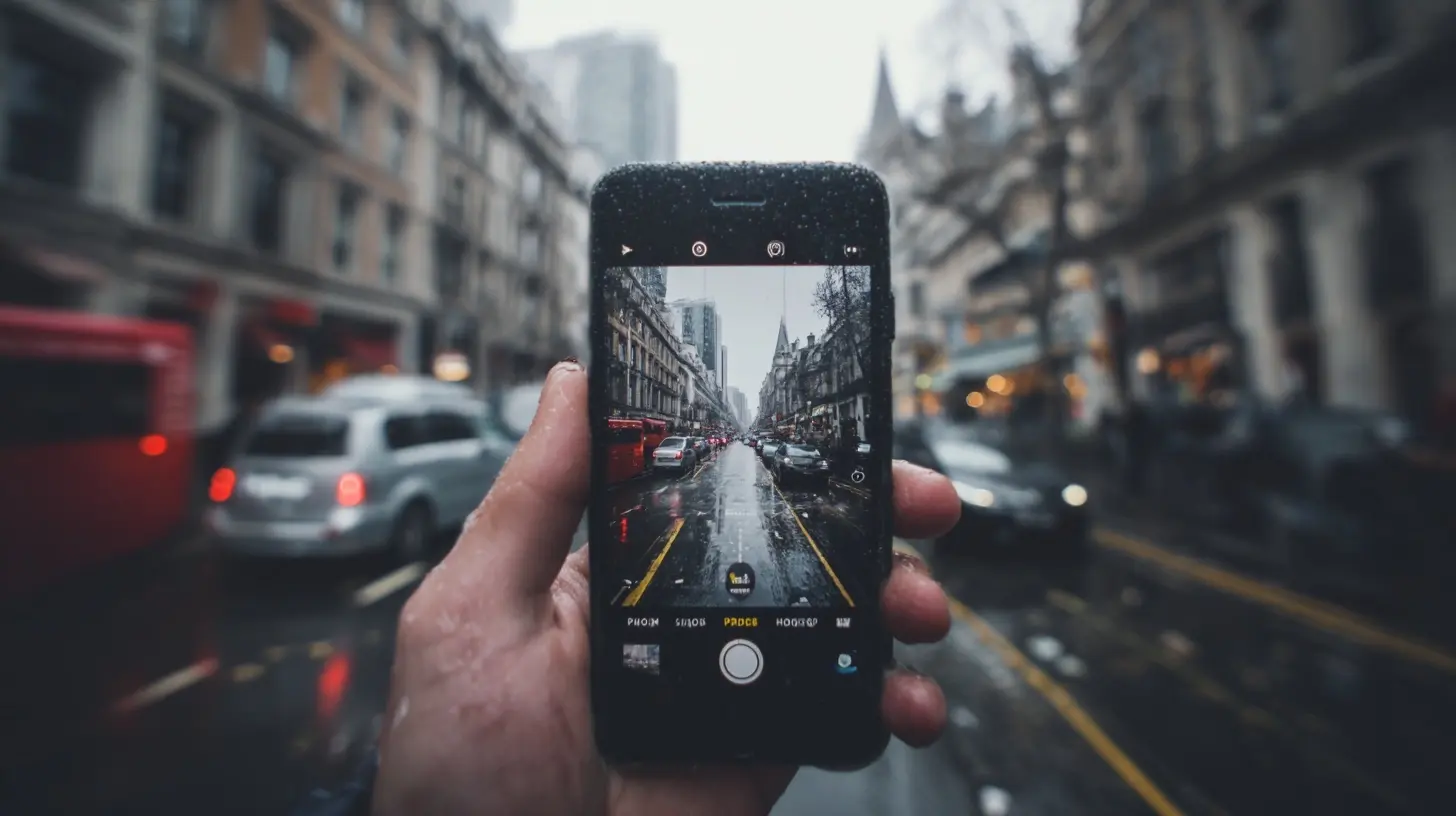
Get Deliberate About Exposure and Focus
Modern phone cameras are largely automatic, but the automation is not always right, and the controls to override it are simple once you know where they are.Tap to focus, then adjust exposure
Tapping the screen sets both focus and exposure at that point. A slider usually appears that lets you brighten or darken the scene. This one gesture solves a huge share of common problems: dark faces against bright windows, blown-out skies, and subjects lost in shadow. The key insight is that focus and exposure are separate concerns even though the phone ties them together by default. If you need to focus on one thing but expose for another, tap where you want to focus, then drag the exposure slider to compensate.Lock focus for consistency
Many phones let you lock focus and exposure with a long press. This matters when you are shooting a series of images of the same subject, or when something might move between your tap and the shutter. It also matters for video, where autofocus hunting is distracting.Understand HDR and when to avoid it
High dynamic range processing combines multiple exposures to hold detail in both shadows and highlights. It is excellent for landscapes with bright skies and dark foregrounds. It is less good for fast-moving subjects, where the multiple frames may not align, and for scenes where you want strong contrast as a creative choice, such as a silhouette at sunset. If your phone lets you toggle HDR, try shooting the same scene with it on and off and compare. You will quickly develop a feel for when it helps.Respect the Physics of a Small Sensor
Phone sensors are small. This is the root cause of most of the format's limitations, and understanding it will save you from fighting battles you cannot win.Depth of field is mostly computational
A large camera sensor with a fast lens can render a background as a soft blur purely through optics. A phone sensor is so small that almost everything is in focus by default. Portrait modes fake the blur with software, and they have improved enormously, but they still struggle with fine details like hair, glasses, and the edges of objects. If you want natural background blur, you have two honest options: get very close to your subject so the background is far away, or use portrait mode and accept its occasional artifacts. Neither is wrong, but knowing which you are doing helps you judge the result critically.Low light is where small sensors suffer
In dim conditions, a small sensor gathers little light, so the phone compensates with longer exposures, higher sensitivity, and heavy noise reduction. The result can be surprisingly usable, but it often looks soft and slightly plasticky because fine detail has been smoothed away. Night modes help by stacking many frames, which requires holding still. A cheap tripod or simply bracing the phone against a wall will noticeably improve night shots. Avoid digital zoom in low light, because it crops into an already noisy image and magnifies the problem.Zoom is not what it appears
Many phones advertise large zoom ranges, but much of that range is digital, meaning the phone is cropping and upscaling. Optical zoom, provided by a dedicated lens, preserves quality; digital zoom does not. A practical rule: prefer moving closer over zooming, and when you must zoom, stay within the optical range of your lenses. If your phone has a telephoto lens, switching to it deliberately often produces a cleaner image than pinching to zoom on the main lens.
Shoot With Intention and Edit With Restraint
The image that comes out of your phone is a starting point. Editing is part of the craft, but more editing is not better editing.Clean up your capture habits
Keep the lens clean. A smudged lens produces hazy, low-contrast images with streaky flare around light sources, and it is one of the most common causes of disappointing photos. A soft cloth takes two seconds and fixes it.Hold the phone with both hands and tuck your elbows in. Press the shutter gently. On many phones, the volume button works as a shutter release, which can reduce the shake caused by tapping the screen. For critical shots in low light, use a timer or a stable surface.
Shoot slightly wider than you need. Leaving a little room around your subject gives you flexibility to crop later and correct a tilted horizon without losing important content.
Edit for the image, not for the filter
Basic edits go a long way: straighten the horizon, crop to strengthen composition, adjust exposure, lift or deepen shadows, and correct white balance. These are corrections. Beyond that, the question is what the image needs. A landscape might benefit from slightly deeper contrast. A portrait might need warmer skin tones and softer highlights. A black-and-white conversion can rescue a cluttered scene by removing color distraction.The trap is overediting. Heavy clarity, aggressive saturation, and strong filters can make an image pop on a phone screen and look crude on a larger display. A useful test is to edit, then look away for a minute, then look back. If the edit draws attention to itself rather than to the subject, pull it back.
Shooting in RAW, where your phone supports it, preserves more data for editing, particularly in highlights and shadows. The trade-off is larger files, more work, and the loss of some of the phone's automatic processing, which is often quite good. RAW is worth trying if you enjoy editing and want maximum control; it is unnecessary for casual sharing.
Common Mistakes and Misconceptions
A few persistent beliefs deserve correction.The megapixel count is not the measure of image quality. A 12-megapixel sensor with good processing often beats a 48-megapixel sensor with poor processing, especially in low light, because more pixels on a small sensor means each pixel gathers less light. Resolution matters for cropping and large prints, but it is far from the whole story.
More zoom is not more reach. Digital zoom is cropping. Treat advertised zoom multipliers with skepticism and check whether the number refers to optical or digital magnification.
Portrait mode is not a substitute for good portrait lighting. It blurs a background; it does not fix harsh shadows on a face or a distracting background that is still recognizable through the blur. Position and light still do most of the work.
Filters are not editing. A filter applies a fixed look to an image regardless of what it needs. Sometimes that look suits the photo, but applying it by default means you are not making decisions.
Finally, the phone is not always the right camera. For fast action, very low light, extreme telephoto work, or situations where you need maximum control and reliability, a dedicated camera still has real advantages. Knowing when to put the phone away is part of being a thoughtful photographer.
A Practical Workflow
Putting this together, a reliable approach looks like this. Before shooting, clean the lens and think about what the photo is about. Find the light and decide whether it is helping or hurting. Compose deliberately, simplify the frame, and check the edges. Tap to focus and adjust exposure. Hold steady and press gently. Then edit lightly, correcting rather than decorating.None of this requires expensive gear or technical wizardry. It requires attention, a little knowledge of how your phone behaves, and the willingness to slow down for a few seconds before pressing the shutter. Those few seconds are where good photographs come from.
all images in this post were generated using AI tools
Category:
Smartphone TipsAuthor:

Jerry Graham