A Beginner's Guide to Voice Control on Smart TVs
18 June 2026
In today's fast-paced, tech-savvy world, Smart TVs have become the centerpiece of our home entertainment systems. And while we’ve gotten used to the idea of streaming platforms, high-definition displays, and endless apps, voice control technology is the next game-changer that’s transforming how we interact with our TVs.
Gone are the days when you had to fumble for the remote, scroll endlessly through menus, or type awkwardly with arrow keys. Now, with just a few spoken words, you can search for your favorite shows, adjust the volume, switch between apps, and even ask your TV for the weather forecast. Sounds futuristic, right? Well, welcome to the future!
But if you’re new to this whole voice control thing, don’t worry. In this beginner’s guide, we're going to break down everything you need to know about using voice control on Smart TVs. Let’s dive in!
What is Voice Control on Smart TVs?
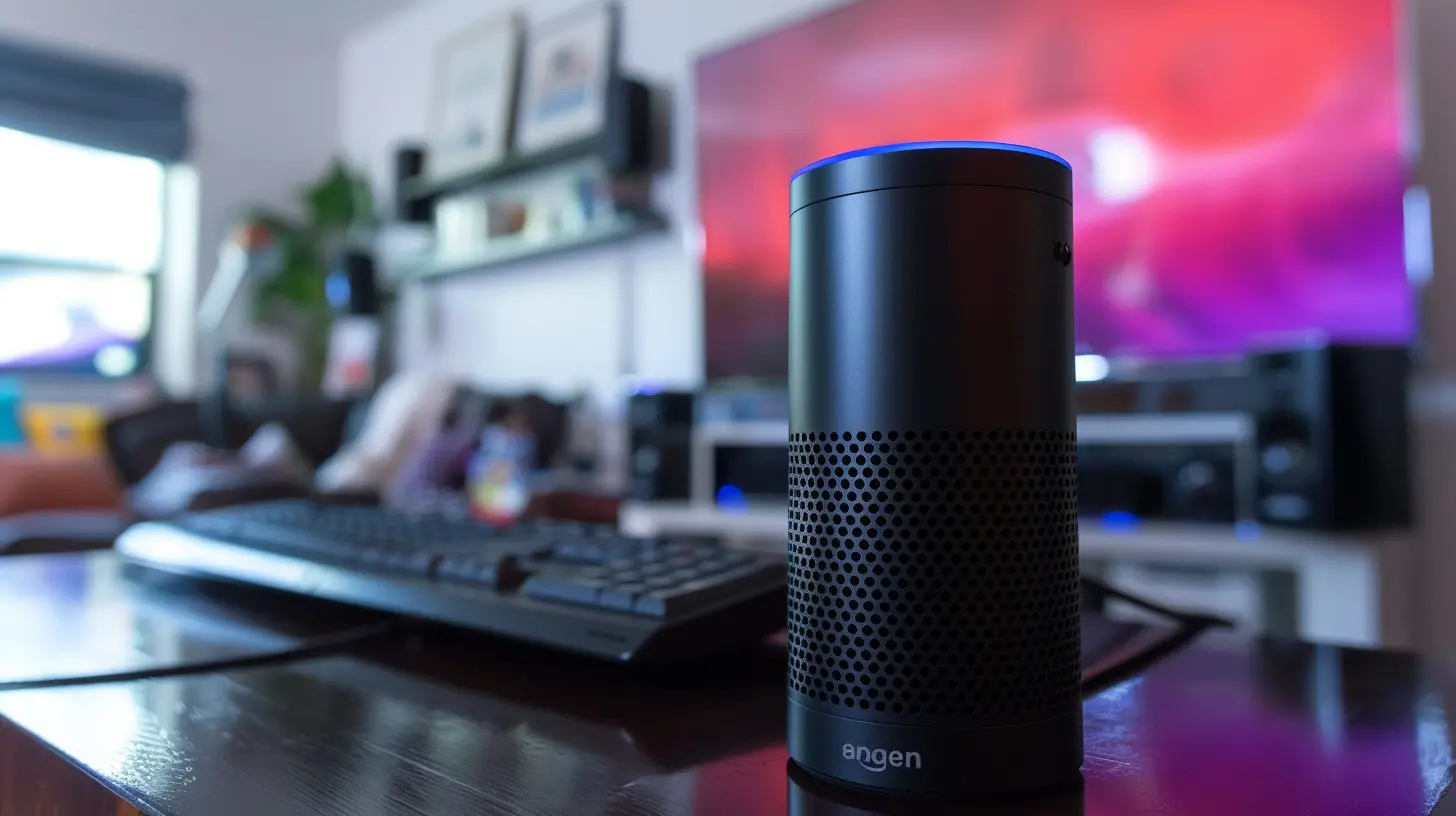
Let’s start with the basics. Voice control on Smart TVs allows you to control various functions of your TV using, well, your voice. Instead of pushing buttons on a remote, you simply speak commands like "Play Stranger Things," "Turn up the volume," or even "What’s the weather today?"This feature leverages voice recognition technology, which converts your spoken words into digital commands that the TV can understand and execute. Most modern Smart TVs come equipped with built-in voice assistants like Amazon Alexa, Google Assistant, or proprietary systems from brands like Samsung (Bixby) or LG (ThinQ).
A Quick History Lesson
Voice control technology isn’t brand new. It’s been around for years in smartphones, smart speakers, and even computers. However, integrating it into Smart TVs took some time. The first few attempts were clunky, often misunderstood commands, and left users frustrated. But fast forward to today, and the technology has come a long way. Now, it’s more responsive, intuitive, and accurate than ever before.
Why You Should Use Voice Control on Your Smart TV
Okay, so you might be thinking, "Why should I even use voice control when I can just use my remote?" Good question! Here's why:1. No More Remote Hunting: Admit it—we’ve all lost the remote at some point. With voice control, you can skip the frantic couch cushion search party and just speak your command.
2. Faster Navigation: Instead of scrolling through endless menus or typing out show titles letter by letter, just say what you want. It's direct and gets you to your content faster.
3. Hands-Free Operation: Having a snack? Hands full? No problem. Voice control lets you manage your TV without needing to physically interact with it. It's like having your own personal TV butler.
4. Accessibility: Voice control can be a game-changer for people with mobility issues or visual impairments. It makes accessing entertainment more inclusive and user-friendly.
5. Multitasking: Imagine asking your TV to play music while you’re cooking dinner or to dim the lights while watching a movie. It’s not just about controlling the TV anymore; it’s about controlling your entertainment environment.

How to Set Up Voice Control on Your Smart TV
Before you can start bossing your TV around, you’ll need to get voice control set up. Don’t worry—it's easier than assembling IKEA furniture! Here’s a quick guide:Step 1: Check If Your TV Supports Voice Control
First things first, make sure your TV is voice control compatible. Most newer models are, but if you’re unsure, check the user manual or the specs online. Look for built-in voice assistants like Alexa, Google Assistant, or Siri.Step 2: Enable the Voice Assistant
Once you’ve confirmed that your TV supports voice control, you’ll need to enable the voice assistant.- For Google Assistant: Go to your TV’s settings, find the "Google Assistant" option, and follow the prompts to set it up. You’ll likely need to sign in to your Google account.
- For Alexa: If your TV supports Alexa, you’ll need to link your Amazon account through the respective app on your phone or TV.
- For Samsung Bixby: If you own a Samsung Smart TV, Bixby is the built-in assistant. You’ll find activation settings in the general settings menu.
Step 3: Sync Your TV with Other Smart Devices (Optional)
Want to take voice control to the next level? Sync your Smart TV with other smart devices in your home. For instance, you can control your smart lights, thermostat, or even your security cameras—all through your TV. It’s like turning your living room into a command center.Step 4: Test It Out
Once everything is set up, test it out by saying simple commands like "Turn up the volume" or "Play Netflix." If everything is working smoothly, congrats! You’re now officially in the future.
Common Voice Commands You Can Use on Smart TVs
Now that your TV is set up for voice control, what can it actually do? Well, quite a lot! Here are some common commands you can try:Basic TV Controls
- "Turn on the TV."- "Turn off the TV."
- "Increase the volume."
- "Mute the TV."
- "Switch to HDMI 1."
Content Search
- "Find action movies."- "Play The Mandalorian on Disney Plus."
- "Search for cooking shows."
- "Open YouTube."
App Navigation
- "Launch Netflix."- "Open Hulu."
- "Switch to Amazon Prime Video."
Information Queries
- "What’s the weather today?"- "How’s the traffic to downtown?"
- "What’s the score in the Lakers game?"
Smart Home Controls (if synced)
- "Turn off the living room lights."- "Set the thermostat to 72 degrees."
- "Show me the front door camera."
Tips for Getting the Most Out of Voice Control
While voice control is pretty intuitive, there are a few tips and tricks that can make the experience even smoother:1. Be Specific with Your Commands
Voice assistants like clear and direct commands. Instead of saying "Play something fun," try "Play a comedy movie on Netflix." The more specific you are, the better the assistant will understand you.2. Keep Your Microphone Clear
Most Smart TVs have a built-in microphone either on the TV itself or in the remote. Make sure the microphone is unobstructed, and avoid speaking too quietly. If your TV uses a remote for voice control, hold it close to your mouth when speaking.3. Update Your TV’s Software
Voice control features can be improved with software updates. Make sure your Smart TV is running the latest firmware to ensure that everything works smoothly.4. Use Your Smart Speaker (If You Have One)
If you have a Google Home, Amazon Echo, or another smart speaker, you can link it to your Smart TV. This way, you can control your TV from across the room without even needing the remote.
Potential Drawbacks of Voice Control
While voice control is pretty awesome, it’s not without its flaws. Here are a few things to keep in mind:- Accuracy: Sometimes the voice assistant may not understand what you're saying, especially if there's background noise.
- Privacy Concerns: As with any voice-activated device, there are concerns about privacy. Some people worry about their TV "listening" to their conversations. If this is a concern for you, most Smart TVs allow you to disable the microphone when not in use.
- Limited Functionality: While you can do a lot with voice control, it’s not perfect. Some commands might not work as expected, or certain apps may not fully support voice features.
The Future of Voice Control on Smart TVs
Voice control is just the beginning. As artificial intelligence and machine learning continue to evolve, voice assistants will get smarter and more intuitive. We can expect future Smart TVs to offer even more seamless integration with other devices in our homes, better natural language processing, and maybe even personalized content recommendations based on our preferences.Imagine a world where your TV knows your favorite shows, understands your routine, and anticipates your needs before you even ask. The future of voice control is bright—and it’s only going to get better.
Conclusion
Voice control on Smart TVs is more than just a cool feature—it’s a practical tool that makes your viewing experience faster, easier, and more enjoyable. Whether you’re a tech enthusiast or just looking for a more convenient way to watch TV, learning how to use voice control is definitely worth your time.So, what are you waiting for? Start talking to your TV today and unlock a whole new world of entertainment at your command!
all images in this post were generated using AI tools
Category:
Smart TvsAuthor:

Jerry Graham
Discussion
rate this article
1 comments
Katherine McKee
This guide is a great starting point for anyone looking to navigate voice control on smart TVs. The tips are clear and practical, making it easy to enhance your viewing experience. I appreciate the straightforward approach presented here. Well done!
June 28, 2026 at 10:29 AM
Jerry Graham
Thank you for the feedback! I'm glad you found the guide helpful and practical. Enjoy exploring voice control on your smart TV!