How to Sync Smart Devices for a Cohesive Home Experience
16 December 2025
Smart homes are no longer a concept of the future—they're here, and they’re changing the way we live. From smart lights that adjust based on the time of day to security systems that keep an eye on things while you're away, home automation can make life more convenient and efficient. But let’s face it—managing multiple smart devices from different brands can feel like juggling too many balls at once.
So, how do you sync your smart devices to create a seamless home experience? Let’s break it down step by step.
Why Syncing Smart Devices is Essential
Imagine walking into your home, and the lights automatically turn on, the thermostat adjusts to your preferred temperature, and your favorite playlist starts playing—all without lifting a finger. That’s the magic of a well-synced smart home.When your devices communicate and work together, you get:
- Better automation – Devices can activate based on triggers (e.g., motion sensors turn on hallway lights).
- Improved efficiency – A synchronized system saves energy and reduces redundant actions.
- Seamless control – Manage everything from a single platform rather than switching between different apps.
- Enhanced security – Your security cameras, smart locks, and alarms can work in tandem to improve safety.
Now, let's get into how you can achieve this level of connectivity.
Step 1: Choose a Smart Home Ecosystem
Before syncing devices, you need a common platform that will act as the brain of your smart home. The most popular options include:- Amazon Alexa – Works seamlessly with Echo devices and supports a wide range of third-party smart gadgets.
- Google Home – Integrated with Google Assistant, offering great compatibility with various smart devices.
- Apple HomeKit – Ideal for Apple users, ensuring secure and encrypted connections between smart home devices.
- Samsung SmartThings – A powerful hub that connects a variety of brands and smart home products.
Picking the Right Ecosystem
Ask yourself these questions before choosing:- Do I already use Alexa, Google Assistant, or Siri for voice commands?
- Are my current devices compatible with a specific ecosystem?
- Do I need an ecosystem that supports various smart home brands?
Selecting the right system ensures that your devices communicate effectively and prevents compatibility issues.
Step 2: Connect Devices to a Central Hub
Once you've chosen an ecosystem, the next step is connecting all smart devices to a central hub or platform. Most ecosystems provide a mobile app that simplifies this process.How to Sync Devices to a Hub
1. Download the App – Install the respective app for your ecosystem (Alexa, Google Home, HomeKit, or SmartThings).2. Enable Device Discovery – Most apps have an option to scan for nearby smart devices.
3. Follow Pairing Instructions – Each device typically has specific steps for pairing—refer to the manual if needed.
4. Group Similar Devices – Create automation groups (e.g., “Living Room Lights” or “Bedroom AC”) for easier control.
5. Name Devices Clearly – Avoid confusion by naming devices based on their location or function (e.g., "Kitchen Lamp" instead of "Device1").
Consistency in naming and grouping devices will make managing everything a breeze.
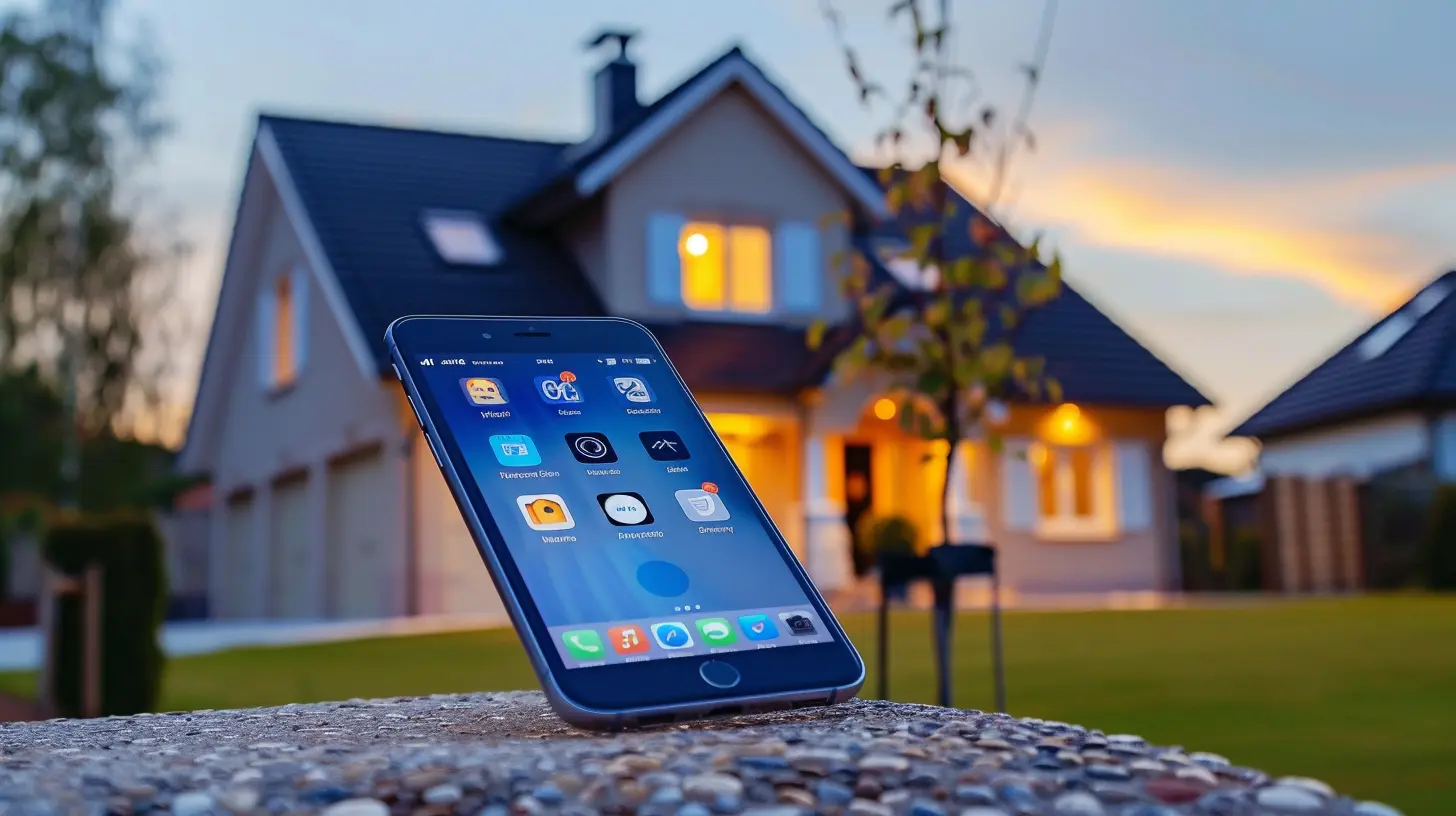
Step 3: Automate Your Smart Home
Now, it's time to make your home truly intelligent by setting up automations that trigger actions based on conditions.Useful Smart Home Automations
- Geofencing: Set up smart lights and thermostats to activate when you arrive home.- Time-Based Actions: Have lights dim in the evening or coffee start brewing in the morning automatically.
- Sensor Triggers: Motion detectors can turn on lights or send alerts for unusual activities.
- Voice Commands: Use simple phrases like "Good Night" to turn off all lights and lock doors.
Most smart home hubs allow you to create custom routines, giving you greater control over your environment.
Step 4: Ensure Devices Stay Connected
A well-synced smart home only works if everything stays connected. Here’s how you can prevent connectivity hiccups:Optimize Your Wi-Fi Network
- Use a Mesh Network – Smart homes rely heavily on Wi-Fi. A mesh router ensures strong signals throughout your home.- Separate Smart Devices on a Dedicated Network – Some routers allow you to create a separate network for IoT devices, improving stability.
- Avoid Overloading Your Network – Too many devices can slow down your internet. Consider upgrading your plan if needed.
Keep Firmware Updated
Manufacturers regularly release updates to fix bugs and enhance compatibility. Make it a habit to:- Enable automatic updates.
- Manually check for updates if automatic updates aren’t available.
Outdated firmware can lead to unreliable performance and security risks.
Step 5: Secure Your Smart Home
While syncing smart devices creates a seamless experience, it also introduces security risks if not properly managed. Here are some tips to keep your smart home safe:- Use Strong Passwords – Avoid default passwords and opt for unique, hard-to-guess credentials.
- Enable Two-Factor Authentication (2FA) – Adds an extra layer of security to your accounts.
- Regularly Audit Connected Devices – Remove any devices you no longer use.
- Set Up Guest Network for Visitors – Don’t let guests connect to your primary Wi-Fi; a guest network keeps your smart home isolated.
Taking these precautions ensures that your smart home remains secure while functioning smoothly.
Common Smart Home Syncing Problems & Fixes
Even with the best setup, you might encounter issues while syncing your devices. Here’s how to handle common problems:| Problem | Solution |
|------------|-------------|
| Devices won’t sync | Restart the device and try reconnecting. Make sure it's compatible with your ecosystem. |
| Wi-Fi connection drops | Upgrade your router, get a mesh network, or place devices closer to the router. |
| Automation routines don’t activate | Check if triggers and conditions are set correctly. Update firmware if needed. |
| Voice assistant doesn’t recognize commands | Rename devices clearly and ensure the assistant understands the command. |
With a little troubleshooting, you can keep your smart home running smoothly without frustration.
Final Thoughts
Syncing smart devices doesn’t have to be complicated. With the right ecosystem, proper automation, and reliable connectivity, you can create a truly cohesive home experience. Whether it’s adjusting the temperature, setting up voice commands, or securing your home, smart technology is here to make life easier.So, take control of your smart home today and enjoy the convenience and efficiency it brings!
all images in this post were generated using AI tools
Category:
Home AutomationAuthor:

Jerry Graham
Discussion
rate this article
2 comments
Kismet McTiernan
Great article! Syncing smart devices truly transforms the home experience, enhancing convenience and efficiency. I especially appreciate the tips on optimizing connections—definitely going to implement these in my own smart home setup!
December 17, 2025 at 3:32 AM
Jerry Graham
Thank you for your kind words! I'm glad you found the tips helpful for your smart home setup. Happy syncing!
Faelith Martinez
Ah yes, because nothing says 'cohesive home experience' quite like a dozen smart devices all arguing about who controls the thermostat. Can't wait for the drama to unfold!
December 16, 2025 at 6:01 AM
Jerry Graham
I get your point! A well-integrated system can definitely help avoid that drama. It’s all about finding the right solutions for seamless communication!