Touchscreen vs. Controller: The Ultimate Showdown for Mobile Gamers
11 June 2026
When it comes to mobile gaming, the battlefield has been drawn. On one side, we have the sleek, always-with-you touchscreen—intuitive, direct, and modern. On the other side, the controller—tactile, traditional, and precisely tuned for gamers. The question we’re all asking: which one truly reigns supreme for mobile gamers today?
It’s the ultimate duel, folks. Like lightsabers vs. magic wands. Sonic vs. Mario. Coffee vs. Energy drinks. Buckle up as we navigate the textures, feels, and finesse of both sides in this epic clash: Touchscreen vs. Controller: The Ultimate Showdown for Mobile Gamers.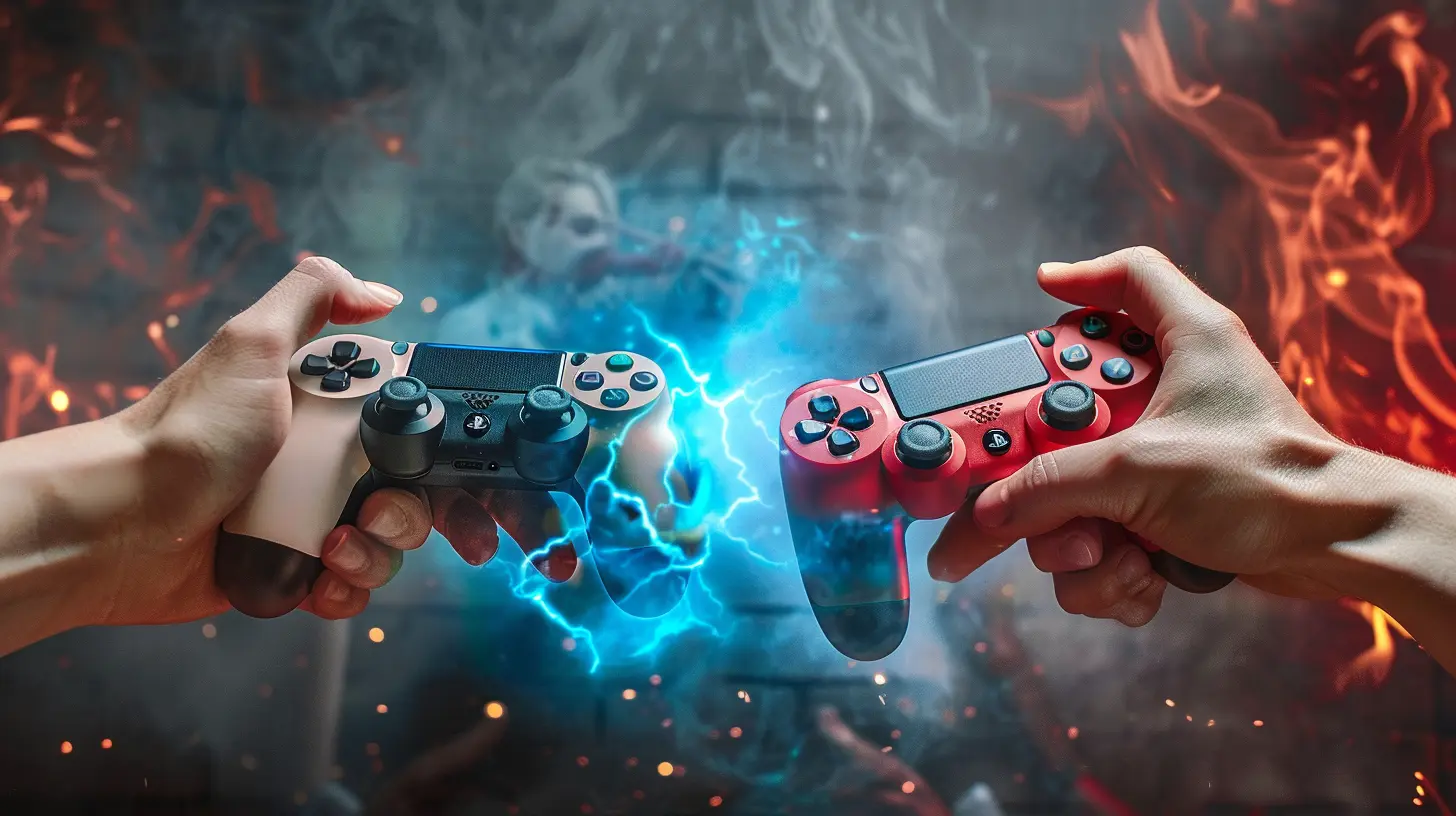
? Chapter One: The Rise of Mobile Gaming
Let’s set the stage. Mobile gaming isn’t just a sidekick anymore—it’s the superhero of the gaming universe. With games like Call of Duty Mobile, Genshin Impact, and PUBG Mobile breaking records, we’re no longer tapping away at Candy Crush like it’s 2012.Instead, mobile games now host console-level graphics, multiplayer mayhem, and deep storylines. But here lies the problem: as mobile games evolve, so do the demands of their players. That’s where the controls come in.
How do you want to play—by tapping the screen or gripping a controller?
Let’s dive.
? Touchscreen: The Native Warrior
? Always With You
Touchscreens are always cuddled up next to us, in our pockets, under our pillows—you name it. No extra gear, no tangled cords, no battery checklists. Just pick up your phone and tap into the action.Convenience is the touchscreen's superpower.
Whether you're queuing for coffee or lying in bed at 2am, a touchscreen lets you drop into a match instantly. No setup, no pairing, no fuss.
? Natural Intuition
There’s something almost magical about tapping, swiping, and sliding your way through virtual worlds. It’s like painting your destiny with your fingers.Touchscreens mimic the natural way we interact with our phones daily. We scroll, swipe, and tap through our social feeds without thinking. So when a game throws a virtual joystick or an on-screen button at us, our fingers are ready.
? The Achilles' Heel
But let’s be honest here. Virtual buttons? Kind of awkward.When your thumbs block the action, when your grip shifts mid-battle, or when the controls lack the tactile feedback that gamers crave—frustration creeps in.
Ever tried pulling off a 360 no-scope on a touchscreen? Yeah, it’s like trying to play Jenga during an earthquake.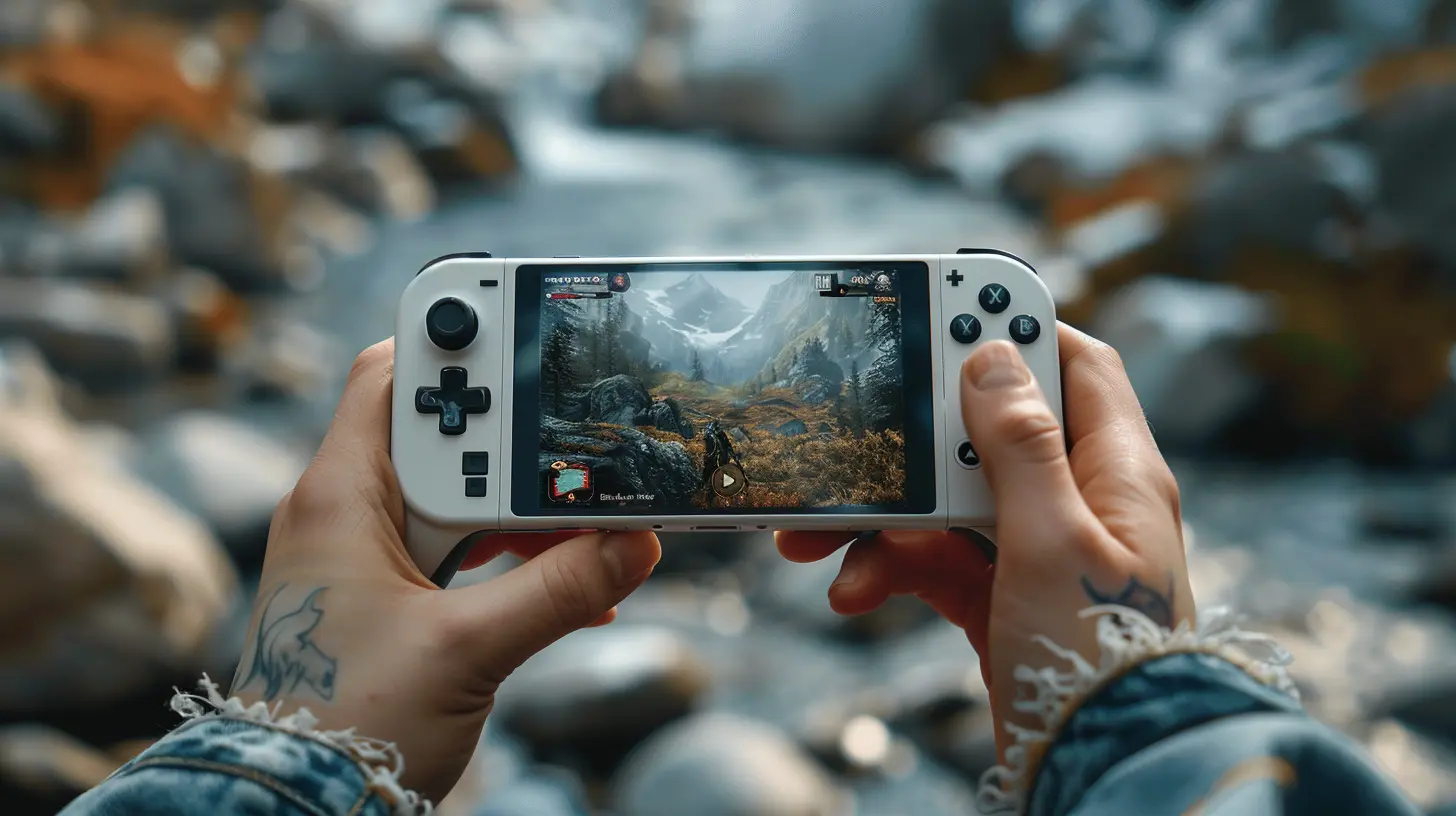
?️ Controller: The Old-School Champion
? Precision and Control
Ah, the sacred grip of a controller. It fits in your hands like a puzzle piece you never knew was missing.For years, controllers have been fine-tuned for precision, speed, and comfort. Analog sticks offer fluid movement, triggers provide dynamic input, and you don’t have to look where your thumbs are—your muscle memory handles the rest.
Think of it like musical instruments: you can play air guitar (touchscreen)... but if you want to shred? You grab the real thing (controller).
? Familiarity Meets Functionality
For console veterans making the jump to mobile, a controller feels like home. It provides a bridge between worlds—one foot on the couch, the other in the cloud.Games like Apex Legends Mobile or Dead Cells show their true colors when paired with a controller. Smooth strafing, pinpoint aiming, combo-heavy combat—it all becomes second nature.
⚠️ The Trade-Offs
But of course, there’s a catch.Controllers aren’t always convenient. You’ve got to lug them around, charge them, pair them, and sometimes even fiddle with compatibility settings.
Imagine trying to connect a controller on a bumpy bus ride. Not the best situation.
And not all games support controllers natively. So if your favorite mobile title doesn’t recognize your controller? You’re out of luck.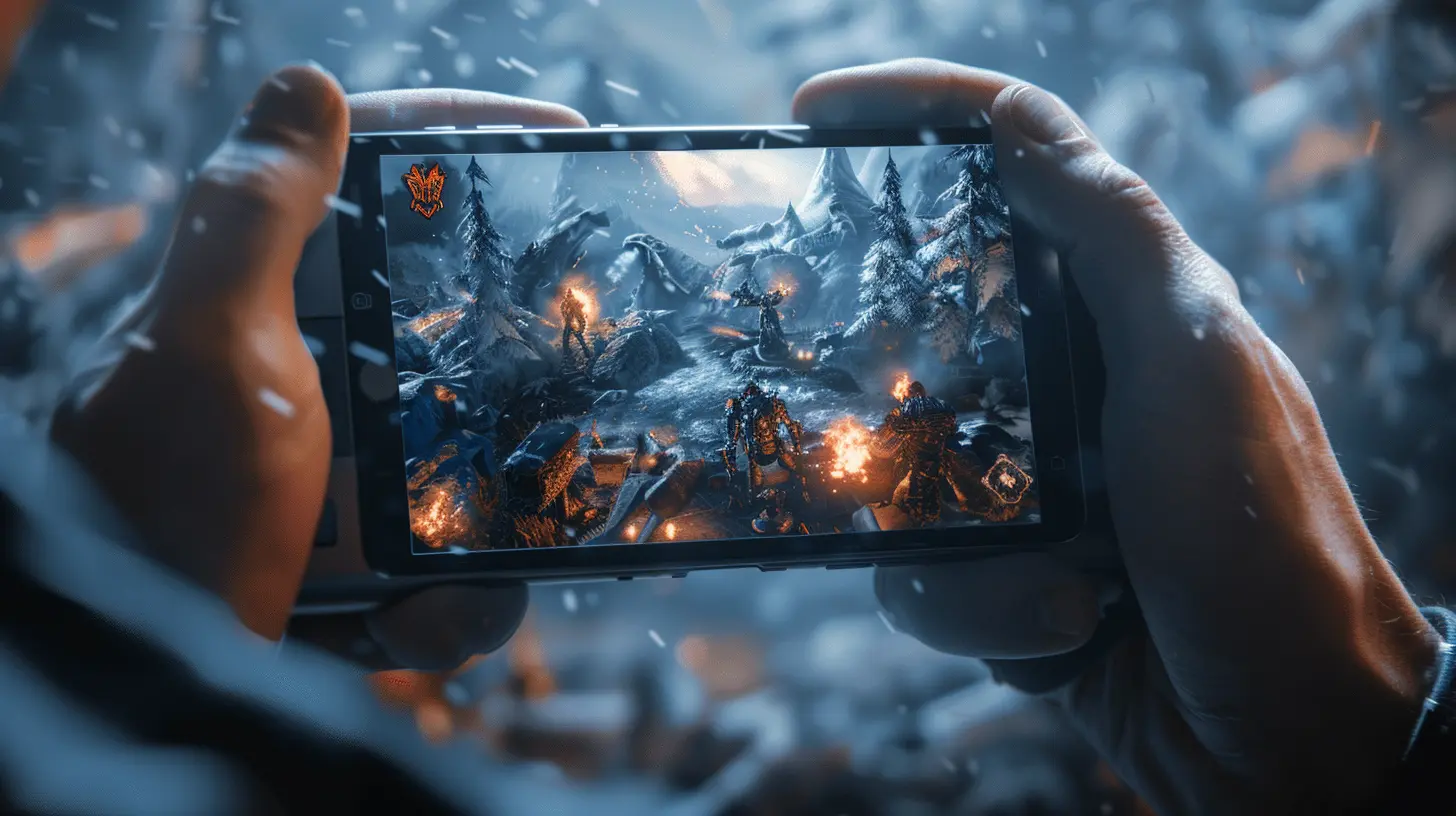
⚔️ Let the Battle Begin: Side-by-Side Comparison
Let’s break this down, gladiator arena style.| Feature | Touchscreen | Controller |
|-----------------------|-------------------------------------|----------------------------------------|
| Convenience | ⭐⭐⭐⭐⭐ (Always on hand) | ⭐⭐ (Needs setup) |
| Precision | ⭐⭐ (Prone to errors) | ⭐⭐⭐⭐⭐ (Pinpoint controls) |
| Immersion | ⭐⭐⭐ (Direct interaction) | ⭐⭐⭐⭐ (Engaging with feedback) |
| Portability | ⭐⭐⭐⭐⭐ (Built-in) | ⭐⭐ (Bulky accessories) |
| Adaptability | ⭐⭐⭐⭐ (Multi-genre support) | ⭐⭐⭐ (May have limited game support) |
| Battery Drain | ⭐⭐ (Consumes phone battery) | ⭐⭐⭐ (Shared power source) |
It’s pretty clear: both have strengths and weaknesses. So the real question isn’t which is better... It’s which works best for YOU.
? The Psychology Behind Preference
Here’s the kicker—not all preferences are about performance. Some choices come down to personality, playstyle, or even nostalgia.? Controller players often grew up on consoles. They’re wired for thumbsticks and triggers. It’s not just about precision—it’s about comfort. Familiarity.
? Touchscreen gamers, on the other hand, are used to multi-tasking. They love adapting quickly, tapping fast, and keeping things minimal. They're digital ninjas.
Your gaming soul might already know what it prefers—you've just got to listen.
? The Hybrid Movement: Best of Both Worlds?
Let’s not forget the rebels—the ones who play touchscreen games with touch controls and a controller nearby for their hardcore sessions. Mobile gaming doesn’t have to be all-or-nothing.Enter the world of gaming accessories like:
- Razer Kishi
- Backbone One
- GameSir X2
These handheld add-ons let you dock your phone into a console-style controller, turning your mobile device into a Switch-like hybrid system. Brilliant, right?
Suddenly, you’ve got the portability of a touchscreen and the precision of a controller.
Why pick a side when you can harness both powers?
? Touchscreen Wins When…
Let’s call it out loud. Touchscreens shine in specific scenarios:- Casual games like puzzles and match-threes
- Games built specifically for mobile mechanics (think Monument Valley)
- Quick, on-the-go sessions
- When you don’t feel like carrying a controller around
If you value spontaneity, accessibility, and freedom—touchscreen is your jam.
? Controller Wins When…
Controllers are king when the stakes are high. Think:- Competitive shooters like COD Mobile or Fortnite
- Platformers or fighting games requiring lightning reflexes
- Longer play sessions where comfort and control matter
- When you want that console-level immersion
If performance, accuracy, and traditional gaming vibes are what you seek, the controller is your Excalibur.
?️ The Gamer's Voice: What the Community Says
It’s not just tech specs—it’s about how real gamers feel.Jump into any gaming forum or Reddit thread and you'll see passionate debates. Some gamers swear by their controller, saying, "I can't aim for beans on a touchscreen." Others claim, "Touch controls make me feel more connected to the game."
Community polls usually lean slightly toward controllers for competitive gaming and touchscreens for casual gaming. Still, it’s a split kingdom—and the dual throne looks like it's built to stay.
? Final Verdict: It’s Not a War, It’s a Choice
Here’s the truth: there’s no definitive winner. Not really.Touchscreens are perfect for casual players, mobile-first adventurers, and spontaneous sessions. They’re the lightweight champions of flexibility.
Controllers dominate when precision, comfort, and familiarity are non-negotiable. They’re the heavyweight titans of serious gameplay.
If you’re a mobile gamer in 2024, the best strategy isn’t choosing sides—it’s understanding your playstyle. That’s the real power move.
? The Takeaway: Game Your Way
So, where do you stand in the ultimate showdown of touchscreen vs controller?Are you a digital samurai swiping through enemies with nothing but your thumbs? Or a joystick jedi crushing killstreaks with analog mastery?
Whichever side you choose, know this—mobile gaming’s only getting bigger, better, and bolder. Whether you tap, tilt, or grip, the future is literally in your hands.
So go on, play your way. Because in the end, the best controller is the one that lets YOU win.
all images in this post were generated using AI tools
Category:
Mobile GamingAuthor:

Jerry Graham
Discussion
rate this article
1 comments
Patrick McDonald
While touchscreens offer intuitive control, traditional controllers provide precision and comfort. The choice ultimately depends on player preference and the game's requirements.
June 21, 2026 at 3:15 AM
Jerry Graham
Great point! It really comes down to what feels right for each player and the game they're into.